Analytics & Tracking Blog
Expert guides on GTM, GA4, conversion tracking, server-side tagging, and data-driven marketing.
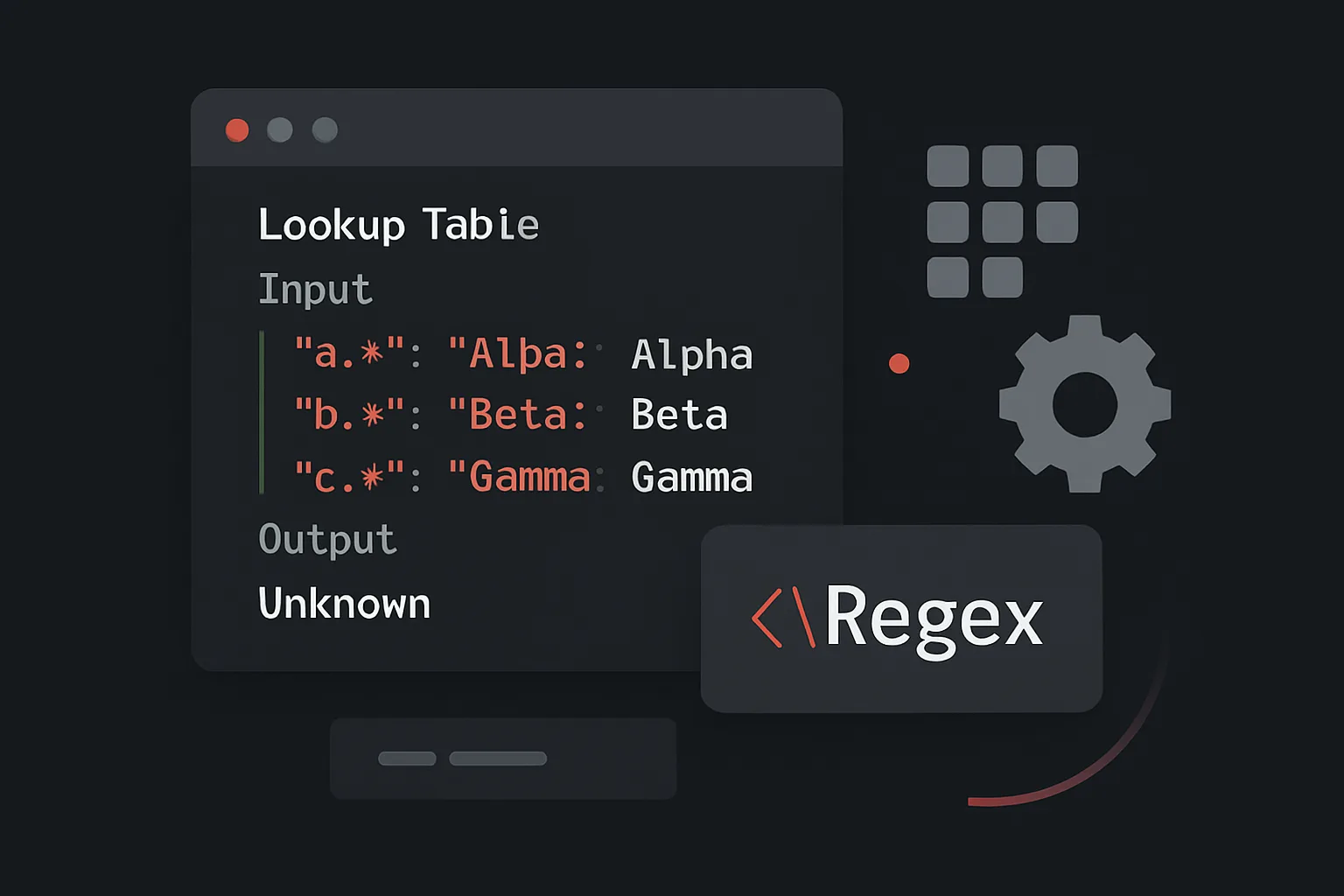
Lookup Tables and RegEx Tables in GTM: Simplify Complex Setups
Learn how to use GTM Lookup Tables and RegEx Tables to replace messy custom JavaScript and simplify complex variable logic.

GTM Container Bloat: How to Clean Up Old Tags Without Breaking Tracking
Learn how to safely audit and clean up a bloated GTM container without accidentally breaking live conversion tracking or analytics.

How to Migrate Hardcoded Tags into Google Tag Manager Safely
Step-by-step guide to migrating hardcoded tracking tags into GTM without data loss, broken pixels, or duplicate events.

GTM Trigger Types Explained: When to Use Each One
A complete guide to every GTM trigger type — from Page View and Click to Scroll Depth, Timer, and Custom Events — with real use cases for each.

How to Track Scroll Depth, Video Views, and Engagement in GTM
Learn how to track scroll depth, YouTube video views, and on-page engagement events using Google Tag Manager's built-in triggers.

How to Track Button Clicks with Google Tag Manager
Step-by-step guide to tracking button clicks in GTM using Click triggers — covering CTA buttons, nav links, and dynamic elements.

Custom JavaScript Variables in GTM: 10 Practical Recipes
Unlock the full power of GTM with 10 custom JavaScript variable recipes — from reading DOM values to cookie parsing and URL extraction.
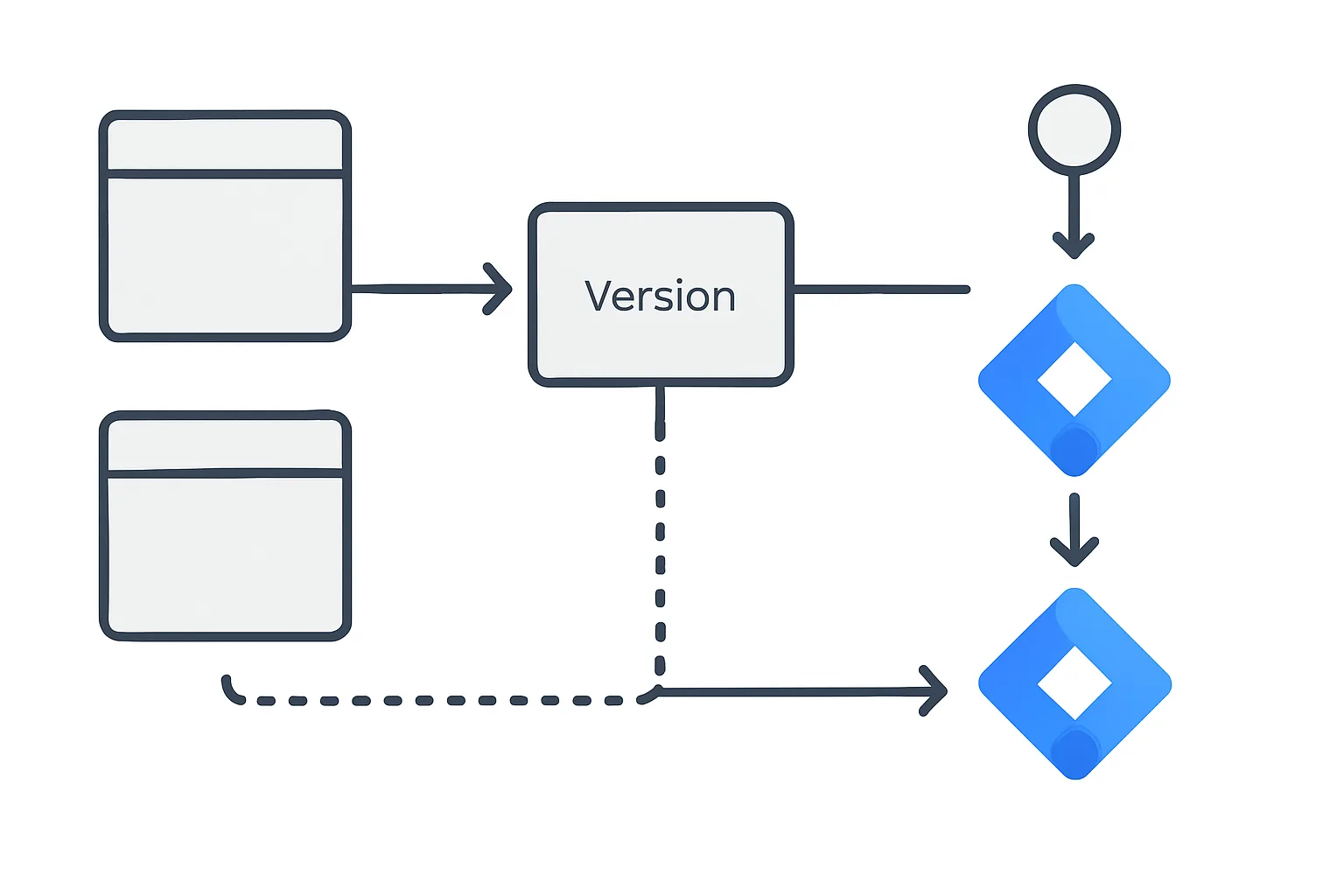
GTM Workspaces, Versions, and Environments: Publishing Without Breaking Things
GTM's workspace, version, and environment system protects your live tracking from experimental changes. Learn how to use all three for safe, collaborative container management.
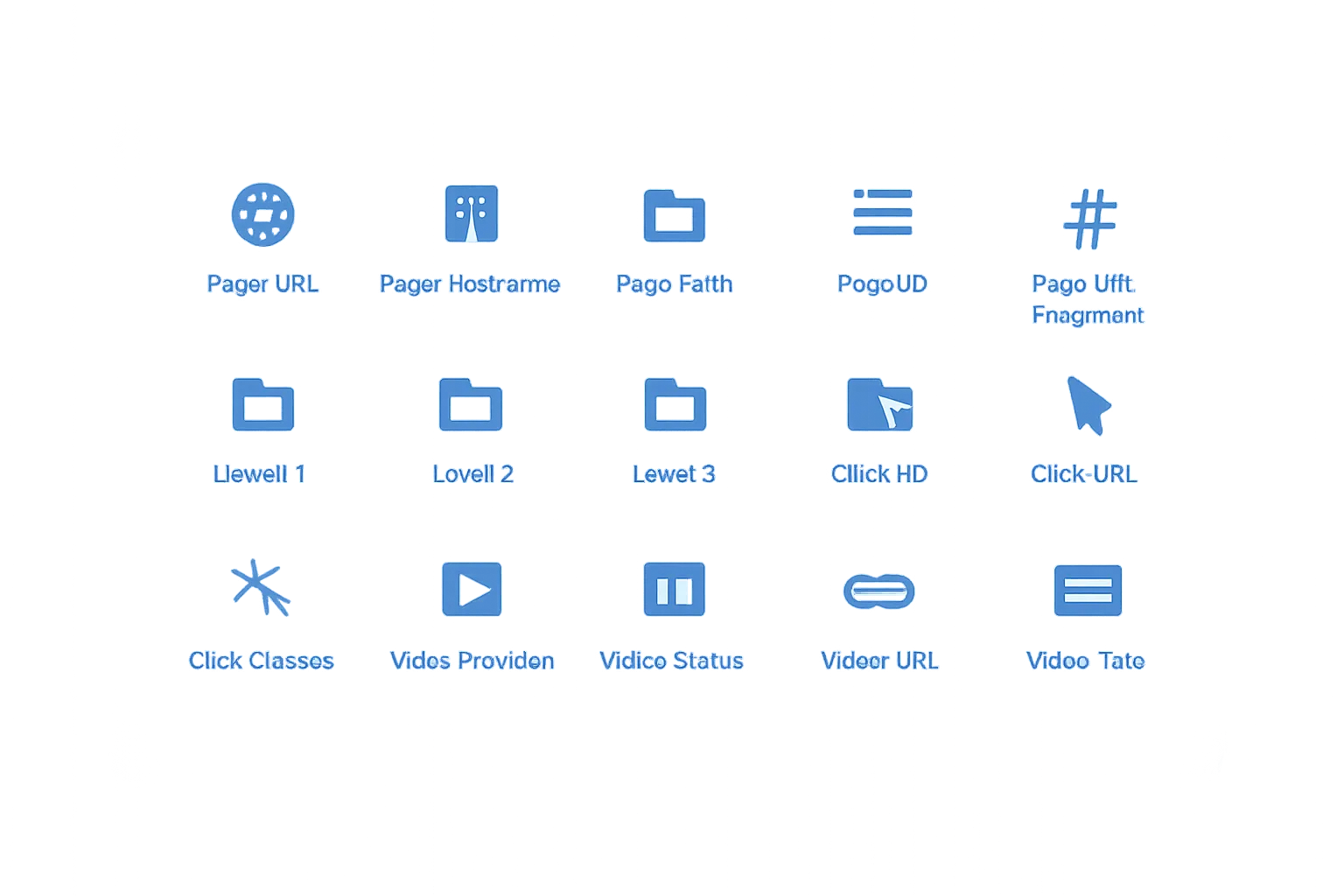
The 15 Most Useful Built-In Variables in Google Tag Manager
GTM's built-in variables give you instant access to page data, click information, and form details without writing JavaScript. Here are the 15 most useful ones with examples.

How to Use GTM Preview Mode Like a Pro (Debugging Walkthrough)
GTM Preview Mode is the most powerful debugging tool in tag management. Learn how to use it like a professional: checking tags, reading variables, and diagnosing firing issues.
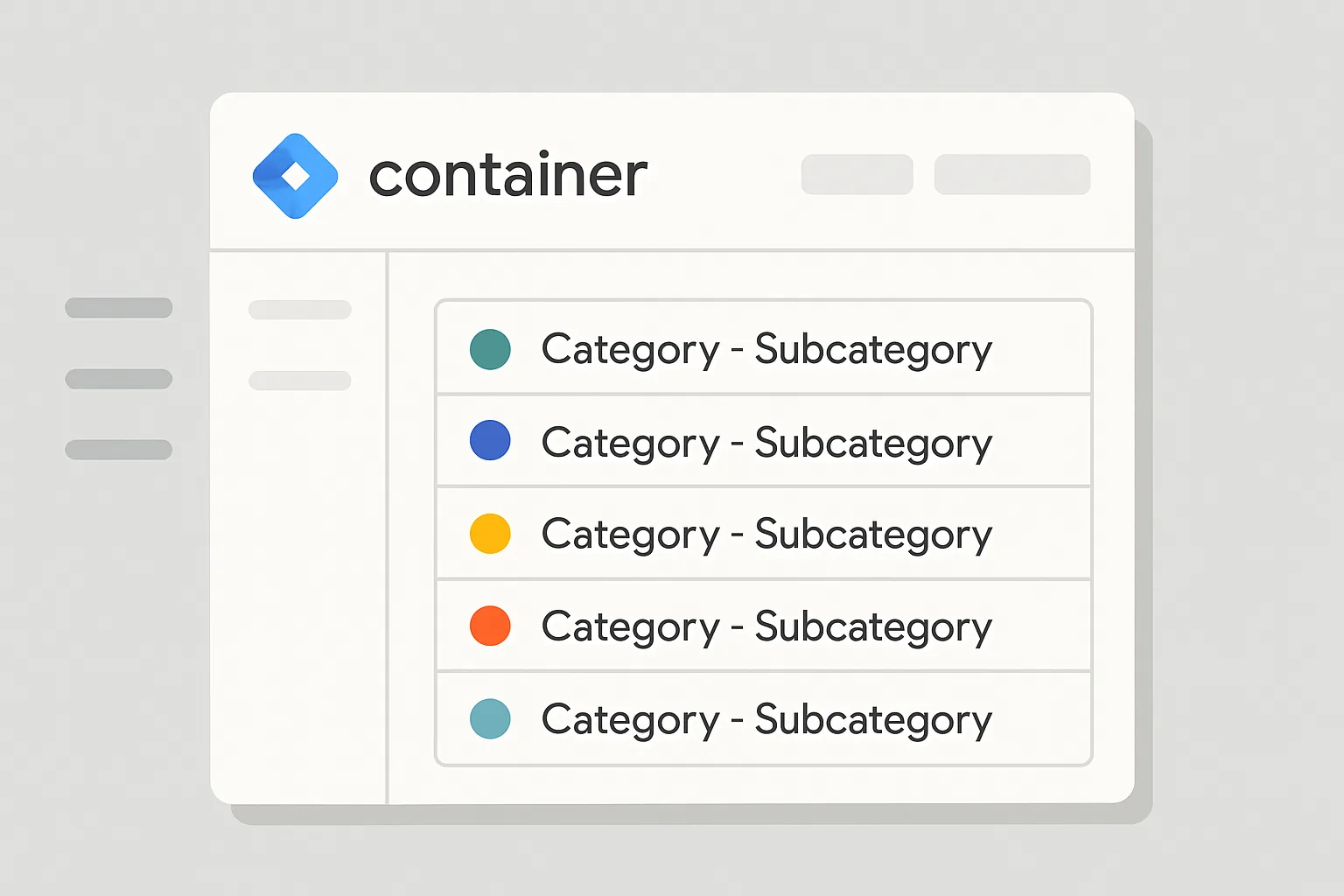
GTM Naming Conventions That Keep Your Container Sane
A clear GTM naming convention keeps your container navigable, auditable, and maintainable. Here are battle-tested naming formats for tags, triggers, and variables.
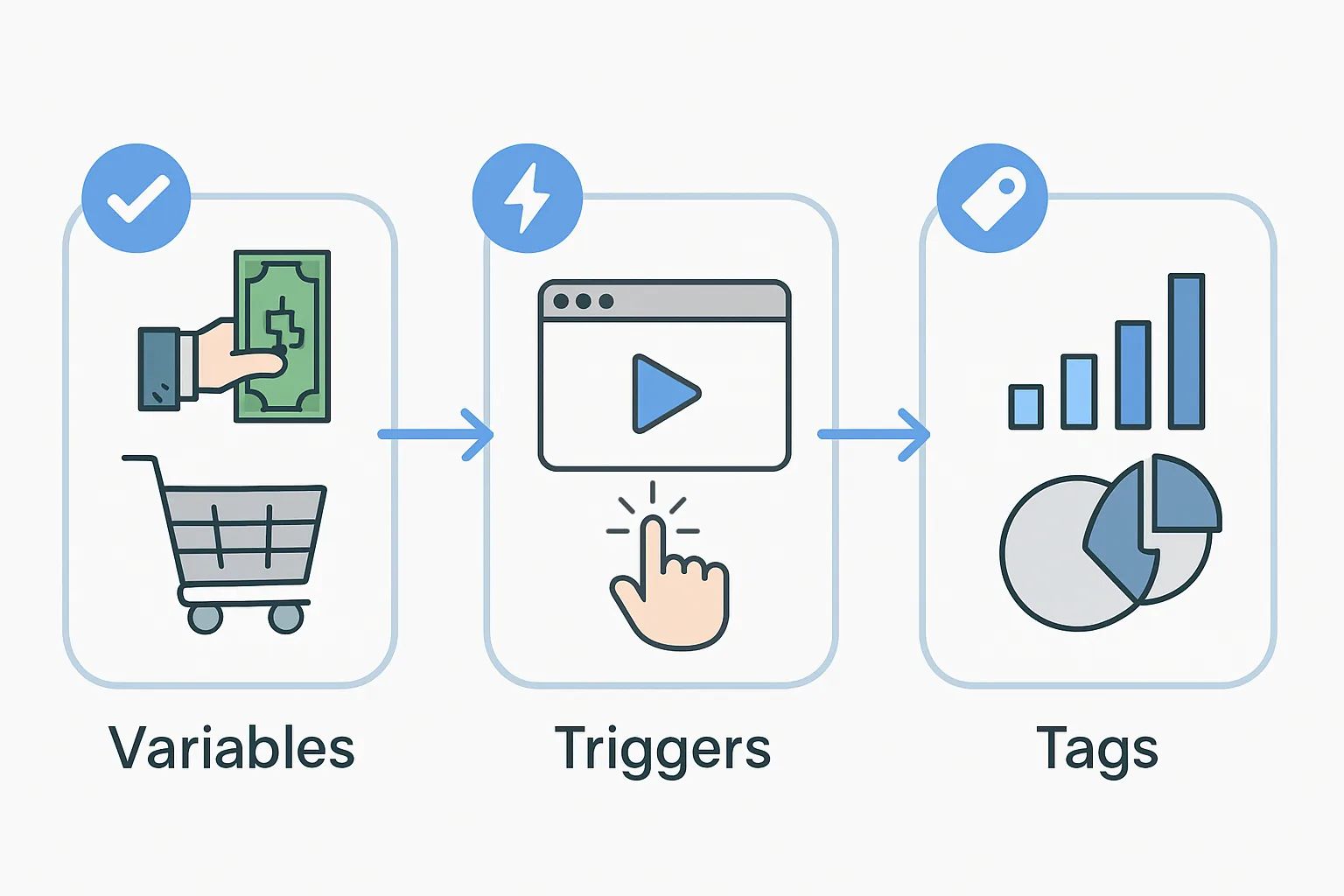
Tags, Triggers, and Variables Explained (With Real Examples)
Understand the three core components of Google Tag Manager — tags, triggers, and variables — with real-world examples that show how they work together in practice.