Why Naming Matters More Than You Think
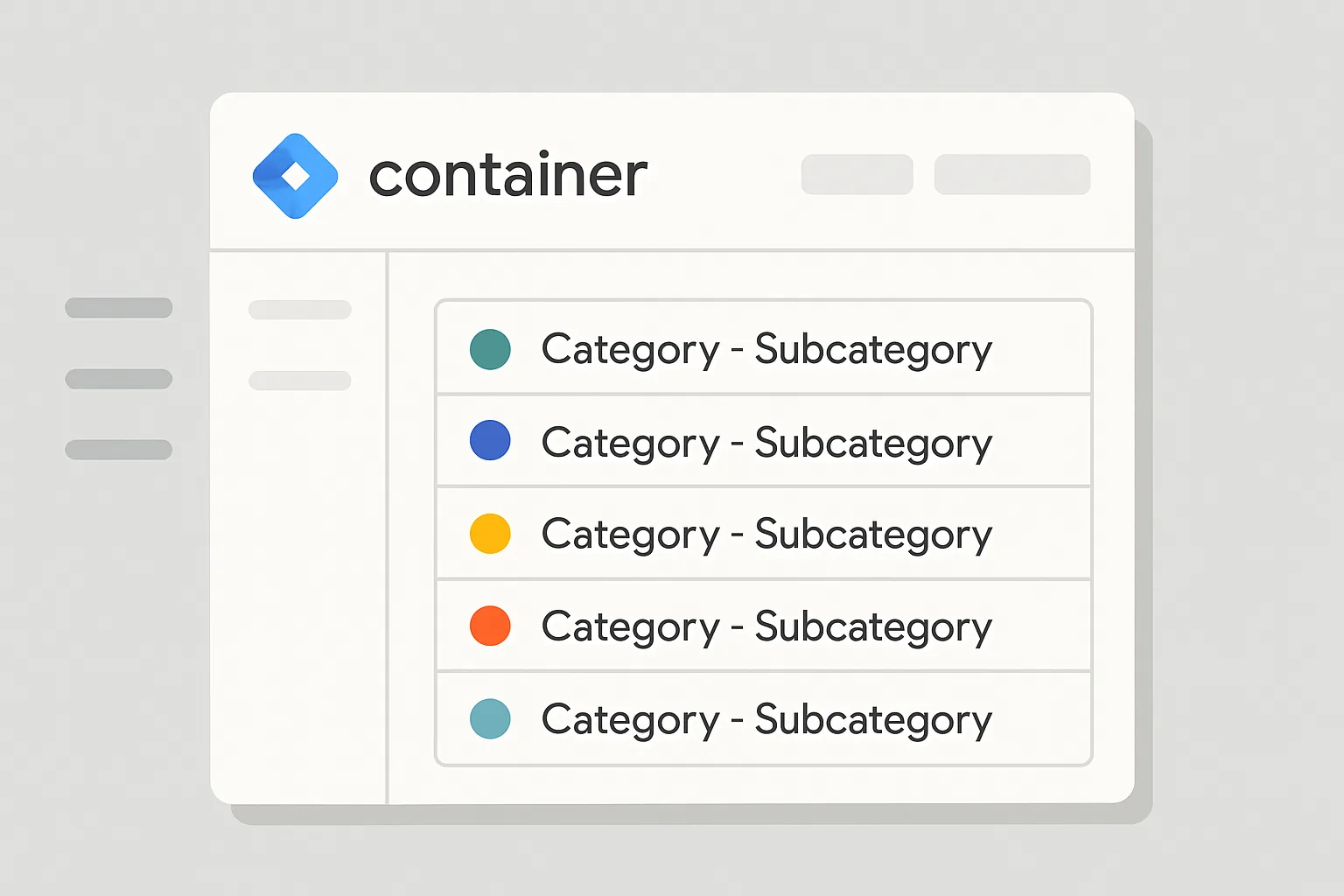
A Google Tag Manager container with poor naming is a maintenance nightmare. When a tag is named "New Tag 4" or a trigger is called "Page View - Test", nobody knows what it does, whether it is still needed, or whether it conflicts with other tags. Multiply this across 50+ tags in a live account and debugging becomes extremely difficult.
A consistent naming convention is one of the most impactful quality improvements you can make to any GTM container — and it costs nothing but a few minutes of thought upfront.
The Core Pattern: [Type] - [Platform] - [Description]
The most widely adopted GTM naming format uses three segments separated by dashes:
- [Type]: the category of the object (what kind of tag, trigger, or variable it is)
- [Platform]: the platform or tool it sends data to (GA4, GADS, Meta, etc.)
- [Description]: what it specifically does in plain language
Tag Naming Examples
Abbreviate the type as a prefix:
Tag - GA4 - ConfigurationTag - GA4 - Event - PurchaseTag - GA4 - Event - Form SubmissionTag - GADS - Conversion - Lead FormTag - GADS - RemarketingTag - Meta - Pixel - PurchaseTag - Meta - Pixel - LeadTag - LinkedIn - Insight Tag
Trigger Naming Examples
Trig - Pageview - All PagesTrig - Pageview - Thank You PageTrig - Event - PurchaseTrig - Event - Form SubmittedTrig - Click - CTA Button - HomepageTrig - Scroll - 50 PercentTrig - Timer - 30 Seconds
Variable Naming Examples
Var - DLV - Transaction ID(Data Layer Variable)Var - DLV - Transaction ValueVar - DLV - CurrencyVar - Cookie - GCLIDVar - JS - Page PathVar - LT - Event Category Lookup(Lookup Table)Var - Constant - GA4 Measurement ID
Tags With Exceptions or Variants
When a tag has an exception or is a variant of another:
Tag - GA4 - Event - Scroll 50pct - Blog Pages OnlyTag - GADS - Conversion - Purchase - EcommerceTag - Meta - Pixel - ViewContent - Product Pages
Handling Multiple Accounts or Brands
If managing multiple websites or brands in one GTM account:
Tag - GA4 [BrandA] - ConfigurationTag - GA4 [BrandB] - Configuration
Additional Best Practices
- Use title case consistently (not mixed case or all-lowercase)
- Abbreviate platforms consistently: GA4, GADS, Meta, LI (LinkedIn), TT (TikTok), MS (Microsoft)
- Add a note in the Description field of every tag explaining its purpose, date added, and who added it
- Include version number in your GTM version names after publishing (e.g. "v1.4 - Added enhanced conversions")
Summary
A consistent naming convention makes your GTM container self-documenting and dramatically reduces time spent debugging or onboarding new team members. Establish your convention at the start of a project and enforce it with a simple style guide shared with all contributors.
For a fully organised GTM container audit, see our Google Tag Manager Setup and Audit service.
Need your GTM container cleaned up and documented? Contact Adslytics.
Need expert tracking setup?
Our Google Tag Manager experts have delivered 500+ tracking setups with a 98% success rate.
Get a Free Consultation →