The Three Building Blocks of GTM
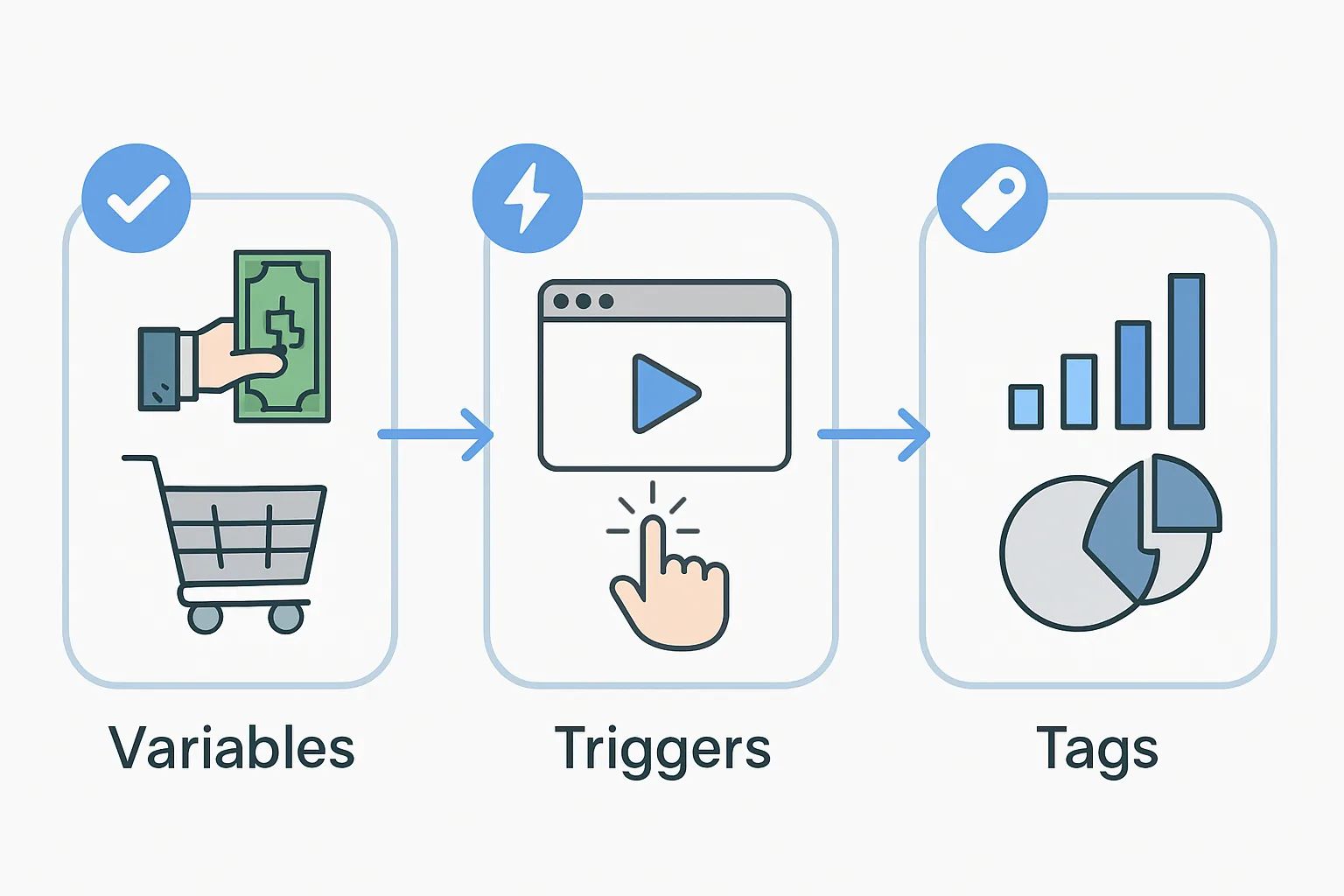
Every configuration in Google Tag Manager is built from three types of objects: tags, triggers, and variables. Understanding each one — and how they connect to each other — is the foundation of working effectively with GTM.
Tags: The Code That Does Something
A tag is a piece of code (or a configured integration) that sends data to a third-party platform when it fires. Tags are the outputs of GTM — the thing that actually happens.
Examples of tags:
- Google Ads Conversion Tracking tag: sends a conversion event to Google Ads when a user completes a goal
- GA4 Event tag: sends a custom event to Google Analytics 4 (e.g. "form_submitted" or "video_played")
- Meta Pixel - Purchase tag: sends a Purchase event to Facebook/Meta when a transaction completes
- Custom HTML tag: fires any arbitrary JavaScript code
A tag without a trigger does nothing — it needs to be told when to fire.
Triggers: When the Tag Should Fire
A trigger is a condition that causes a tag to fire. Each tag must have at least one trigger attached to it. GTM evaluates triggers continuously as users interact with the page and fires associated tags when conditions are met.
Examples of triggers:
- Page View trigger, URL equals /thank-you: fires when a user loads a page with that URL. Used to fire conversion tags on thank-you pages.
- Custom Event trigger, event name = "purchase": fires when the data layer receives a push with event: "purchase". Used for ecommerce conversion tracking.
- Click trigger, Click ID equals submit-button: fires when a user clicks an element with that ID. Used for button click tracking.
- Timer trigger, every 30 seconds: fires repeatedly at set intervals. Used for scroll depth or engagement time tracking.
Variables: Dynamic Values Tags and Triggers Use
Variables supply dynamic values to tags and triggers. Instead of hardcoding "£49.99" into a conversion value field, you create a variable that reads the actual transaction value from the data layer — so the tag always sends the correct amount for each purchase.
Types of variables:
- Built-in variables: predefined by GTM — Page URL, Click Text, Form ID, Scroll Depth Threshold, etc. Enable them in Variables then Configure.
- Data Layer Variables: read values that your website has pushed to the data layer. If your site pushes
{"ecommerce": {"value": 99.00}}, you create a DLV for ecommerce.value. - Cookie variables: read a value from a browser cookie by name.
- JavaScript variables: execute a JavaScript expression and return its result (e.g. a page title or element text).
- Lookup Tables: map one value to another (e.g. map category names to their IDs).
How They Work Together: A Real Example
Scenario: fire a Google Ads conversion tag when a user completes a purchase, sending the actual order value.
Variable (Data Layer Variable): DLV - Transaction Value, reading from data layer key ecommerce.value
Trigger (Custom Event): fires when event name equals "purchase" in the data layer
Tag (Google Ads Conversion Tracking): configured with Conversion ID and Label from Google Ads, Conversion Value set to the {DLV - Transaction Value} variable, trigger set to the purchase Custom Event trigger
When a user completes a purchase:
- Your site pushes
dataLayer.push({event: "purchase", ecommerce: {value: 149.00}}) - GTM detects the "purchase" event and fires the trigger
- The Google Ads tag fires, reading £149.00 from the DLV variable and sending it to Google Ads
Summary
Tags do the work. Triggers tell them when to work. Variables give them the right values to work with. Master these three concepts and you can build any tracking configuration in GTM.
See our Google Tag Manager Setup and Audit service for expert GTM configuration.
Need GTM set up properly? Contact Adslytics.
Need expert tracking setup?
Our Google Tag Manager experts have delivered 500+ tracking setups with a 98% success rate.
Get a Free Consultation →