When Conversion Tracking Breaks, Everything Breaks
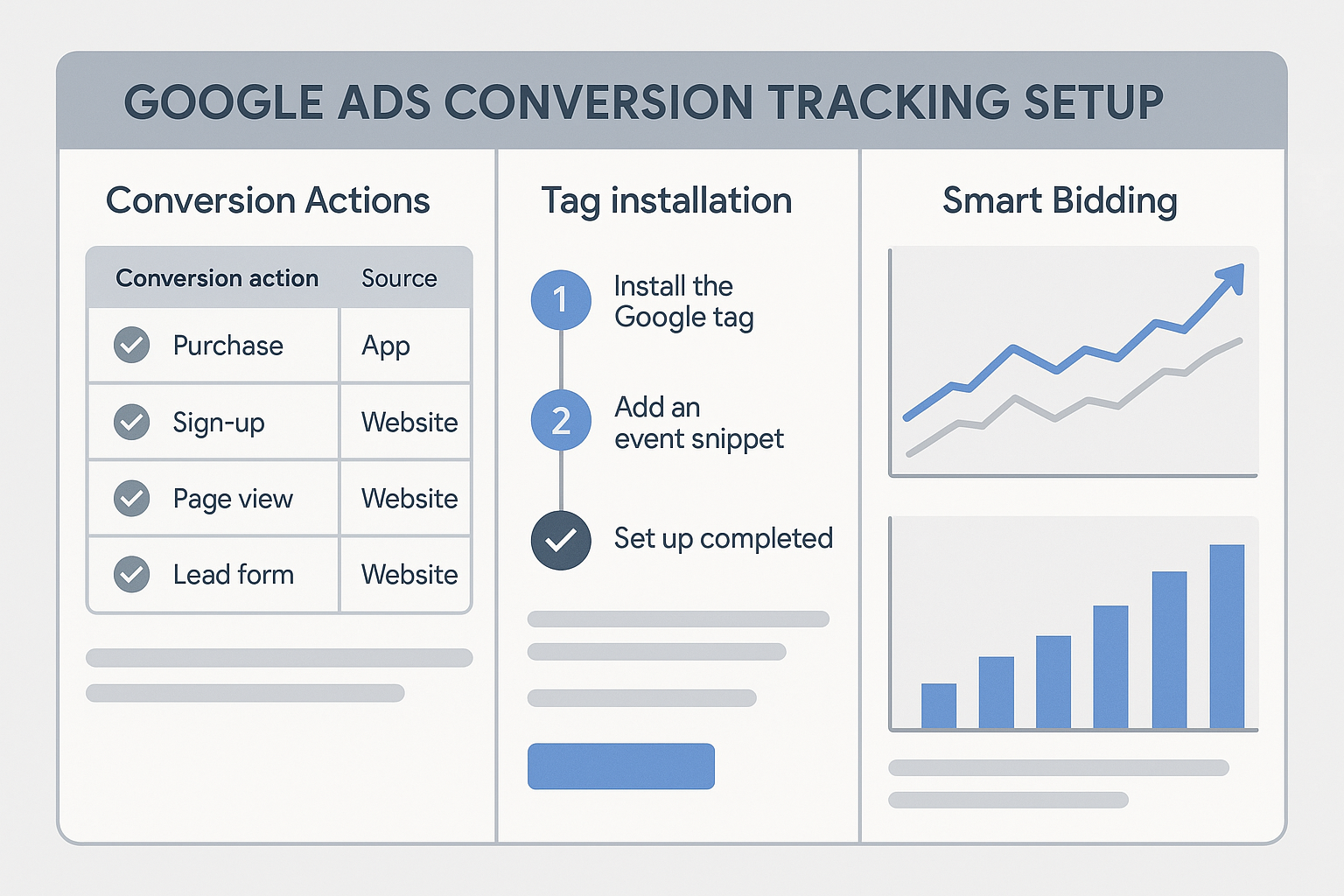
Google Ads Smart Bidding is only as good as the data it receives. If your conversion tracking is broken, your automated bidding strategies are optimising for nothing — or worse, for the wrong signals.
Here are the 12 most common reasons Google Ads conversion tracking stops working, with a fix for each one.
1. The Conversion Tag Is Not Firing
Symptom: Google Ads shows 0 conversions even though you know people are converting.
Cause: The tag is not installed, or the trigger condition is not matching.
Fix: Open Google Tag Assistant or GTM Preview Mode. Navigate through a real conversion. Confirm the Google Ads Conversion Tracking tag appears in the fired tags list. Check the trigger condition — common mistakes include using "contains" instead of "equals" for page URLs, or the thank-you page URL changing slightly.
2. Tag Is Firing on the Wrong Page
Symptom: Conversion count seems inflated or does not match actual enquiries.
Cause: The trigger fires on every page or on a page users visit without converting.
Fix: In GTM, check the trigger for your conversion tag. It should match only the confirmation page. Use the exact URL path as an "equals" condition, not "contains".
3. Wrong Conversion ID or Label
Symptom: Tag fires but conversions do not appear in Google Ads.
Cause: The Conversion ID or Label in the tag does not match the one in Google Ads.
Fix: In Google Ads go to Tools and Settings then Conversions, select the conversion, and view the tag details. Copy the exact ID and Label. Compare with what is in your GTM tag. Even one character difference breaks attribution.
4. You Deleted or Paused the Conversion Action
Symptom: Conversions were recording fine, then stopped completely.
Cause: The conversion action was removed, paused, or set to "not include in conversions".
Fix: Go to Tools and Settings then Conversions. Look for any conversion with "Removed" or "Inactive" status. Re-create the conversion action and update the tag with the new ID and Label.
5. Auto-Tagging Is Disabled
Symptom: GA4 shows Google Ads traffic but cannot see individual campaigns or keywords.
Cause: Auto-tagging is turned off, so the gclid parameter is not being added to ad URLs.
Fix: In Google Ads go to Settings at the account level, then Auto-tagging, and set it to "Yes, automatically tag the URLs that people click." Also check that your landing page does not strip URL parameters.
6. Double-Counting Conversions
Symptom: Your conversion count is roughly double your actual number of conversions.
Cause: You are importing the same conversion event from GA4 and also running a direct Google Ads conversion tag on the same page.
Fix: Pick one method. If you import from GA4, remove the direct Google Ads tag. If you use the direct tag, do not import the same event from GA4.
7. Thank-You Page Is Accessible Without Completing the Form
Symptom: Conversions are recording but they do not match actual form submissions.
Cause: Users can navigate directly to the thank-you page URL without submitting the form.
Fix: Redirect users from the form page using a server-side redirect only after verified form submission, not just a page view.
8. The Conversion Window Is Too Short
Symptom: You know deals are closing but they are not showing as conversions in Google Ads.
Cause: The conversion window is set to 30 days but your sales cycle is longer.
Fix: Go to your conversion action settings and change the click-through conversion window to 60 or 90 days for B2B or high-value purchases.
9. Browser Cookie Blocking
Symptom: Tracking data drops after browser updates, especially on Safari or Firefox.
Cause: ITP and similar browser technologies limit the lifespan of cookies, causing attribution loss for users who convert more than 1 to 7 days after clicking an ad.
Fix: Enable Enhanced Conversions which uses hashed first-party data instead of cookies. For higher-volume accounts, implement server-side tracking.
10. Ad Blockers Blocking the Tag
Symptom: Your conversion count seems lower than expected based on CRM data.
Cause: Users with ad blockers block Google tracking scripts.
Fix: Server-side tagging routes your Google Ads events through your own domain, bypassing ad blockers entirely.
11. GTM Container Not Published
Symptom: You added or edited a conversion tag in GTM but conversions still are not recording.
Cause: The GTM container was updated in draft or preview but never published.
Fix: In GTM click Submit in the top right then Publish. Any changes you make in GTM only go live after you publish.
12. Consent Mode Is Blocking Conversion Pings
Symptom: Conversions worked before your cookie banner was added, then dropped.
Cause: Consent Mode v2 is correctly blocking conversion tracking for users who declined consent, but your configuration may be misconfigured.
Fix: Make sure your Consent Mode implementation grants ad_storage and analytics_storage for users who consent. Use Consent Mode v2 with modelling enabled so Google estimates conversions for non-consenting users.
Your Quick Troubleshooting Checklist
- Open GTM Preview or Tag Assistant and confirm tag fires on the right page only
- Check Conversion ID and Label match what is in Google Ads
- Verify the conversion action is active (not paused or removed)
- Check for double-counting (GA4 import plus direct tag)
- Confirm auto-tagging is on
- Check the conversion window matches your sales cycle
- Look for consent mode issues
- Compare conversions to your CRM or actual sales numbers
If you have worked through this list and conversions still are not recording correctly, the issue is likely architectural. Contact Adslytics — we diagnose and fix conversion tracking issues for Google Ads accounts of all sizes.
Need expert tracking setup?
Our Google Tag Manager experts have delivered 500+ tracking setups with a 98% success rate.
Get a Free Consultation →