Introduction
Google Ads has become one of the most measurable advertising platforms on the planet — yet most businesses still fly blind with it.
They run campaigns, spend budget, and check the dashboard occasionally. But they're not doing analytics. They're not tracking what actually drives revenue, which keywords produce real customers, or where their funnel leaks money.
In 2026, Google Ads analytics looks different than it did two years ago. GA4 is now the standard. Enhanced conversions are table stakes. Server-side tracking is no longer optional for high-traffic accounts. And the reporting tools have evolved significantly.
This guide covers everything — from the foundational setup every account needs, to advanced attribution and reporting techniques used by agencies managing millions in ad spend.
What Is Google Ads Analytics?
Google Ads analytics refers to the process of collecting, measuring, and interpreting data from your Google Ads campaigns to make better decisions.
It goes beyond the default Google Ads interface. True Google Ads analytics includes:
- Conversion tracking — knowing exactly which clicks lead to sales, leads, or other valuable actions
- Attribution modeling — understanding which touchpoints deserve credit for a conversion
- Audience analytics — seeing who responds to your ads and who doesn't
- Cross-channel analytics — connecting Google Ads data with your website, CRM, and other channels
- Performance analytics — measuring ROAS, CPA, CTR, Quality Score, and other key metrics in context
Without proper analytics, you're guessing. With it, you're making decisions based on evidence.
Why Google Ads Analytics Matters More in 2026
Three major shifts have made analytics more important — and more complex — than ever:
1. Privacy Changes Broke Old Tracking Methods
Third-party cookies are gone in Chrome. iOS privacy updates limit mobile tracking. Browser-level ad blockers now affect 30–40% of desktop traffic in some industries.
If you're still relying on basic Google tag implementations from 2020, you're probably missing 20–40% of your conversions.
2. AI Bidding Demands Better Data
Smart Bidding strategies (Target CPA, Target ROAS, Maximize Conversions) use your conversion data to make automated bidding decisions. Feed them bad data, and the algorithm optimizes for the wrong thing.
Better analytics = better bidding signals = better campaign performance.
3. Attribution Has Become More Sophisticated
Google's data-driven attribution model has replaced last-click as the default. It uses machine learning to assign credit across the entire customer journey. But it only works well when you're capturing data from every touchpoint — which requires proper tracking setup.
Part 1: Setting Up Google Ads Conversion Tracking
This is the foundation. Everything else depends on getting this right.
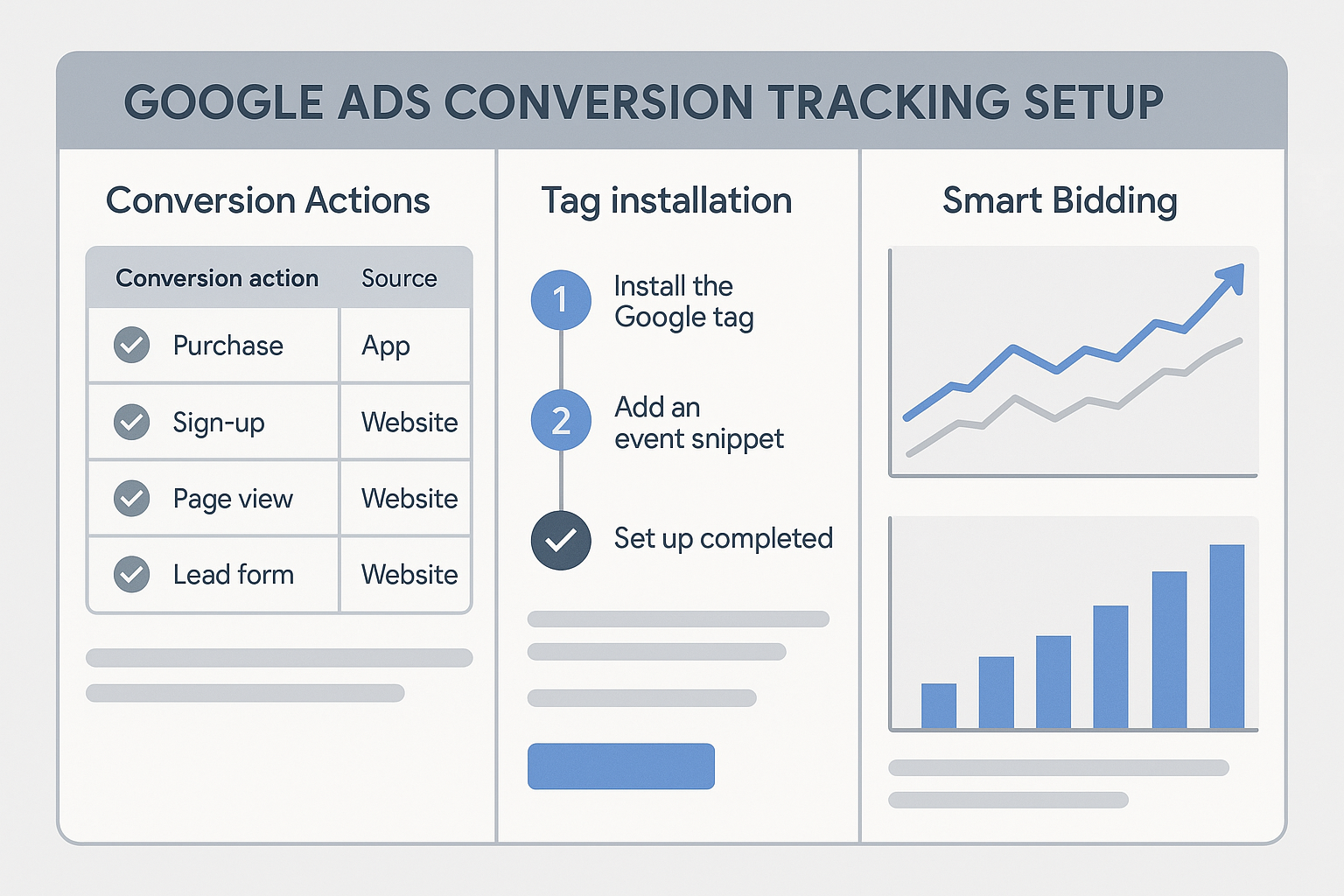
Types of Conversions to Track
Website conversions: Form submissions, phone calls from ads, phone calls from your website, e-commerce purchases, key page visits, time on site / scroll depth.
App conversions: App installs, in-app purchases, in-app events.
Import conversions: From Google Analytics 4, from Salesforce or HubSpot CRM, from Google Merchant Center, offline conversions uploaded from your CRM.
The Two Ways to Track Website Conversions
Method 1: Google Ads Tag (gTag) — Install the global site tag on every page, then configure a conversion action. Best for simple setups and small sites.
Method 2: Import from Google Analytics 4 — Set up conversions in GA4, then import them into Google Ads. This is the recommended approach for most businesses in 2026 because GA4 already tracks all your events, you avoid duplicate tracking, and you get unified attribution across organic and paid.
Setting Up Conversion Tracking: Step by Step
Step 1: Go to Tools & Settings → Measurement → Conversions → + New Conversion Action → Website. Set conversion goal, value, window (30 days for leads, 90 days for purchases), and attribution model (data-driven recommended).
Step 2: Install via Google Tag Manager (recommended) or directly in code. Use GTM's preview mode to test before publishing.
Step 3: Verify with Google Tag Assistant. Wait 24–48 hours, then check Conversions to confirm data is coming in.
Part 2: Google Analytics 4 + Google Ads Integration
This integration is essential for serious analytics in 2026. When you link GA4 to Google Ads, you unlock richer audience segments, cross-channel attribution, GA4 conversions in Google Ads, and unified reporting.
How to Link GA4 to Google Ads
- In Google Ads: Tools & Settings → Measurement → Google Analytics
- Click + Link → Select your GA4 property
- Enable auto-tagging (critical — this connects Google Ads clicks to GA4 sessions)
- Turn on personalized advertising (for audience imports)
Auto-Tagging
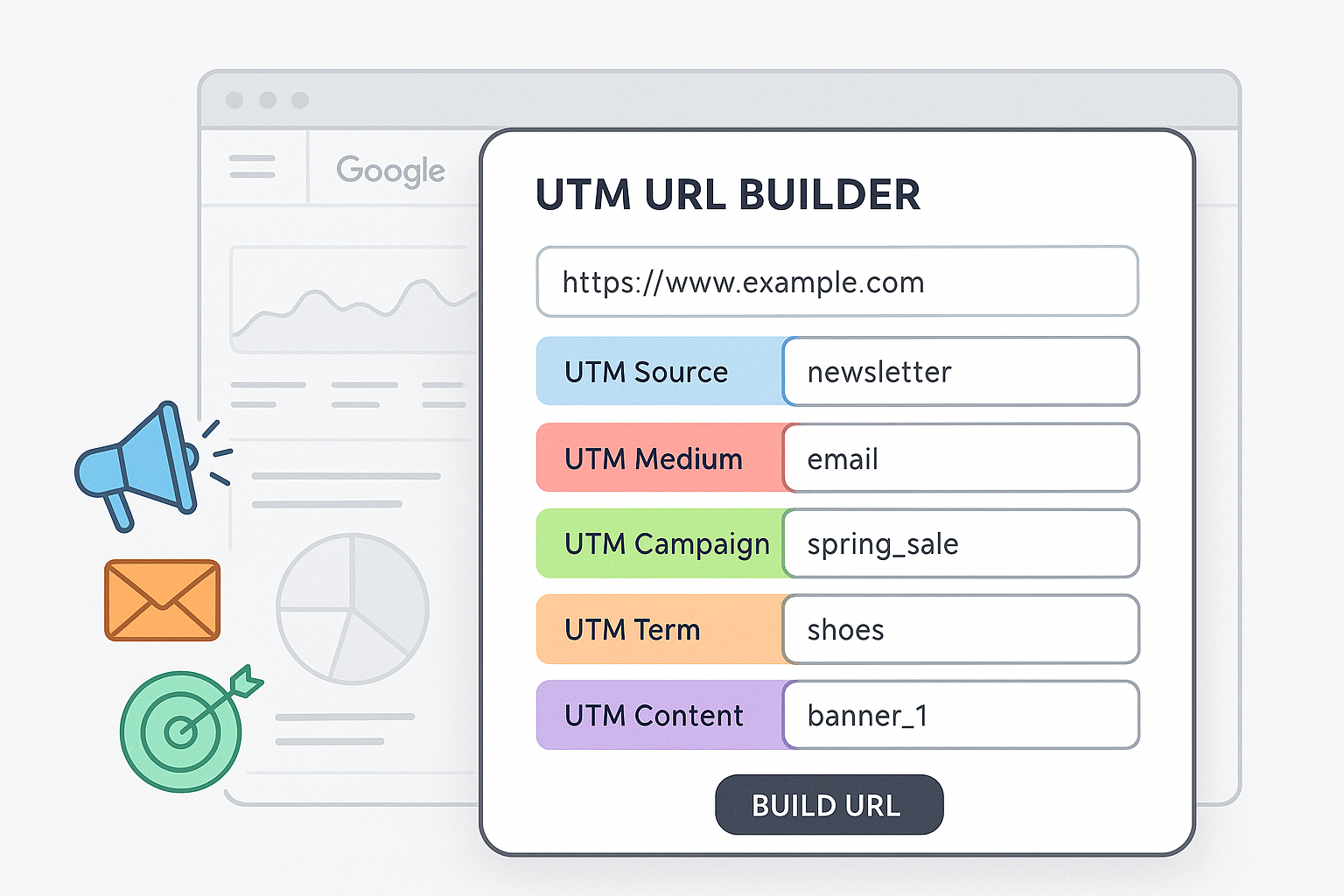
Auto-tagging adds a gclid parameter to your ad URLs. GA4 reads this and associates the session with the correct Google Ads campaign, ad group, and keyword. Without auto-tagging, GA4 cannot attribute sessions to specific Google Ads campaigns — they'll all appear as "google / cpc" with no campaign detail.
Part 3: Enhanced Conversions
Enhanced conversions improve measurement accuracy by using first-party data (email addresses, phone numbers, names) collected during conversion. Studies show enhanced conversions recover 5–30% of conversions that would otherwise be lost to privacy restrictions.
Set up via Google Tag Manager: modify your conversion tag to include user-provided data, pass hashed email/phone/name from your thank-you page's data layer. Google hashes this data (SHA-256) before sending — you never send plain-text PII.
Part 4: Server-Side Tracking for Google Ads
Client-side tracking is increasingly unreliable due to ad blockers, browser privacy settings, and cookie restrictions. Server-side tracking moves measurement to your server, where none of those restrictions apply.
Worth setting up if you're spending $10,000+/month on Google Ads, your industry has high ad-blocker usage, or your conversion tracking shows unexplained gaps vs. actual sales.
Tools: Google Tag Manager Server-Side Container, Google Ads Offline Conversion Import, Google Enhanced Conversions for Leads.
Part 5: Key Metrics to Track
| Metric | What It Tells You | Good Benchmark |
|---|---|---|
| CTR | Ad relevance to search query | 2–5% for Search |
| Conversion Rate | How well your landing page works | 2–10% for lead gen |
| CPA | Cost to get one conversion | Depends on LTV |
| ROAS | Revenue per dollar spent | 3–5x for ecommerce |
| Quality Score | Ad relevance, landing page, expected CTR | 7+ is strong |
Metrics most advertisers ignore: Search Impression Share Lost (Budget), Search Impression Share Lost (Rank), View-Through Conversions, Cross-Device Conversions.
Part 6: Attribution Models in Google Ads
Data-Driven Attribution (recommended): Uses machine learning to assign credit based on actual conversion paths. Requires 300+ conversions in the past 30 days.
Last Click: 100% credit to the last ad clicked. Simple but undervalues upper-funnel keywords.
Linear: Credit distributed equally across all touchpoints. Good fallback when data-driven doesn't have enough volume.
For most accounts, use Data-Driven Attribution. For accounts with fewer than 300 conversions/month, use Linear.
Part 7: Google Ads Reporting and Dashboards
Built-in reports to use: Search Terms Report (find new keywords and negatives), Auction Insights (competitive analysis), Landing Page Report (conversion rate by page).
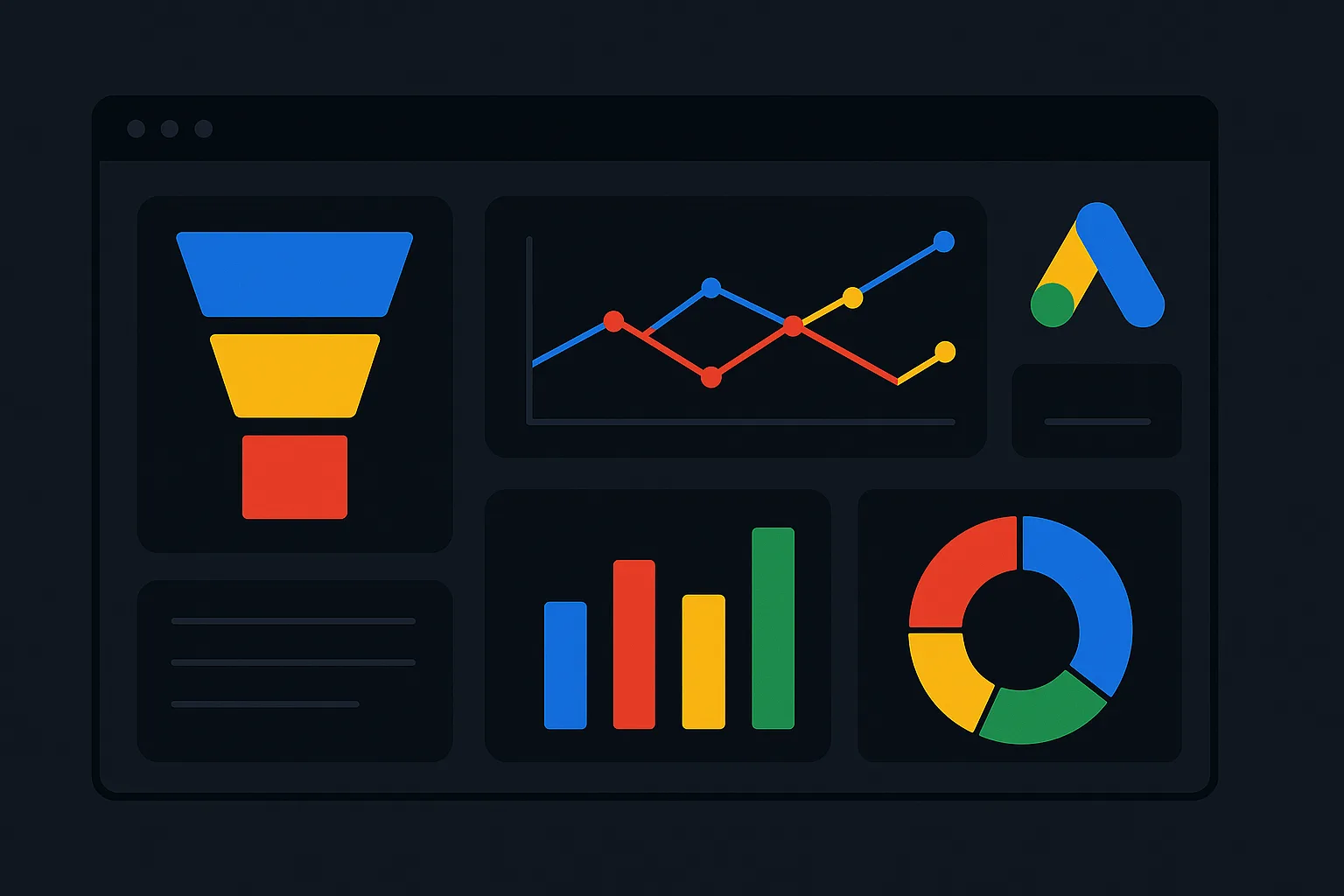
Looker Studio dashboard: Build a custom dashboard connecting Google Ads + GA4 data. Include executive summary, campaign performance table, conversion trend chart, search terms performance, and cost vs. revenue chart.
Part 8: Common Mistakes
- Counting every conversion equally — assign conversion values based on actual deal value × close rate
- Ignoring the conversion window — use 90-day windows for B2B with long sales cycles
- Not using negative keywords — review the Search Terms Report weekly
- Mixing branded and non-branded — keep them in separate campaigns and report separately
- Ignoring Quality Score — a low score means you're paying more for worse positions
Part 9: Advanced Techniques
Cohort Analysis: Group customers by the month they first converted from Google Ads, then track lifetime value over time. Available in GA4 → Explore → Cohort Exploration.
Offline Conversion Tracking: Capture the gclid when a lead fills out your form, store in your CRM, upload when they become a customer. Lets Smart Bidding optimize for actual revenue.
Micro-Conversions: Track smaller intent signals — pricing page visits, video watched past 75%, demo page visits, calculator tool usage — as remarketing audience triggers.
Conclusion
Google Ads analytics in 2026 is not optional. With AI-driven bidding, privacy restrictions, and increasingly competitive auction environments, the businesses that win are the ones with the best data.
Start with the foundation: proper conversion tracking, GA4 integration, and enhanced conversions. Then build up to server-side tracking, proper attribution, and custom reporting dashboards.
Every improvement to your measurement quality directly improves your campaign performance. Better data → better bidding signals → lower CPAs → higher ROAS.
Need help setting up accurate Google Ads analytics for your business? Contact Adslytics — we specialise in conversion tracking, GA4 setup, and server-side tracking for growth-focused businesses.
Need expert tracking setup?
Our Google Tag Manager experts have delivered 500+ tracking setups with a 98% success rate.
Get a Free Consultation →