Why Custom Channel Grouping
GA4's default channel grouping maps source/medium combinations to channels (Organic Search, Paid Search, Organic Social, etc.) using Google's built-in rules. These rules don't always match business needs — brand keywords may need to be split from non-brand, specific campaign names need their own channel, or internal tracking parameters need classification.
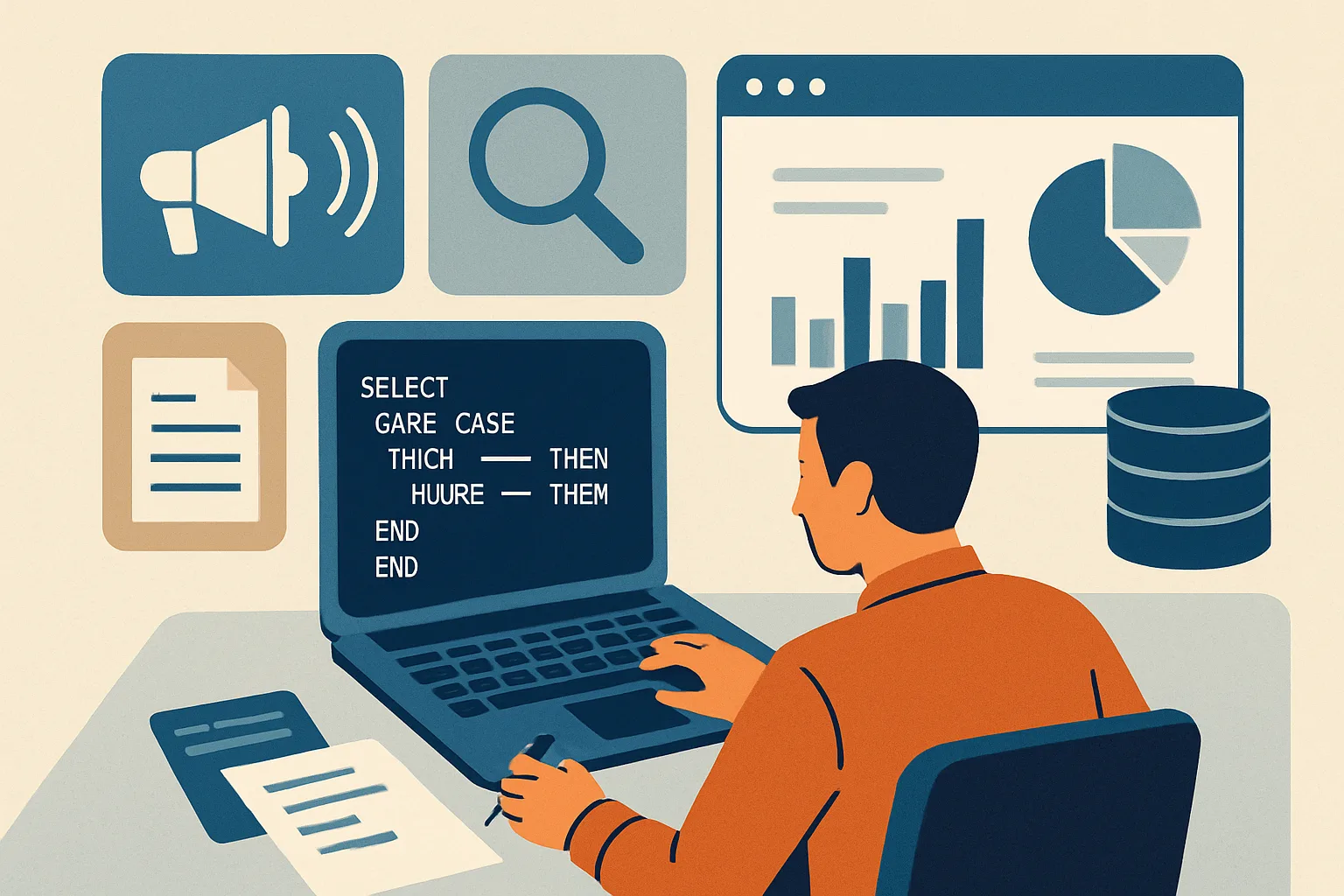
BigQuery lets you define exactly how source/medium/campaign combinations map to channels using SQL CASE statements.
Basic Custom Channel Grouping SQL
SELECT
  event_date,
  CASE
    WHEN traffic_source.medium = 'organic' THEN 'Organic Search'
    WHEN traffic_source.medium IN ('cpc', 'ppc', 'paid')
      AND LOWER(traffic_source.campaign) LIKE '%brand%' THEN 'Paid Brand'
    WHEN traffic_source.medium IN ('cpc', 'ppc', 'paid')
      AND LOWER(traffic_source.campaign) NOT LIKE '%brand%' THEN 'Paid Non-Brand'
    WHEN traffic_source.medium = 'email' THEN 'Email Marketing'
    WHEN traffic_source.source IN ('facebook', 'instagram', 'meta')
      AND traffic_source.medium IN ('cpm', 'cpc', 'paid_social') THEN 'Paid Social - Meta'
    WHEN traffic_source.source IN ('tiktok')
      AND traffic_source.medium IN ('cpm', 'cpc', 'paid_social') THEN 'Paid Social - TikTok'
    WHEN traffic_source.medium = 'referral' THEN 'Referral'
    WHEN traffic_source.medium = 'affiliate' THEN 'Affiliate'
    WHEN traffic_source.source = '(direct)'
      AND traffic_source.medium = '(none)' THEN 'Direct'
    ELSE 'Other'
  END as custom_channel,
  COUNT(DISTINCT user_pseudo_id) as users
FROM `project.analytics_PROPERTY.events_*`
WHERE _TABLE_SUFFIX BETWEEN '20260101' AND '20260131'
GROUP BY event_date, custom_channel
ORDER BY event_date, users DESC
Creating a Reusable Channel View
Rather than repeating the CASE statement in every query, create a BigQuery View:
CREATE OR REPLACE VIEW `project.analytics.events_with_channel` AS
SELECT
  *,
  CASE
    WHEN traffic_source.medium = 'organic' THEN 'Organic Search'
    -- ... (full CASE statement)
    ELSE 'Other'
  END as custom_channel
FROM `project.analytics_PROPERTY.events_*`
Other queries then select from this view and the custom_channel column is always available.
Attribution with Custom Channels
Join custom channel grouping to conversion analysis to see which channels (with your definitions) drive the most revenue, beyond what GA4's default channels show.
Summary
Custom channel grouping in BigQuery uses SQL CASE statements on traffic_source.source, traffic_source.medium, and traffic_source.campaign to classify sessions into business-meaningful channels. Create a BigQuery View with the channel logic applied so all downstream queries can reference custom_channel without repeating the CASE statement. Common customisations: brand vs non-brand paid search split, platform-level paid social split (Meta vs TikTok vs LinkedIn), campaign-type classification, and UTM parameter normalisation.
See our BigQuery Setup service for channel attribution development.
Need custom channel grouping in BigQuery? Contact Adslytics.
Need expert tracking setup?
Our Google Tag Manager experts have delivered 500+ tracking setups with a 98% success rate.
Get a Free Consultation →