The Problem with Optimising for Leads
Most B2B and service businesses set up Google Ads conversion tracking to fire when someone submits a form. Then they tell Smart Bidding to get more form submissions at a target cost.
But not every form submission becomes a customer. In most businesses, 70 to 90 percent of leads go nowhere. When you optimise for form fills, Smart Bidding gets better at finding people who fill out forms — not people who buy.
Offline conversion tracking fixes this. It connects your actual closed deals back to the Google Ads clicks that generated them — so Smart Bidding can optimise for revenue, not just activity.
How Offline Conversion Tracking Works
- User clicks your Google Ad. Google appends a gclid (Google Click ID) to the landing page URL.
- User submits a form on your website. Your site captures the gclid value and stores it alongside the lead record.
- The lead enters your sales process. Your team follows up, qualifies, demos, and proposes.
- The lead closes and becomes a customer.
- You export a CSV to upload the conversion to Google Ads — including the original gclid, the conversion time, and the deal value.
- Google Ads attributes the revenue to the original ad click. Smart Bidding learns which campaigns and keywords actually generate sales.
Why This Changes Smart Bidding Performance
Consider two campaigns:
- Campaign A: 50 leads at 30 each. 5% close rate. Revenue per lead: 150.
- Campaign B: 20 leads at 60 each. 25% close rate. Revenue per lead: 375.
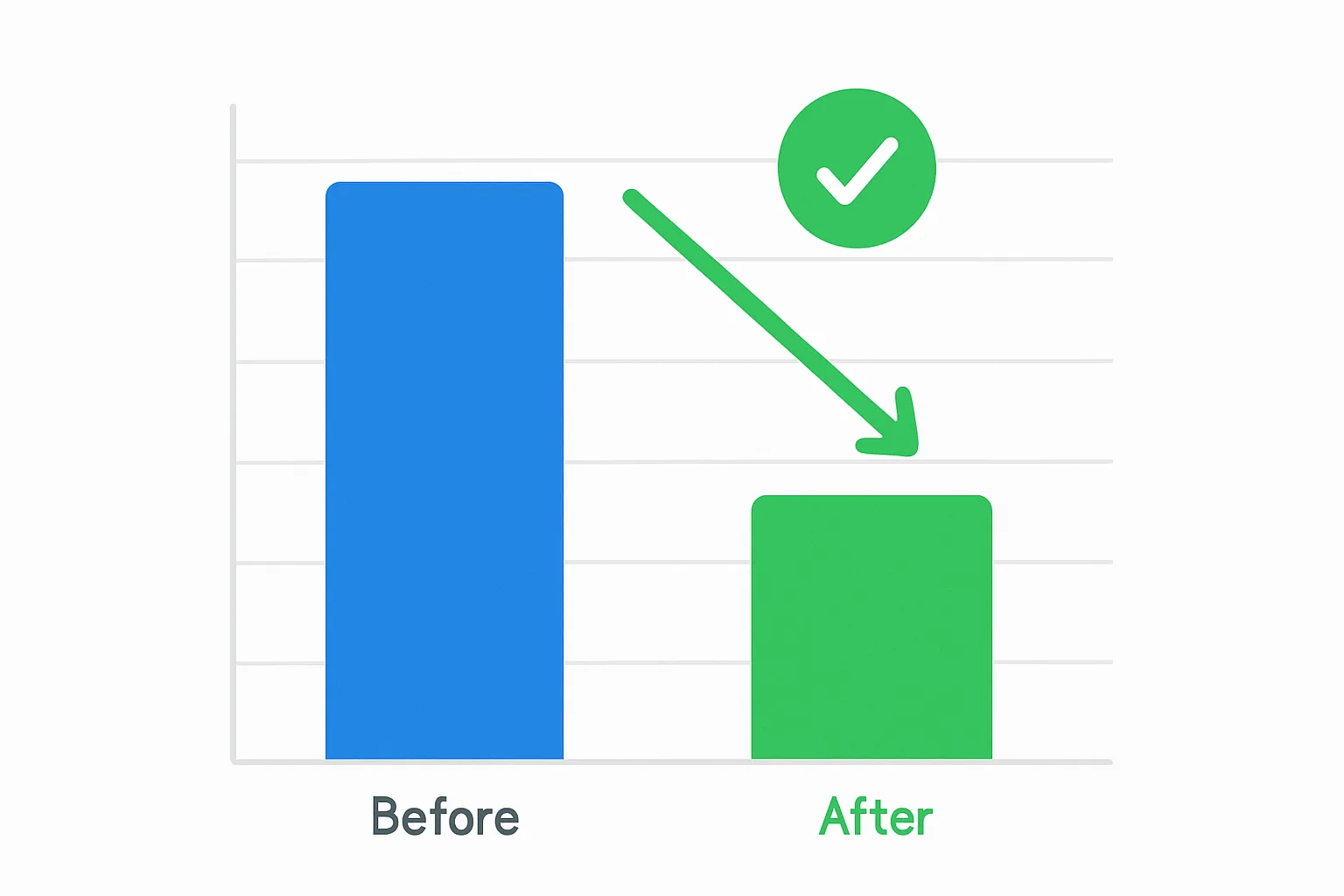
Without offline conversion data, Smart Bidding sees Campaign A as the winner. With offline conversion data, it correctly identifies Campaign B as generating 2.5 times the revenue per spend. The bidding changes completely. Budget shifts to Campaign B. Quality of leads improves.
Step 1: Capture the GCLID from Your Forms
The gclid appears as a URL parameter when someone clicks your ad: yourdomain.com/landing?gclid=Cj0KCQiA
You need to capture this and store it in your CRM when the lead submits a form.
Method A: Hidden Form Field
Add a hidden field to your form named gclid. Use JavaScript to read the URL parameter and populate it:
<input type="hidden" name="gclid" id="gclid_field">
<script>
var gclid = new URLSearchParams(window.location.search).get("gclid");
if (gclid) document.getElementById("gclid_field").value = gclid;
</script>
Method B: CRM Native Integration
Most major CRMs have native Google Ads integration:
- HubSpot: Connect Google Ads in Settings then Marketing then Ads. HubSpot automatically captures gclid for form submissions.
- Salesforce: Use the Google Ads Salesforce connector available in the AppExchange.
Step 2: Create an Offline Conversion Action in Google Ads
- In Google Ads: Tools and Settings then Conversions then New Conversion Action then Import then CRMs, files, or other data sources then Track conversions from clicks
- Name it clearly (e.g. "Closed Deal - Revenue")
- Set category: Purchase for closed deals
- Set conversion window to match your typical sales cycle (e.g. 90 days for B2B)
- Click Create
Step 3: Prepare and Upload the CSV File
Google Ads accepts CSV uploads with specific required columns:
Parameters:TimeZone=+0000
Google Click Id,Conversion Name,Conversion Time,Conversion Value,Conversion Currency
Cj0KCQiA...,Closed Deal - Revenue,2026-06-15 14:30:00,5000,GBP
Important: the conversion must be uploaded within the conversion window. If a deal closes 120 days after the ad click and your conversion window is 90 days, it will not be attributed.
Step 4: Automate with Enhanced Conversions for Leads
If your sales cycle is too long for CSV uploads, Enhanced Conversions for Leads provides a middle ground:
- Capture the lead email at form submission and hash it
- At deal close, send the hashed email to Google via the offline upload API
- Google matches the email hash to the original ad click without needing the gclid
Using Offline Conversion Data in Smart Bidding
- Set your primary conversion action to your offline conversion (e.g. "Closed Deal - Revenue")
- Use Target ROAS bidding based on deal value once you have enough volume
- Keep your online lead form conversion as a secondary conversion for monitoring only
Common Issues and Fixes
- Low gclid capture rate: Check that your hidden field is populating. Enable enhanced conversions for leads as a backup.
- Gclid not found errors: The gclid has expired (older than 90 days) or was never associated with a conversion window. Shorten your time between lead and upload.
- Bidding not adapting: Smart Bidding needs 30 or more conversions per month to adapt reliably. If volume is low, upload qualified leads as an intermediate step.
Summary
Offline conversion tracking is the most impactful change most B2B businesses can make to their Google Ads setup. It shifts optimisation from lead volume to closed revenue — and that shift changes which campaigns survive and which get cut.
Need help connecting your CRM to Google Ads with offline conversion tracking? Adslytics specialises in end-to-end conversion tracking for B2B and service businesses.
Need expert tracking setup?
Our Google Tag Manager experts have delivered 500+ tracking setups with a 98% success rate.
Get a Free Consultation →