The Starting Point: Campaigns That Looked Fine
The client — a B2B professional services firm running Google Ads for lead generation — had been running campaigns for 18 months with a Target CPA of £65. Their reported CPA was consistently around £72, which seemed reasonable. The campaigns were delivering 40-50 conversions per month.
But something felt off. Despite the reported conversion volume, the sales team was only seeing 20-25 actual qualified enquiries come through per month. Something in their Google Ads conversion tracking was wrong.
The Audit: Three Problems Found
Problem 1: Duplicate Conversion Actions (Double Counting)
The account had two active conversion actions both set as primary:
- A direct Google Ads tag installed on the thank-you page (placed there by a previous developer)
- A GA4 "generate_lead" event imported into Google Ads and also set as primary
Both fired on every form submission. Every real lead was being counted twice. Reported conversions: 45/month. Actual leads: approximately 22/month.
Problem 2: Micro-Conversion Set as Primary
The account also had a "Contact page view" conversion action set as primary. This fired whenever anyone loaded the /contact/ page — whether they submitted the form or not. This added an additional 30-40 "conversions" per month, most of which were users who bounced from the contact page without submitting.
Problem 3: Conversion Window Too Short for the Sales Cycle
The firm's average lead-to-enquiry time (from clicking the ad to submitting the form) was 45 days. But the conversion window was set to 30 days — meaning any user who took longer than 30 days to convert was not attributed, despite being acquired by the ad.
The Fixes
- Removed the direct Google Ads tag from the thank-you page, keeping only the GTM-managed tag. Eliminated the GA4 import as a separate primary conversion.
- Set "Contact page view" to secondary: removed from the Conversions column, kept in All Conversions for visibility only.
- Extended conversion window to 90 days: aligned with the firm's actual sales cycle, capturing conversions from users who consider longer before reaching out.
The 4-Week Transition Period
After fixing the tracking, reported conversions dropped immediately — from ~45/month to ~18/month in the first week (the real volume, no longer inflated). Smart Bidding went into a learning phase as it recalibrated. During this period, CPA appeared to spike to £140+.
This is expected and important: the algorithm was recalibrating from corrupted historical data to accurate current data. We advised the client to hold the bidding strategy steady and give it 4 weeks to stabilise.
The Results at 90 Days
After 90 days with clean tracking data:
- Reported conversions: 28-32/month (actual leads, verified against CRM)
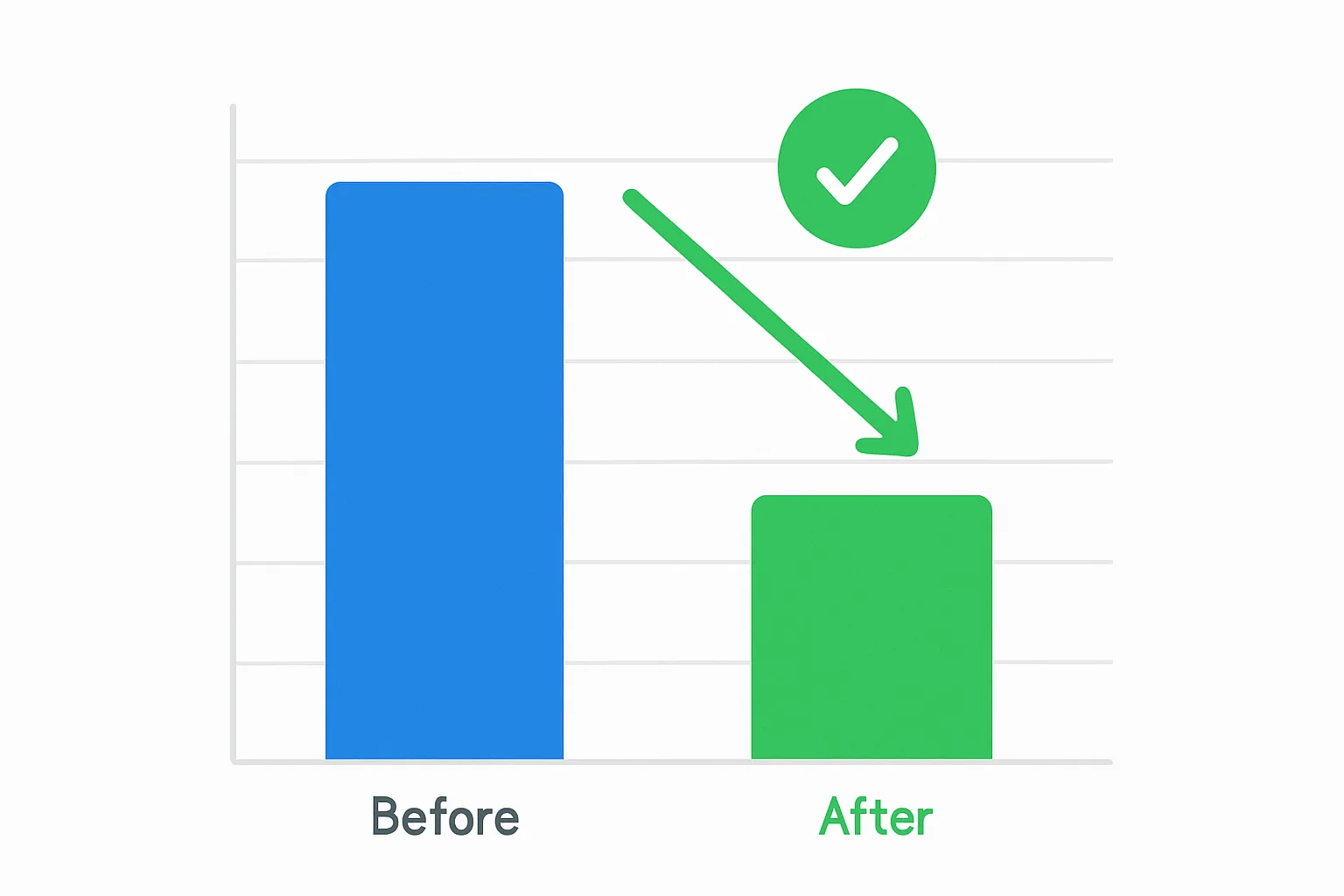
- Reported CPA: £44 (down from £72)
- True CPA (cost / actual leads): £44 (now matching reported CPA — accuracy restored)
- Actual leads to sales team: 28-32/month (up from 22/month at the same budget)
The CPA dropped 40% not because the campaigns improved dramatically — but because the true cost per real lead was always £44. The inflated CPA figure (£72) was being calculated against inflated conversion numbers. Once the counting was accurate, the real performance was visible.
Key Lessons
- Always cross-reference Google Ads conversion counts against your CRM or inbox before trusting reported performance
- Duplicate conversion actions are extremely common and almost always invisible until audited
- Micro-conversions as primary conversions corrupt Smart Bidding before you see any obvious signal of a problem
- The correct conversion window is your actual sales cycle, not Google's default
Summary
This case is not unusual. In the majority of accounts we audit through our Conversion Tracking Fix and Debugging service, we find at least one of these three issues. The fix is not always dramatic — but the impact on data accuracy, bidding performance, and business confidence is significant.
Suspect your tracking has similar problems? Contact Adslytics for an audit.
Need expert tracking setup?
Our Google Tag Manager experts have delivered 500+ tracking setups with a 98% success rate.
Get a Free Consultation →