Why Treating All Conversions Equally Limits Growth
Most Google Ads campaigns optimise for conversions without distinguishing between new customers and returning ones. If your business has strong repeat purchase rates, this means you are spending ad budget re-acquiring customers who would have returned anyway — while underinvesting in finding new audiences.
Google Ads New Customer Acquisition (NCA) goals let you tell Smart Bidding to prioritise new customers, bid differently for them, and optimise specifically for acquisition rather than all conversion volume. It is a powerful but often overlooked feature in Google Ads conversion tracking strategy.
How New Customer Acquisition Goals Work
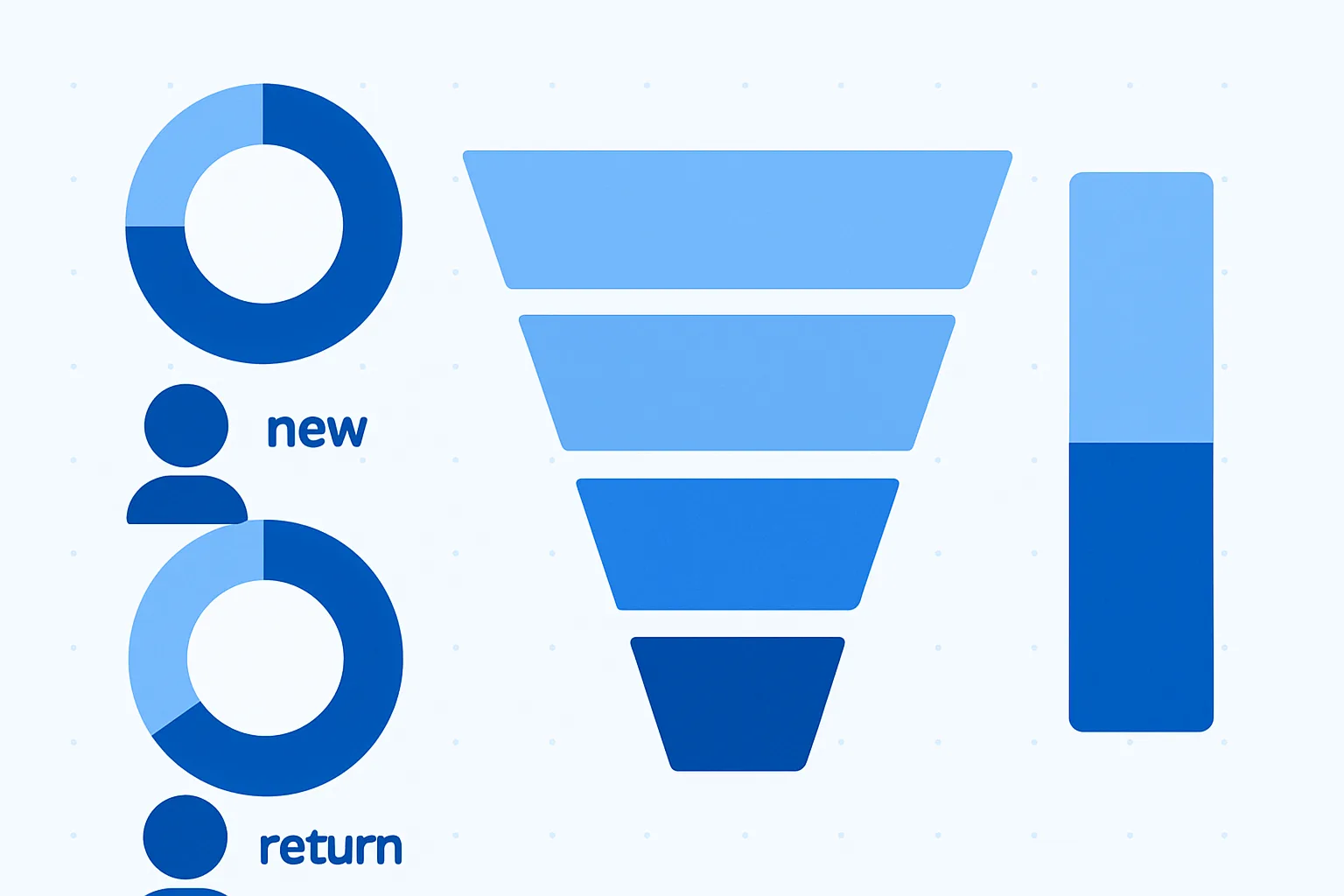
NCA goals work by tagging conversions as "new customer" or "existing customer" and then telling Smart Bidding to either optimise exclusively for new customers or bid a higher value for new customers than returning ones.
There are two modes:
- New customers only: Smart Bidding treats existing customer conversions as zero value and focuses entirely on new customer acquisition. Best for brands trying to maximise new customer growth regardless of cost.
- New customers + higher value: Smart Bidding bids for all customers but assigns a higher value to new customers. Best for balancing retention and acquisition. The value differential is a "new customer value" you specify (e.g. if a new customer is worth 3x more than a returning one, set the new customer value accordingly).
How Google Identifies New vs Returning Customers
Google uses three signals to classify customers:
- Your first-party list: a customer list you upload (email addresses of existing customers). Anyone on the list is classified as existing; anyone not on the list is treated as new.
- Google's signals: for accounts without a first-party list, Google uses its own data signals to estimate whether the converting user is a new or returning customer. Less accurate than your own list.
- Combined: both your list and Google's signals, which improves accuracy.
Setting Up New Customer Acquisition Goals
- In Google Ads: Goals then Conversions then Customer acquisition
- Enable the customer acquisition goal for your account or specific campaigns
- Choose your mode: "Optimize for new customers only" or "Optimize for new and returning customers, bidding higher for new customers"
- If using the higher value mode: enter the additional value to assign to new customer conversions
- Upload a customer match list of existing customer emails to improve identification accuracy
- At the campaign level: enable the customer acquisition goal in campaign settings
Tracking Requirements
NCA goals require that your purchase conversion action sends transaction values dynamically — Smart Bidding needs a value to work with. If you use a fixed conversion value, the mode "new customers + higher value" cannot work properly.
For ecommerce, ensure your Google Tag Manager conversion tag is sending the actual transaction value with each purchase event.
When NCA Goals Work Best
- Ecommerce businesses with high repeat purchase rates where existing customers already know to return
- Subscription businesses wanting to maximise new subscriber growth
- Brands at scale with large existing customer lists that improve new customer identification accuracy
When to Skip NCA Goals
- New businesses without an existing customer list — insufficient signal for accurate classification
- Low-volume accounts — Smart Bidding needs enough data to differentiate
- Single-purchase products where customer lifetime value does not differ significantly between first and repeat purchases
Summary
New Customer Acquisition goals are one of the most strategically valuable features in Smart Bidding — they align your ad spend with your actual business growth objective. The key requirements are dynamic conversion values, a first-party customer list, and enough conversion volume for Smart Bidding to learn.
See our Google Ads Conversion Tracking service for professional setup.
Want to set up NCA goals for your account? Contact Adslytics.
Need expert tracking setup?
Our Google Tag Manager experts have delivered 500+ tracking setups with a 98% success rate.
Get a Free Consultation →