The Measurement Gap Is Growing
In 2020, a click-to-conversion path was fairly simple: user clicks ad, lands on your site, Google cookie tracks the session, user converts. Simple, reliable, accurate.
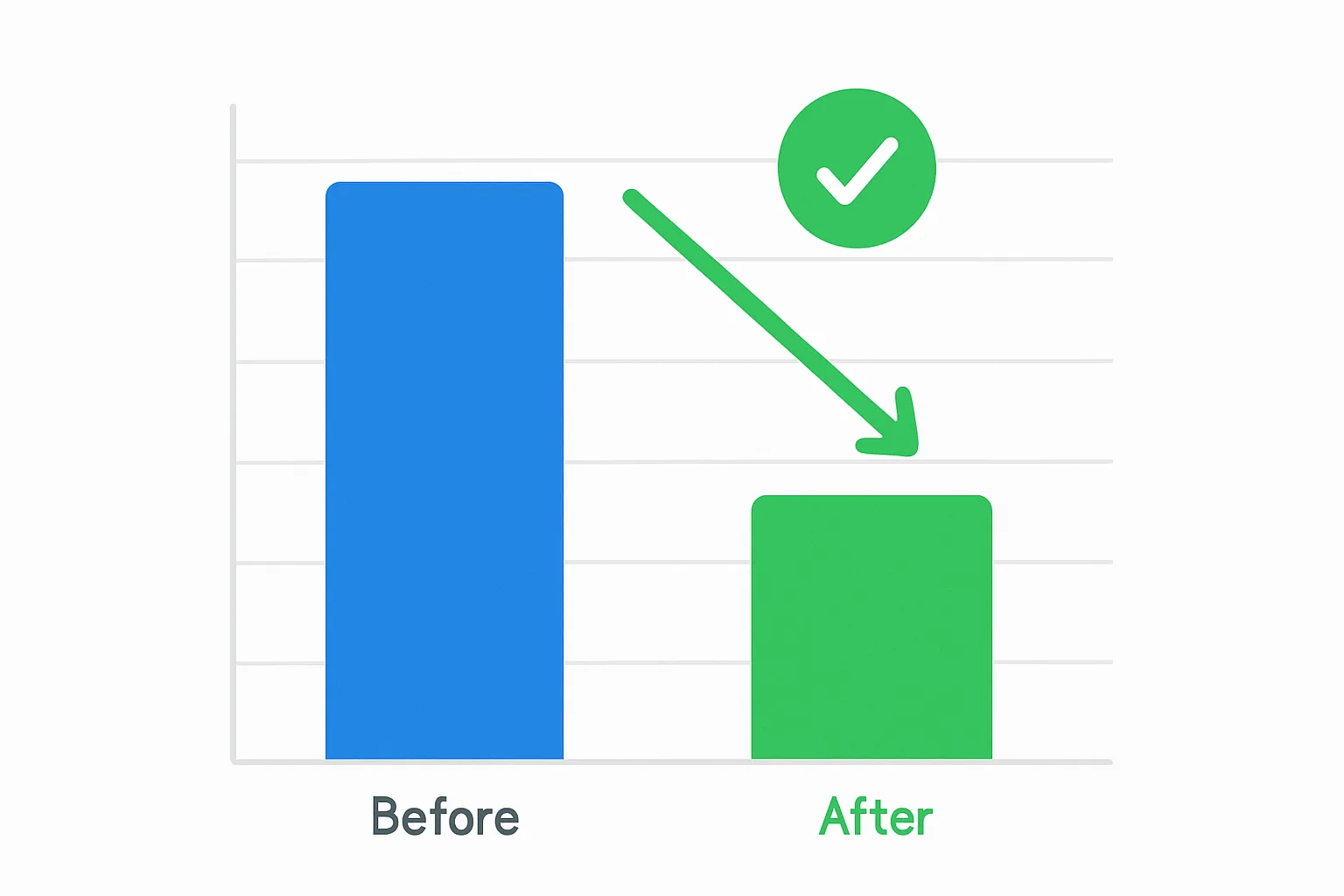
In 2026, that same path is riddled with gaps. Safari deletes cookies after 7 days. Firefox caps them at 7 days. Ad blockers block Google scripts. iOS limits tracking. The result: most advertisers are missing 15 to 35 percent of their actual conversions in their Google Ads data.
Enhanced conversions close that gap.
What Are Enhanced Conversions?
Enhanced conversions are a Google Ads feature that improves the accuracy of your conversion measurement by supplementing existing tracking with hashed first-party data.
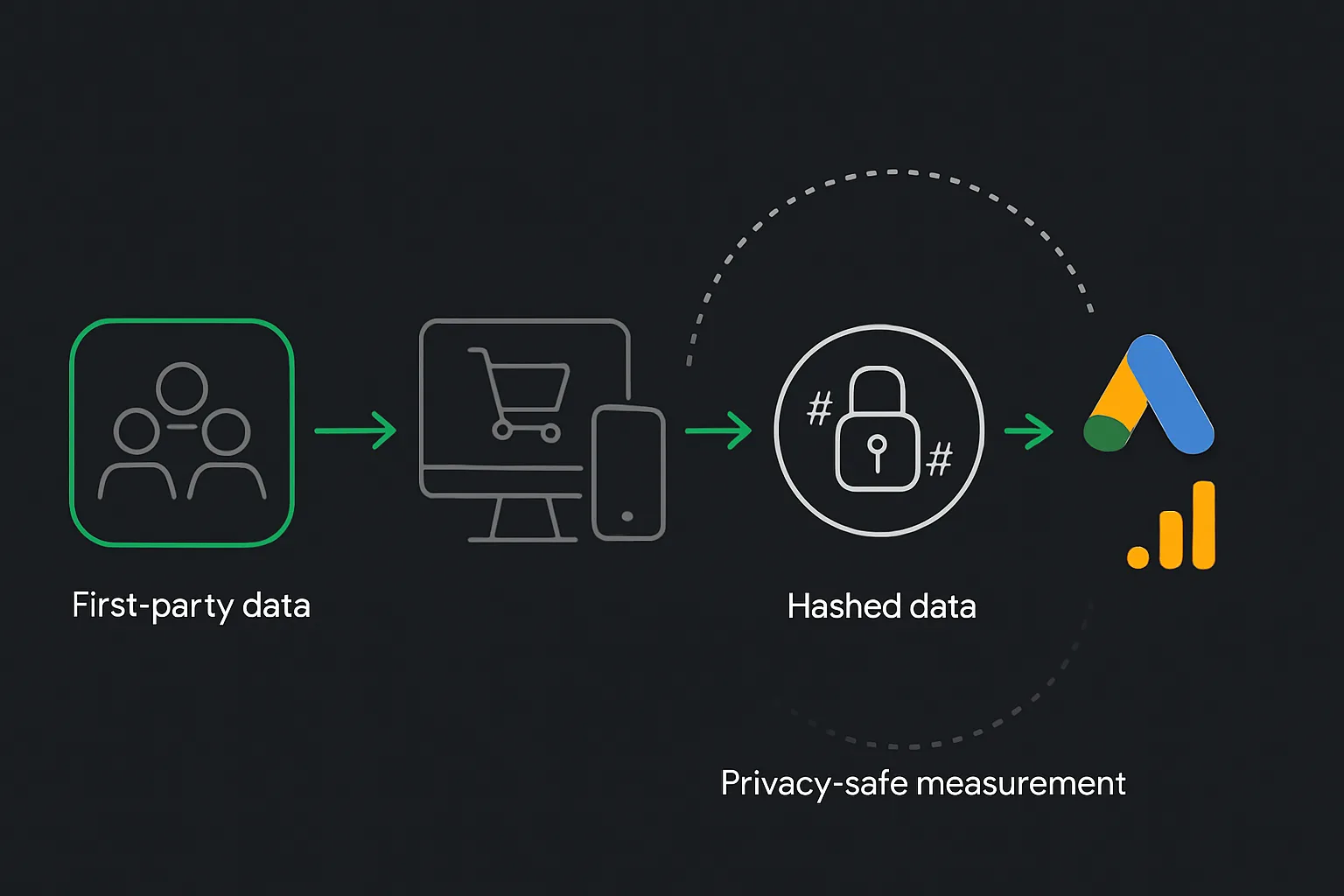
When a user converts on your website, you capture data they provided during the conversion — their email address, name, or phone number. Google hashes this data using SHA-256 and sends the hash to Google servers. Google then tries to match that hash to a signed-in Google account, recovering conversions that would otherwise be lost to privacy restrictions.
The key point: you never send raw personal data to Google. The hashing happens in your browser or via GTM before transmission. Google only ever receives the hash.
Why Enhanced Conversions Matter in 2026
Recovery Rate
Google published data shows enhanced conversions recover an average of 5 to 30 percent of missed conversions. For high-ticket accounts where each conversion is worth thousands, even a 5 percent improvement in measurement means significantly better bidding decisions.
Better Smart Bidding
Google automated bidding strategies use your conversion data as training data. More accurate conversion data means better bidding decisions, which means lower CPAs and higher ROAS over time.
Cross-Device Attribution
Enhanced conversions work across devices. If a user clicks an ad on mobile but converts on desktop three days later, enhanced conversions can recover that attribution even if the original cookie was cleared.
Two Types of Enhanced Conversions
1. Enhanced Conversions for Web
For website conversions such as form submissions and purchases. Sends hashed customer data (email, name, phone, address) when the conversion happens. This is the most commonly implemented type.
2. Enhanced Conversions for Leads
Designed for lead generation where the actual value of a lead is determined offline. You capture the hashed email when the lead submits a form, then upload that data to Google when the lead converts to a sale. This lets Google Ads understand which ad clicks are generating real revenue — not just form fills.
How Enhanced Conversions Work
- User clicks your Google Ad and arrives on your website
- User completes a conversion — purchases a product, submits a contact form, or signs up
- Your page via GTM captures the customer email, phone, and name from the form fields
- This data is hashed with SHA-256 on the client side
- The hashed data is sent to Google alongside the conversion event
- Google cross-references the hash against signed-in Google accounts
- If there is a match, Google recovers the conversion path even if the cookie was lost
Setting Up Enhanced Conversions for Web via GTM
- In Google Ads: Tools and Settings then Conversions, select the conversion action, then turn on Enhanced conversions
- In GTM: go to your Google Ads Conversion Tracking tag and enable "Include user-provided data from your website"
- Create a User-Provided Data variable in GTM that reads from your data layer
- Map the fields: Email Address, Phone Number, First Name, Last Name
- At minimum, map Email Address because it has the highest match rate
- Test in GTM Preview mode and confirm enhanced conversion data appears in Tag Assistant
- Publish the GTM container
Your data layer should look like this on the thank-you page:
dataLayer.push({
  event: "purchase",
  user_data: {
    email: "customer@example.com",
    phone_number: "+447700900000",
    first_name: "John",
    last_name: "Smith"
  }
});
Common Mistakes to Avoid
- Not mapping email: Email has the highest match rate. Always include it.
- Pre-hashing data yourself: GTM handles hashing automatically. If you hash first and then send the hash, Google hashes it again and the match fails.
- Only enabling for one conversion action: Enable enhanced conversions on all your purchase and lead form conversion actions.
- Ignoring the data layer: If customer data is not available in the data layer, enhanced conversions cannot work. Make sure your thank-you page outputs the email.
Summary
Enhanced conversions are one of the highest-ROI tracking improvements you can make to a Google Ads account in 2026. They are free, they do not compromise user privacy, and they measurably improve conversion recovery and Smart Bidding performance.
If you are spending serious money on Google Ads and have not enabled enhanced conversions, you are leaving data on the table — and your Smart Bidding is working with incomplete information.
Need help setting up enhanced conversions correctly? Get in touch with Adslytics.
Need expert tracking setup?
Our Google Tag Manager experts have delivered 500+ tracking setups with a 98% success rate.
Get a Free Consultation →