Quick Summary
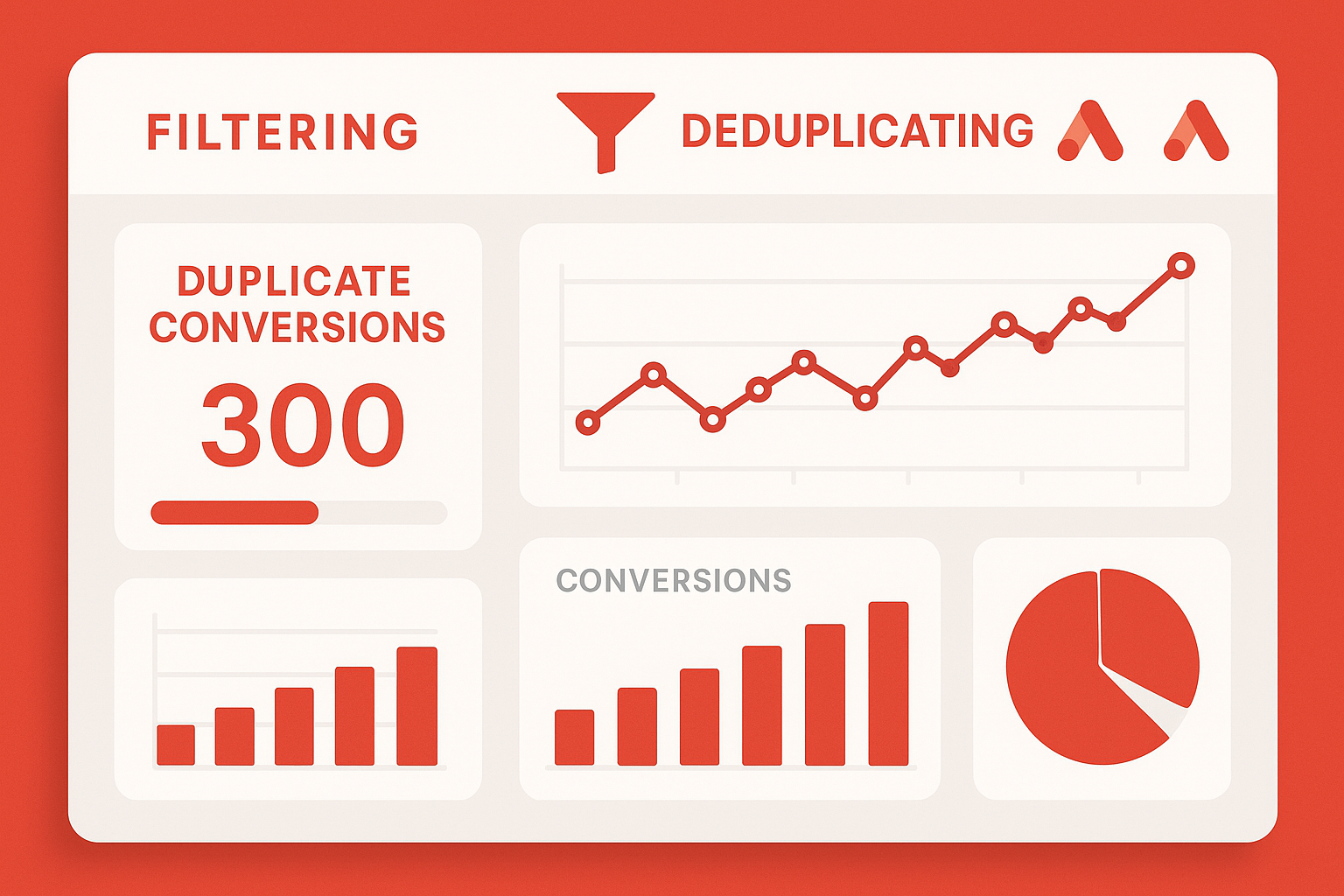
Duplicate conversions can skew your data and lead to inaccurate performance metrics in Google Ads. The "Conversion deduplication" setting, particularly through the use of order IDs or transaction IDs, helps in eliminating these duplicates. This blog post explores the causes of duplicate conversions, the role of the ORDER_ID deduplication parameter, how to set it up in Google Tag Manager (GTM), and best practices to ensure accurate conversion tracking across your advertising efforts.
Understanding Duplicate Conversions
Duplicate conversions occur when the same conversion action is recorded multiple times for a single event, leading to inflated conversion numbers. This can happen due to a variety of reasons:
- Multiple tracking scripts firing simultaneously.
- Improper setup of conversion actions in Google Ads.
- Users navigating back to the confirmation page and triggering the conversion script again.
- Cross-device or cross-browser tracking issues.
These inaccuracies can hinder your ability to make data-driven decisions regarding your advertising strategies.
The Role of ORDER_ID in Conversion Deduplication
The ORDER_ID or transaction ID is a unique identifier assigned to each transaction. By utilizing this ID, Google Ads can accurately detect and eliminate duplicate conversions. Here's how it works:
- When a conversion occurs, the ORDER_ID is sent along with the conversion data to Google Ads.
- Google Ads checks if the ORDER_ID has been processed before.
- If it hasn’t, the conversion is recorded. If it has, the conversion is ignored, thereby preventing duplicates.
How to Set Up ORDER_ID Deduplication in GTM
- Ensure that your eCommerce platform generates a unique order ID for each transaction.
- In Google Tag Manager, create a new Data Layer variable to capture the order ID.
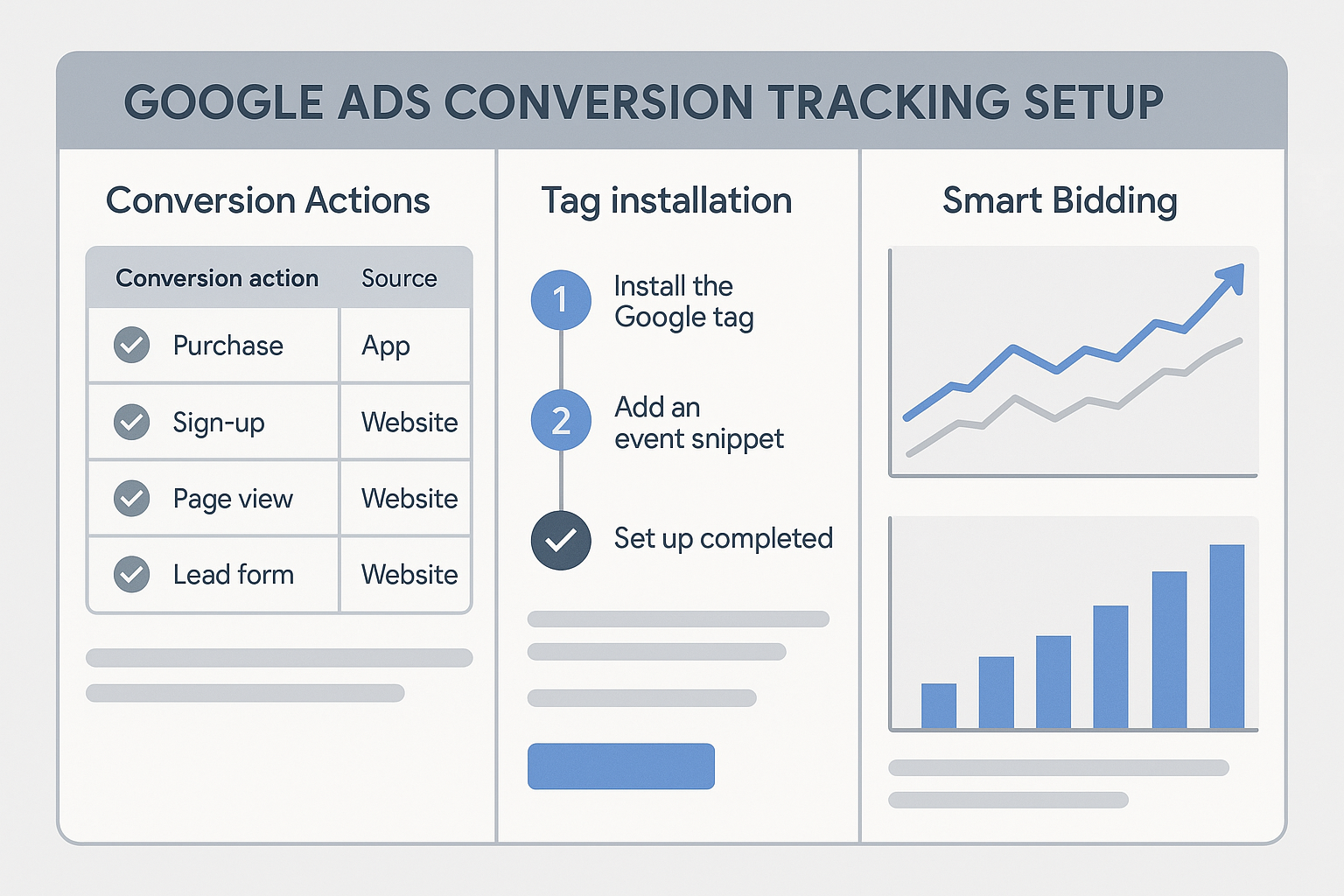
- Configure your Google Ads conversion tag to include the ORDER_ID variable. This can typically be done by modifying the conversion tag's settings to include your custom variable.
- Test the setup thoroughly to ensure that the order ID is being correctly captured and sent with each conversion.
Testing for Duplicate Conversions
Testing is crucial to ensure that your deduplication setup is functioning as expected. Here are a few steps you can take:
- Simulate a Conversion: Complete a purchase on your site to see if the order ID is being correctly captured and sent.
- Use Google Tag Assistant: This tool can help verify if the tags are firing correctly and whether duplicates are being prevented.
- Check Google Ads Reports: Monitor your Google Ads account for any signs of duplicate conversions. The numbers should align with your actual sales data.
Additional Considerations for Accurate Conversion Tracking
Utilizing Auto-Tagging
Auto-tagging is a feature in Google Ads that appends the GCLID (Google Click Identifier) to your URLs. This helps in accurately tracking user interactions and conversions. For more insights, refer to our GCLID Explained blog post.
Cross-Account Conversion Settings
If you manage multiple accounts, cross-account conversion settings can help streamline the tracking process, ensuring consistent and accurate data across all accounts. This is particularly useful for agencies managing several clients under a single umbrella.
FAQs
What causes duplicate conversions in Google Ads?
Duplicate conversions can be caused by multiple tracking scripts firing simultaneously, improper setup of conversion actions, users revisiting confirmation pages, and cross-device tracking issues.
How does the ORDER_ID parameter work in deduplication?
The ORDER_ID parameter assigns a unique identifier to each transaction. Google Ads uses this identifier to check for prior records of the conversion, thus preventing duplicates.
Can I use GTM to set up conversion deduplication?
Yes, Google Tag Manager is an effective tool for configuring conversion deduplication by capturing and passing the ORDER_ID with each conversion event.
Why is auto-tagging important for conversion tracking?
Auto-tagging appends the GCLID to your URLs, allowing for precise tracking of user interactions and conversions, which is crucial for accurate attribution in Google Ads campaigns.
What are cross-account conversion settings?
Cross-account conversion settings allow you to manage conversion tracking across multiple Google Ads accounts, ensuring consistency and accuracy in your data.
Conclusion
Eliminating duplicate conversions is essential for maintaining accurate and reliable data in your Google Ads campaigns. By leveraging the ORDER_ID parameter and configuring your tracking setups through Google Tag Manager, you can ensure precise conversion tracking. For further assistance with conversion tracking, contact Adslytics today and let our experts help streamline your analytics processes.
Need expert tracking setup?
Our Google Tag Manager experts have delivered 500+ tracking setups with a 98% success rate.
Get a Free Consultation →