Quick Summary
Connecting your CRM to Google Ads for offline conversion tracking is crucial for B2B businesses aiming to optimize their marketing strategies. This guide covers the importance, methods, and a step-by-step workflow for capturing and uploading GCLID. Additionally, you'll learn how Smart Bidding utilizes CRM data to enhance ad performance.
Why CRM-to-Google Ads Matters for B2B
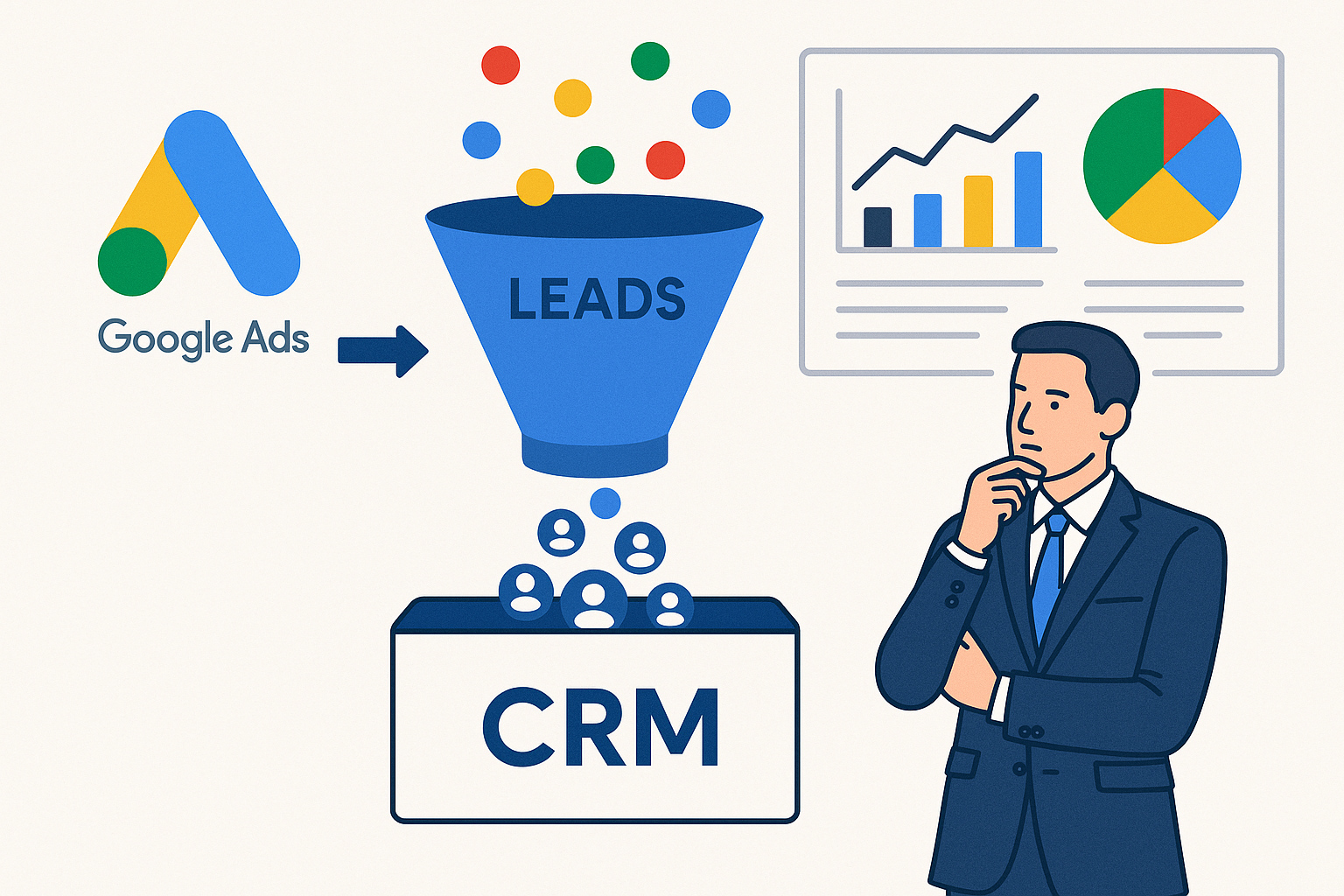
B2B businesses often face longer sales cycles and require multiple touchpoints before a sale is completed. By connecting CRM data to Google Ads, businesses can bridge the gap between online interactions and offline sales activities.
- Accurate ROI Tracking: Aligning CRM data with Google Ads allows for precise ROI measurement, ensuring that the marketing budget is effectively allocated.
- Enhanced Targeting: Leveraging CRM insights helps in refining audience targeting, resulting in higher quality leads.
- Improved Campaign Performance: Incorporating offline conversion data into Google Ads campaigns enhances the overall performance and efficiency of ad spend.
Methods to Connect CRM to Google Ads
Several methods exist for integrating CRM data with Google Ads, each with its unique advantages.
1. Google Ads Direct Import
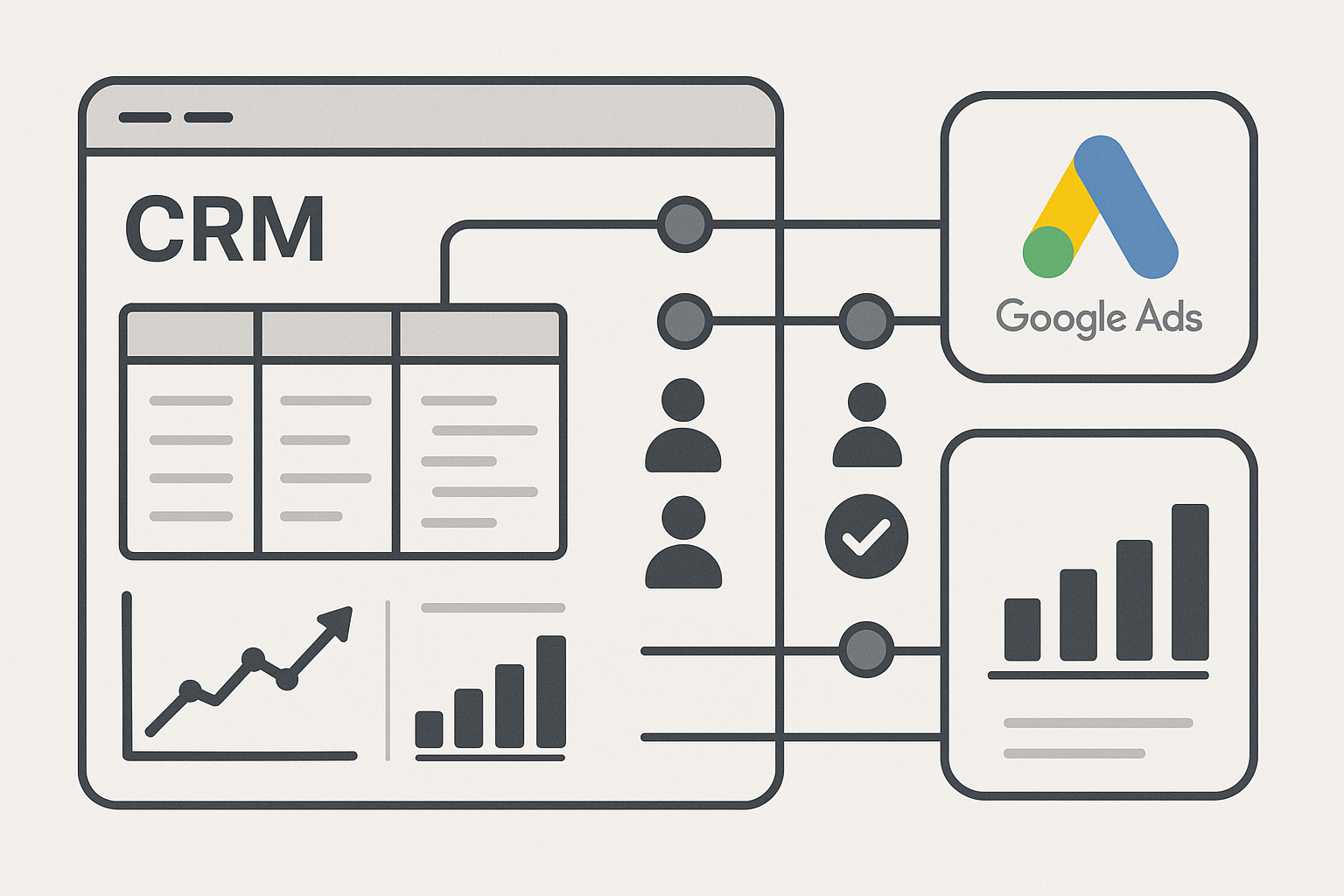
Google Ads offers a direct import feature that allows businesses to upload offline conversion data directly from their CRM. This method ensures that all data is synchronized and accurately reflects the customer journey.
2. GCLID Capture in CRM
Capturing the Google Click Identifier (GCLID) within your CRM system is a fundamental step for tracking offline conversions. Understanding how GCLID works is crucial, as outlined in our GCLID Explained blog post.
3. Enhanced Conversions for Leads
Enhanced Conversions for Leads is a feature that helps improve the accuracy of your conversion measurement by using first-party data from your CRM. This method enhances the reliability of conversion tracking without third-party cookies.
4. HubSpot/Salesforce Native Integrations
Both HubSpot and Salesforce offer native integrations with Google Ads. These integrations simplify the process of linking CRM data to your ad campaigns, allowing for seamless data flow.
5. Zapier
Zapier acts as a bridge between your CRM and Google Ads, automating data transfer without the need for manual uploads. This tool is particularly useful for businesses lacking native CRM integrations.
Step-by-Step GCLID Capture and Upload Workflow
To effectively track offline conversions, capturing and uploading GCLID is essential. Here’s a detailed workflow:
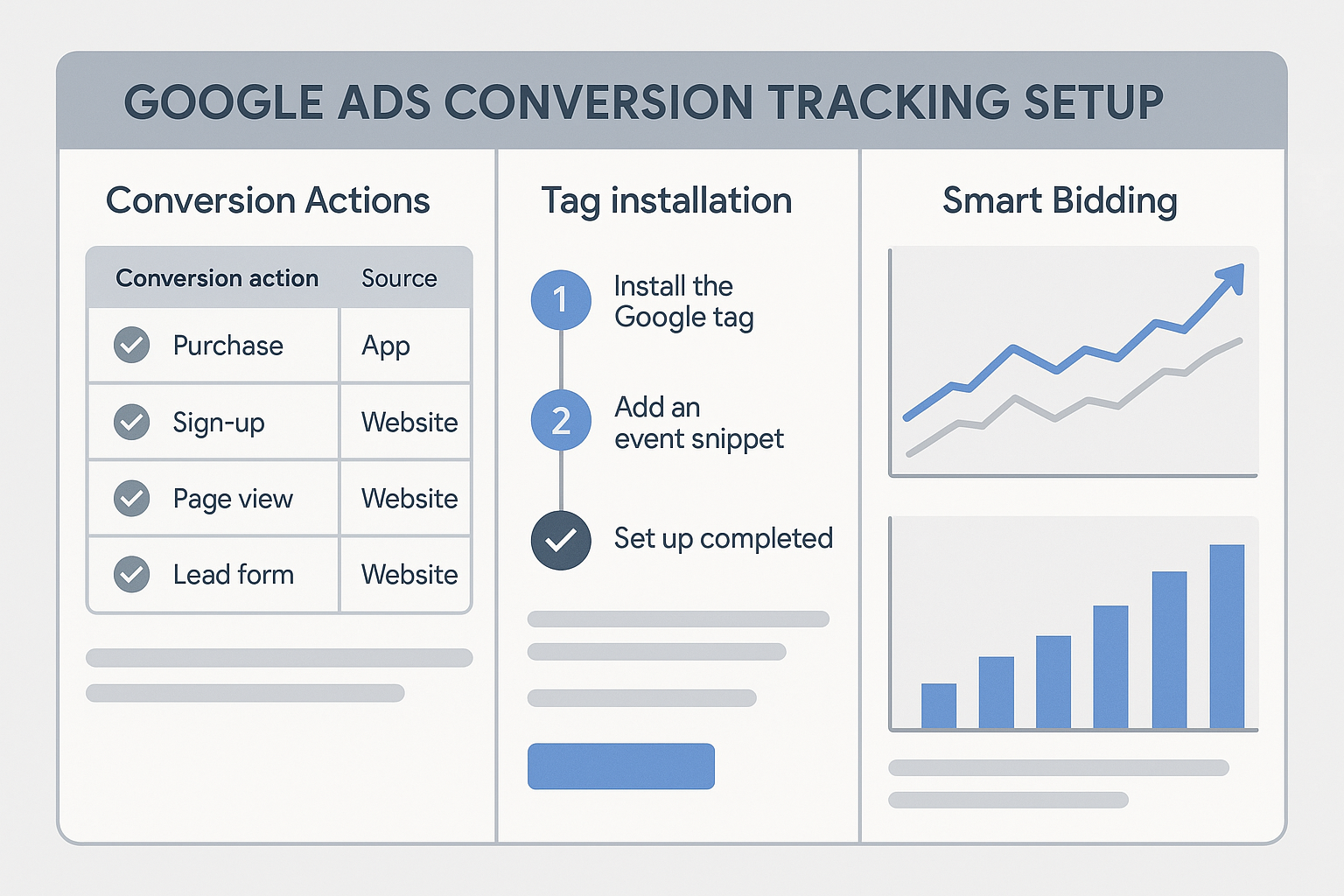
- Set Up Google Tag Manager: Ensure you have a proper Google Tag Manager setup to capture GCLID on your landing pages. GTM will facilitate the extraction and storage of GCLID in a cookie or hidden field.
- Capture GCLID in Your CRM: Modify your CRM form to include a hidden field for GCLID. Use GTM to populate this field when a user submits the form.
- Upload GCLID to Google Ads: Periodically export your CRM data with the captured GCLID and upload it to Google Ads as offline conversion data.
- Verify Data Accuracy: Ensure the uploaded data matches the required format and that the GCLID values are accurate.
- Analyze and Optimize: Regularly analyze the conversion data within Google Ads to refine your targeting and bidding strategies.
How Smart Bidding Improves with CRM Data
Smart Bidding in Google Ads leverages machine learning to optimize bids for conversions or conversion value across each auction. By incorporating CRM data, Smart Bidding can significantly enhance its performance:
- Better Prediction Models: Access to offline conversion data allows Smart Bidding to build more accurate prediction models, improving bid adjustments.
- Enhanced Bid Strategies: Using CRM data, Google Ads can optimize bids based on the potential value of a conversion, not just the likelihood of conversion.
- Increased Efficiency: With richer data, Smart Bidding allocates budget more efficiently, ensuring that high-value leads are prioritized.
FAQs
1. What is the benefit of connecting CRM to Google Ads?
Connecting CRM to Google Ads allows businesses to track offline conversions, optimize ad spend, and improve targeting by aligning online ad data with offline sales data.
2. How does Enhanced Conversions for Leads work?
Enhanced Conversions for Leads uses first-party data from your CRM to improve conversion tracking accuracy, even without third-party cookies, by matching conversion events to ad clicks.
3. Can I use Zapier for CRM to Google Ads integration?
Yes, Zapier can automate the process of transferring CRM data to Google Ads, especially when native integrations are unavailable.
4. What role does GCLID play in offline conversion tracking?
GCLID is a unique identifier that connects ad clicks to conversions, allowing businesses to track and attribute offline sales back to specific Google Ads campaigns.
5. How often should I upload offline conversion data to Google Ads?
It's advisable to upload offline conversion data regularly, such as weekly or bi-weekly, to ensure that your campaigns are optimized with the most current data.
Conclusion
Integrating your CRM with Google Ads for offline conversion tracking is an essential strategy for optimizing marketing effectiveness, particularly for B2B enterprises. By following the methods and steps outlined in this guide, you can ensure that your ad campaigns are effectively aligned with your sales data, leading to improved ROI and performance. For any assistance with setting up these integrations, feel free to contact Adslytics for expert guidance.
Need expert tracking setup?
Our Google Tag Manager experts have delivered 500+ tracking setups with a 98% success rate.
Get a Free Consultation →