The Ecommerce Data Challenge
Ecommerce businesses face a specific tension with privacy regulations: conversion data (purchase events, add-to-cart events) is essential for campaign optimisation, but collecting this data requires user consent in GDPR markets. Consent Mode v2 is the framework that allows ecommerce sites to remain compliant while maximising the data quality that reaches Google Ads and GA4.
Priority Data for Ecommerce
For ecommerce tracking under Consent Mode, prioritise getting the following data signals through:
- Purchase events: the most valuable conversion signal. Ensure the purchase event data layer push and GA4 tag are correctly configured so they fire for consenting users with full order data (transaction ID, revenue, items)
- Enhanced Conversions: for consenting users, send hashed email to recover conversions that browser-side cookies miss. This works in parallel with Consent Mode
- Server-side tracking: for the highest data completeness, implement server-side GTM to send purchase events from your server to Google APIs, bypassing browser-side limitations
Consent Banner Placement for Ecommerce
For ecommerce flows, the position and timing of the consent banner matters significantly:
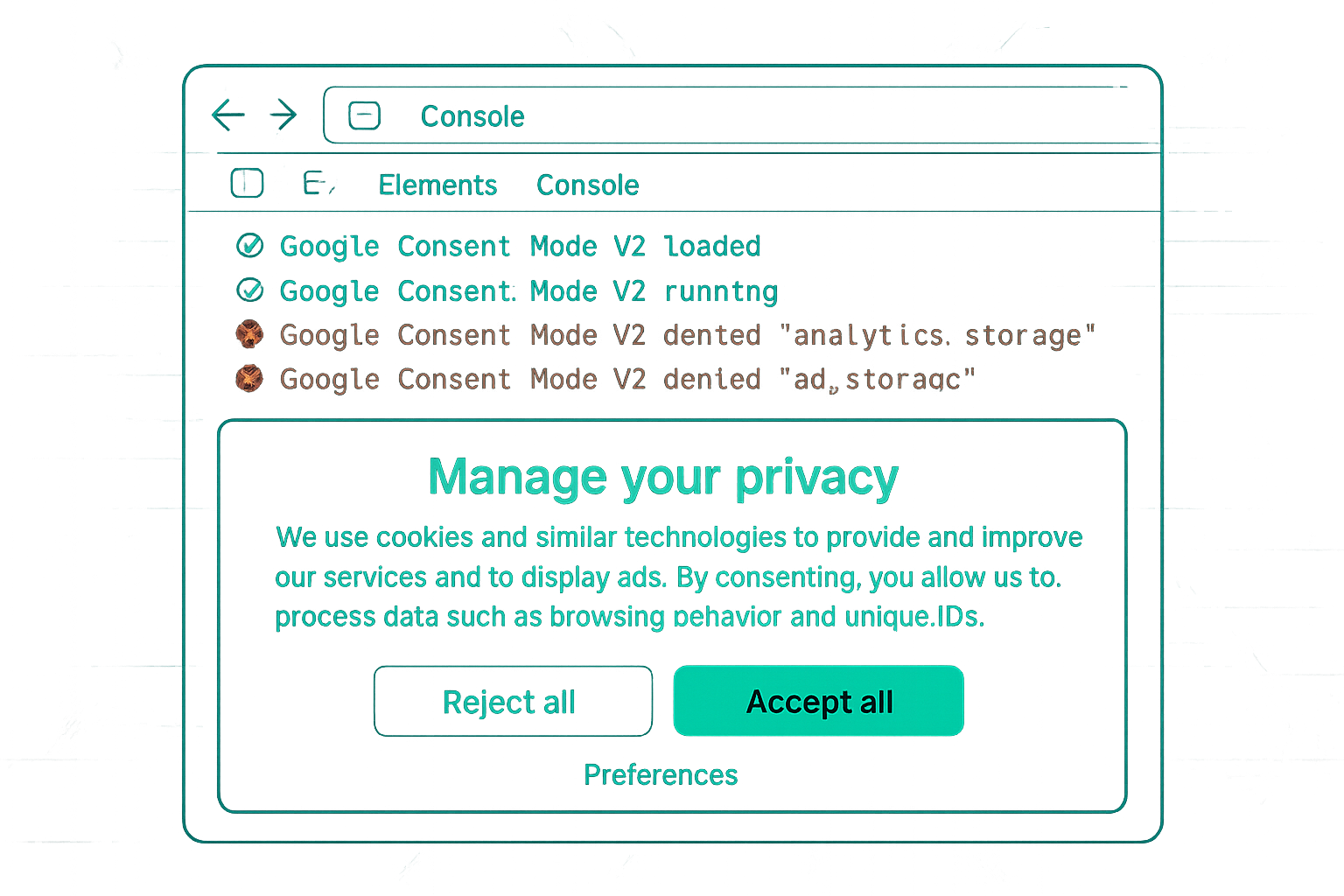
- Show the consent banner on first page load — do not delay it until checkout
- Do not block the checkout process behind consent acceptance — this is not required and will hurt conversion rates
- Consider a banner design that presents a clear value exchange: "Accept analytics to help us improve your experience" performs better than a compliance-framed banner
ecommerce Data Layer and Consent
The ecommerce data layer push happens server-side on the confirmation page (recommended) — it contains order data from your backend. This data layer push is not itself consent-dependent: it adds data to the JavaScript data object. Whether the GA4 tag consumes that data and sends it to Google depends on consent state.
Implication: if you are using server-side rendering to push order data to the data layer, your technical setup is fine. The consent layer sits between the data layer push and the GA4 tag fire.
Measuring Consent Mode Effectiveness
For ecommerce, measure Consent Mode effectiveness by comparing:
- Backend order count vs GA4 purchase event count (expect 15-30% gap even with Consent Mode)
- GA4 reported conversions vs Google Ads modelled + observed conversions (Consent Mode modelling should narrow the gap)
- Consent rate over time (track monthly) — a declining consent rate means growing data gap
Summary
Ecommerce Consent Mode v2 implementation should prioritise: correct purchase event tracking for consenting users, Enhanced Conversions to improve match rate for those users, server-side tracking to improve data completeness, and a consent banner design that maximises consent rates without disrupting the purchase flow. The gap between observed and actual conversions is best closed through a combination of Consent Mode modelling, Enhanced Conversions, and server-side tracking working together.
See our Consent Mode v2 Implementation service for ecommerce tracking setup.
Need Consent Mode set up for your ecommerce store? Contact Adslytics.
Need expert tracking setup?
Our Google Tag Manager experts have delivered 500+ tracking setups with a 98% success rate.
Get a Free Consultation →