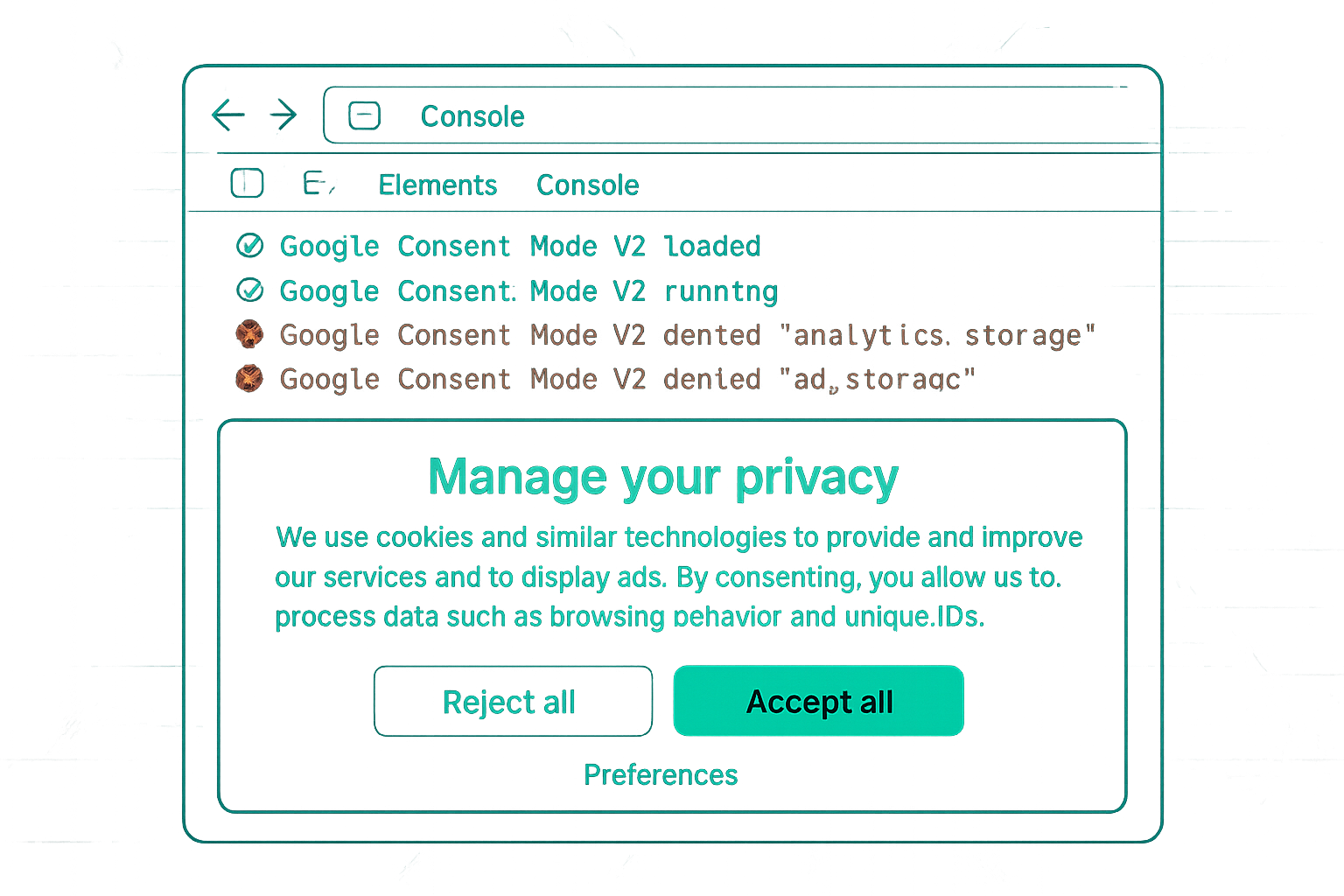
Error 1: Default State Not Set Before Google Tags Fire
Symptom: In GTM Preview Consent tab, consent types show as "Unspecified" rather than "Denied" on first page load.
Cause: The consent default tag is not on the "Consent Initialization" trigger. It fires after the page view event — after GA4 and Google Ads tags have already fired without receiving a consent signal.
Fix: Change the trigger on the consent default tag from "All Pages" to "Consent Initialization." This is a special trigger type that fires before all other tags.
Error 2: Consent Update Only Fires on First Visit, Not Return Visits
Symptom: On first visit, the banner shows and consent updates correctly. On subsequent visits (returning user with consent cookie), the Consent tab shows "Denied" initially, then updates to "Granted" after a delay. During that delay, Google tags fire without correct consent signals.
Cause: The CMP's GTM tag reads the stored consent cookie and calls the update, but this fires after the DOM Ready event rather than on the Consent Initialization trigger.
Fix: Ensure the CMP's GTM tag fires on the Consent Initialization trigger (not Dom Ready or Window Loaded). Check your CMP's GTM template — some have a specific trigger type requirement documented.
Error 3: Missing New Consent Types (v1 Not Updated to v2)
Symptom: Google Ads shows a warning that Consent Mode v2 signals are not received. In GTM Preview, only analytics_storage and ad_storage update; ad_user_data and ad_personalization remain "Denied" always.
Cause: The consent default tag and/or CMP update tag was set up for v1 and never updated to include the two new v2 consent types.
Fix: Update the default tag to include all four types. Update the CMP GTM tag to the latest version (most CMP providers have released v2 updates).
Error 4: All Consent Types Granted Regardless of User Choice
Symptom: In GTM Preview, all consent types show "Granted" even when the user declines marketing cookies. All users appear to be tracked with full consent.
Cause: The CMP's consent update code calls gtag('consent', 'update', {'ad_storage': 'granted', ...}) for all categories regardless of user choice. This may be a CMP misconfiguration or a hardcoded consent update in a Custom HTML tag.
Fix: Review all Custom HTML tags and CMP tags that call gtag('consent'). Ensure the update reflects the actual user choice. This error is a compliance violation — it grants consent that the user did not provide.
Error 5: Banner Not Showing for Returning Users
Symptom: The consent banner never appears for users who have visited before. In GTM Preview, consent state is "Granted" from page load without any banner interaction.
Cause: The CMP's prior consent cookie is being read and restored, granting consent from a previous visit. This is actually correct behaviour if the user accepted consent before — the stored consent is being honored. However, if users never saw the banner (e.g., it was recently added to the site), they may have an old consent cookie granting all permissions that they should have been asked about.
If the banner is new: clear the consent cookie to force the banner to re-appear. Most CMPs have a "consent reset" mechanism for all users on the next visit.
Summary
The five most common Consent Mode v2 errors: (1) default tag not on Consent Initialization trigger, (2) CMP tag not restoring consent correctly on return visits, (3) v1 default not updated with new ad_user_data and ad_personalization types, (4) consent update hardcoded to always 'granted' — a compliance violation, (5) returning users not seeing the banner when consent collection is newly added. Verify all five in GTM Preview Consent tab.
See our Consent Mode v2 Implementation service for error diagnosis.
Need Consent Mode v2 errors fixed? Contact Adslytics.
Need expert tracking setup?
Our Google Tag Manager experts have delivered 500+ tracking setups with a 98% success rate.
Get a Free Consultation →