The Quiet Default That Changed Everything
In late 2022, Google Ads stopped offering last-click as the default attribution model and replaced it with data-driven attribution (DDA) across all conversion actions. For most advertisers, this happened silently — no notification, no opt-in. Understanding what changed and why it matters is essential for anyone managing Google Ads conversion tracking.
What Is Data-Driven Attribution?
Data-driven attribution uses machine learning to assign fractional credit to each ad touchpoint in a conversion path based on its actual contribution to the conversion. Unlike last-click (which gives 100% credit to the final ad the user clicked before converting) or linear (which splits credit equally), DDA analyses patterns across thousands of conversion paths in your specific account to determine which touchpoints are genuinely influential.
If users who see your brand keyword ad after a non-brand keyword ad convert at twice the rate of those who only see the brand ad, DDA assigns significant credit to the non-brand keyword — even though the brand keyword was clicked last.
What DDA Requires to Work
Data-driven attribution is not available for all conversion actions. Google requires a minimum data threshold before it can generate reliable attribution patterns. Historically this was 300 conversions in 30 days per conversion action. With improvements to the model, Google has lowered this threshold for some account types — but low-volume conversion actions still fall back to last-click.
If your conversion action shows "Data-driven" in the attribution model column, the model has enough data. If it shows "Last click (insufficient data)", DDA is not yet active for that action.
How DDA Affects Smart Bidding
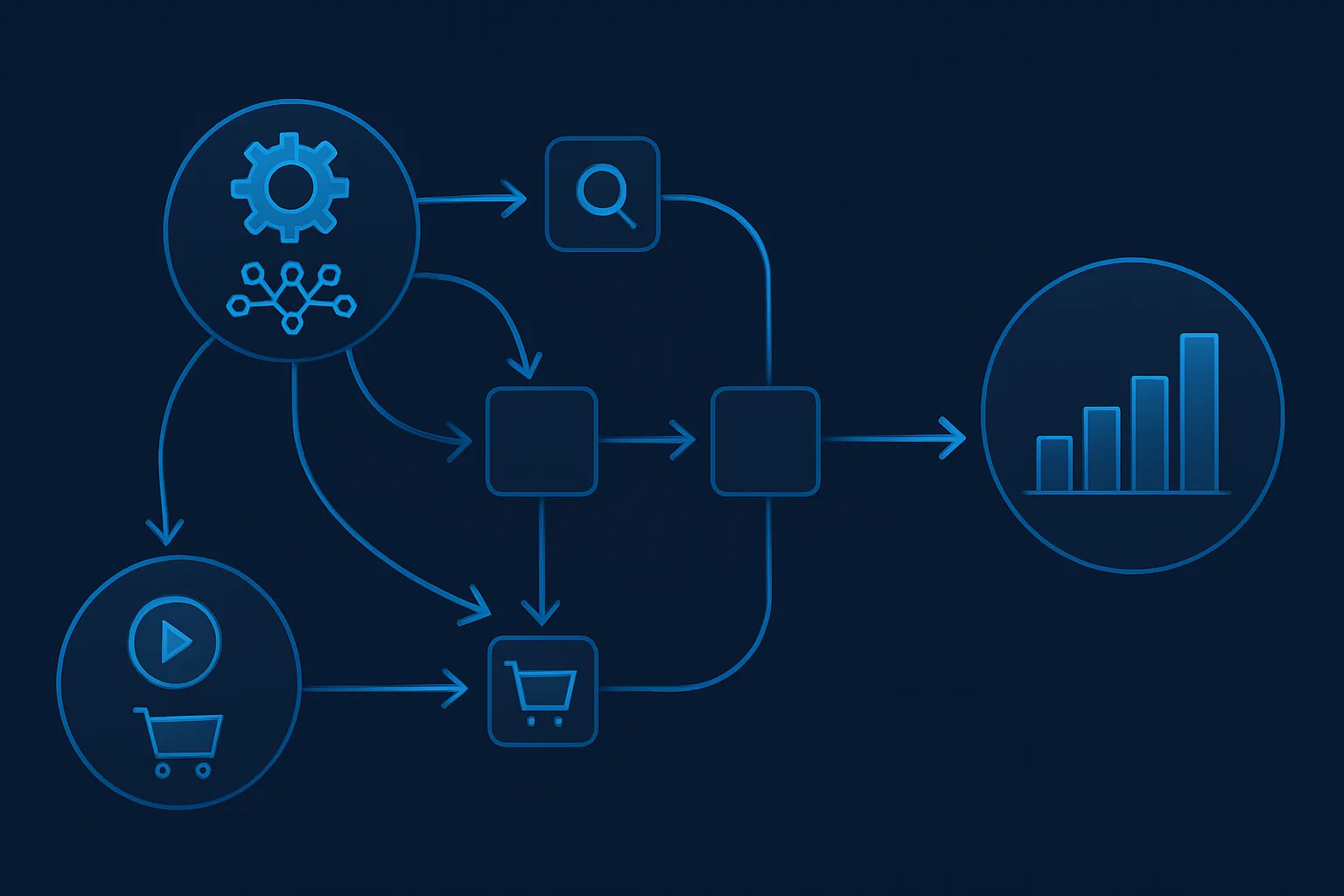
Smart Bidding uses the attributed conversion credit to make bid decisions. Under last-click, Smart Bidding credits only the final keyword in a conversion path. Under DDA, credit is distributed across all contributing keywords — meaning brand terms typically get less credit and upper-funnel non-brand terms get more.
The practical effect: Smart Bidding under DDA tends to bid more aggressively on non-brand and upper-funnel keywords, and slightly less on brand terms. For most accounts, this improves the overall return on ad spend because it allocates more budget to the keywords that actually initiate purchase journeys.
When DDA Helps
- Accounts with multi-touch conversion paths (users click multiple ads before converting)
- Accounts with long consideration cycles where several keywords contribute across multiple sessions
- Accounts where branded campaigns were capturing credit for conversions initiated by non-brand ads
When DDA Can Mislead
- Low-volume conversion actions with under 300 monthly conversions — the model falls back to last-click anyway but may still show "data-driven" with limited reliability
- Accounts where most conversions happen in a single session with a single click — DDA adds little over last-click in these cases
- When you are comparing historical performance pre- and post-DDA switch — attribution model changes affect how conversions appear in reports, creating artificial performance shifts that are not real
Checking Your Current Attribution Model
- In Google Ads: Tools and Settings then Conversions
- Add the "Attribution model" column if not already visible
- Check each active conversion action
- If any show "Last click (insufficient data)" — these are high-priority actions to grow in volume
Summary
Data-driven attribution is a meaningful improvement for most accounts — it gives Smart Bidding a more accurate picture of which keywords drive conversions, not just which ones happen to be clicked last. The key requirement is sufficient conversion volume. If your account is below the threshold, focus on increasing conversion volume first.
For a full review of your attribution settings, see our Google Ads Conversion Tracking service.
Questions about your attribution model? Contact Adslytics.
Need expert tracking setup?
Our Google Tag Manager experts have delivered 500+ tracking setups with a 98% success rate.
Get a Free Consultation →