Why Export GA4 Data to BigQuery
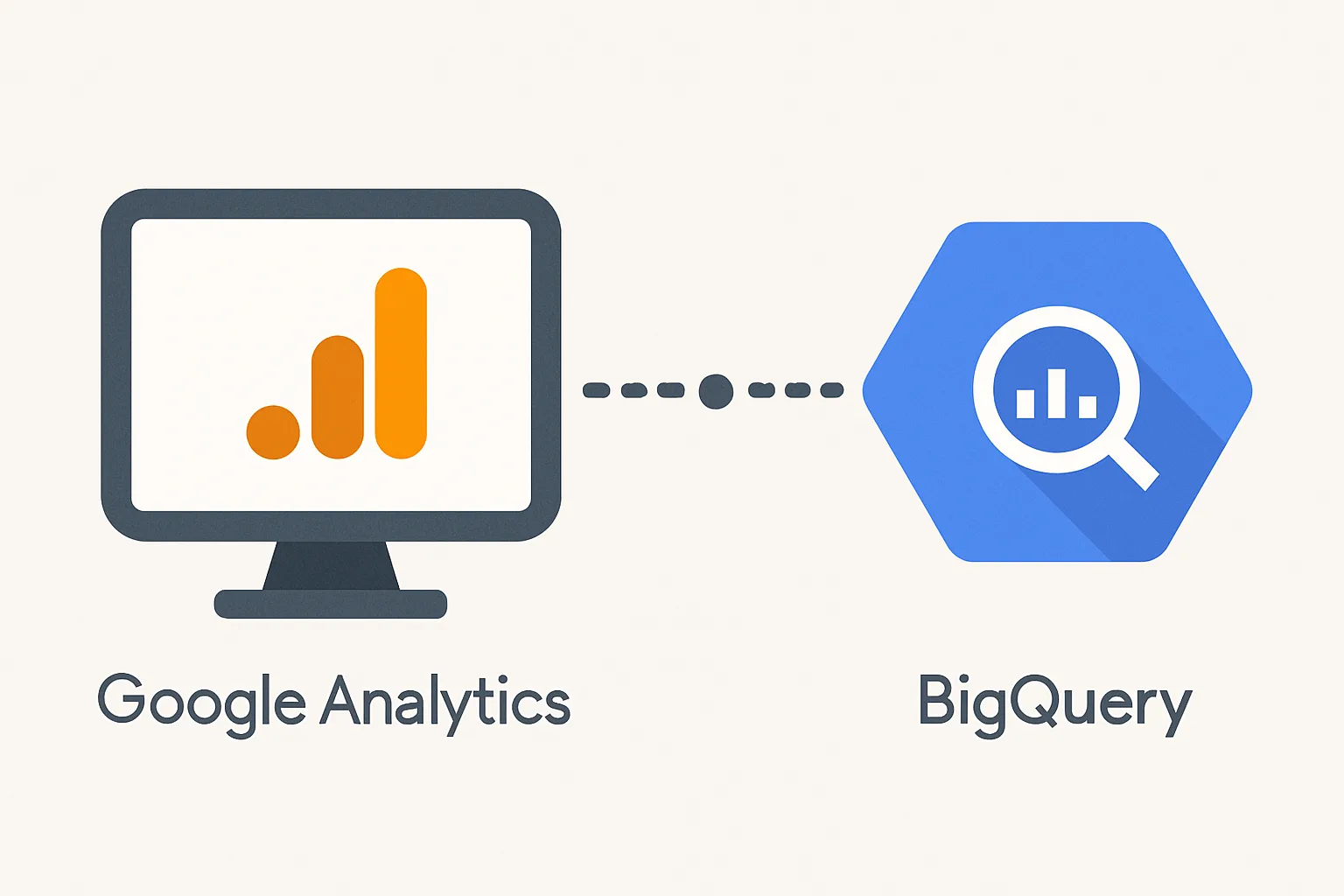
GA4's built-in reports are powerful but limited: data is sampled in high-traffic properties, retention is capped at 14 months, and many advanced analyses (cohort analysis, custom attribution, user-level path analysis) require the raw data. Exporting to BigQuery gives you the complete, unsampled event-level data with no retention limit — enabling SQL analysis beyond what GA4's interface provides.
Prerequisites
- A Google Analytics 4 property (GA4 Standard or GA4 360)
- A Google Cloud Platform (GCP) project with billing enabled
- BigQuery API enabled in the GCP project
- The GA4 property admin role OR Editor role in GCP
Note: GA4 BigQuery export is free for GA4 Standard properties for streaming exports. Storage and query costs in BigQuery are charged separately (typically a few dollars per month for most businesses).
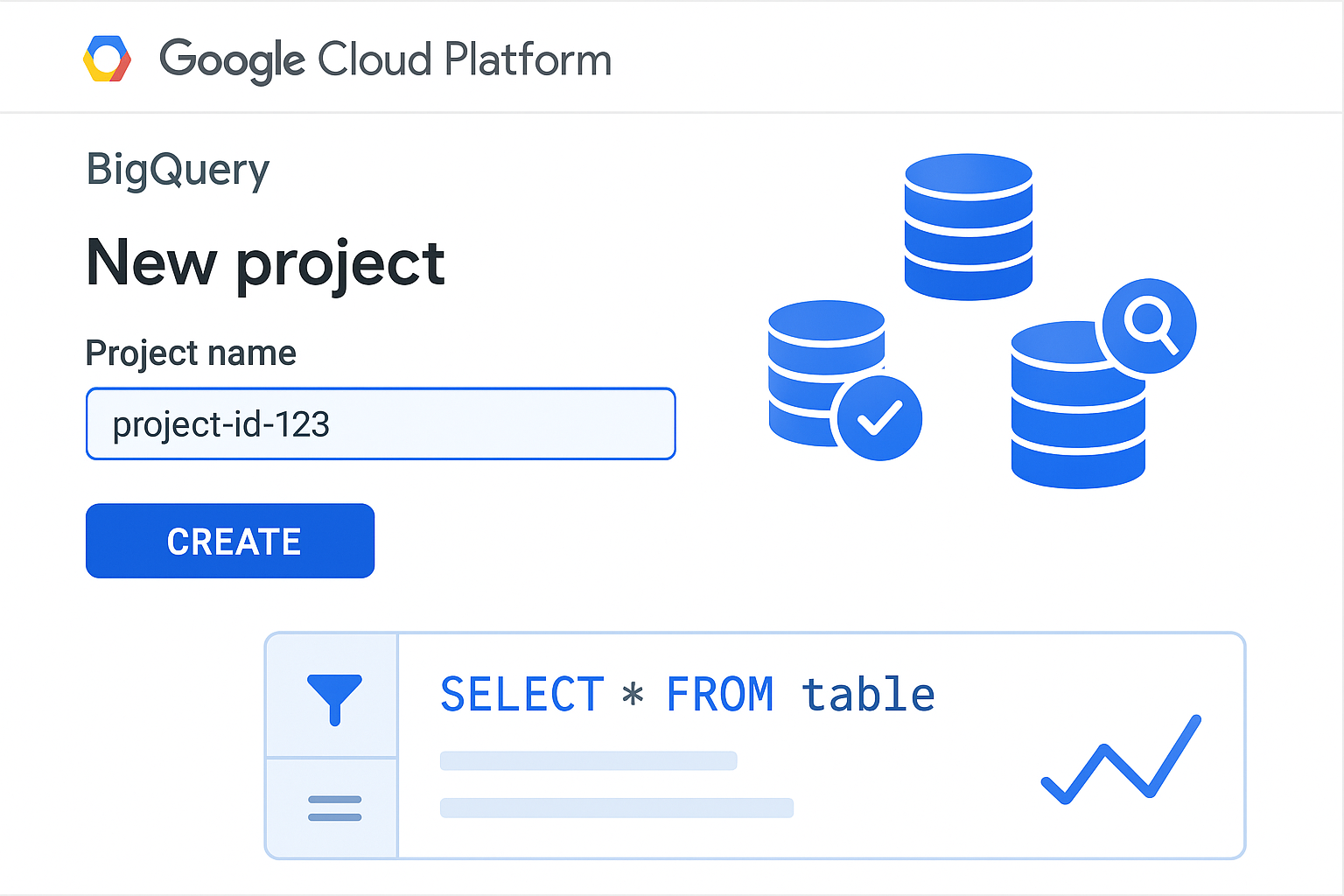
Step 1: Create a GCP Project
- Go to console.cloud.google.com
- Click "Create Project" → name it (e.g. "yourcompany-analytics")
- Enable billing: Billing → Link a billing account
- Enable BigQuery API: APIs & Services → Enable APIs → search "BigQuery API" → Enable
Step 2: Link GA4 to BigQuery
- GA4 Admin → Product Links → BigQuery Links → Link
- Choose your GCP project
- Select export type: Daily (recommended for most uses) or Streaming (real-time but costs more)
- Choose which events to export: All events (recommended) or specific events
- Choose your BigQuery location (region — pick the same region as where your data needs to stay)
- Submit
The first export typically arrives within 24 hours. Daily exports land each morning for the previous day's data.
Step 3: Verify the Export
- Go to BigQuery (console.cloud.google.com → BigQuery)
- Your project → datasets → a dataset named with your GA4 property ID (e.g. analytics_123456789)
- Inside: two table types: events_YYYYMMDD (daily export tables) and events_intraday_YYYYMMDD (same-day streaming)
- Click events_YYYYMMDD → Preview tab → should show rows of event data
Step 4: Run Your First Query
SELECT
  event_name,
  COUNT(*) as event_count
FROM `project-id.analytics_123456789.events_*`
WHERE _TABLE_SUFFIX BETWEEN '20260101' AND '20260131'
GROUP BY event_name
ORDER BY event_count DESC
This shows all events from January 2026 sorted by volume.
Summary
GA4 BigQuery export requires a GCP project with billing, BigQuery API enabled, and linking via GA4 Admin → BigQuery Links. Daily exports arrive the morning after the event date. Data lands in a dataset named analytics_PROPERTYID with daily table shards. BigQuery exports are free from GA4's side — you pay only for BigQuery storage (cents per GB) and queries (from $5/TB processed, with 1TB/month free).
See our BigQuery Setup service for professional configuration.
Need GA4 BigQuery export set up? Contact Adslytics.
Need expert tracking setup?
Our Google Tag Manager experts have delivered 500+ tracking setups with a 98% success rate.
Get a Free Consultation →