The Omnichannel Attribution Gap
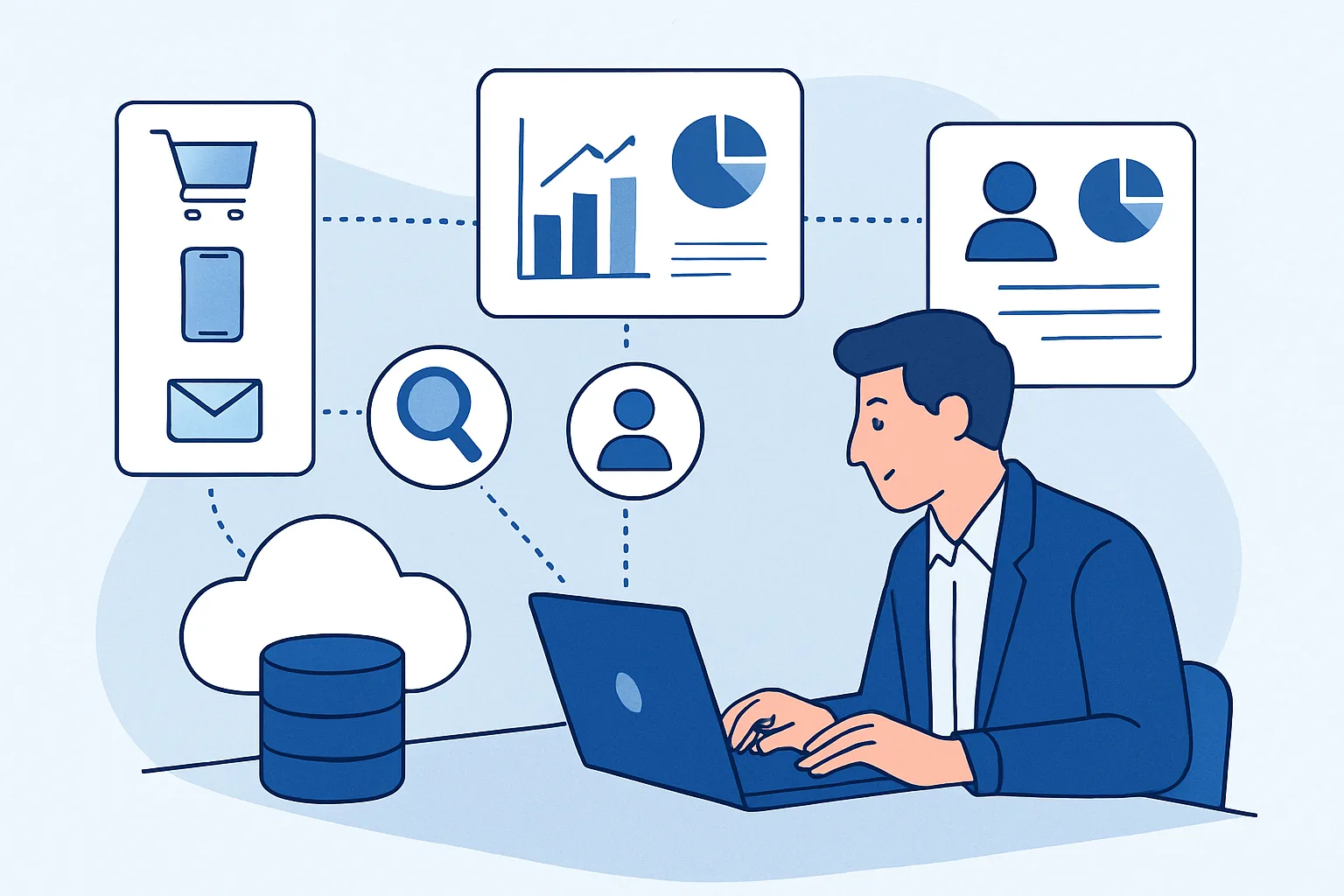
GA4 tracks online behavior — website visits, events, conversions. But for many businesses, the customer journey includes touchpoints outside GA4's visibility: a salesperson's email, a trade show encounter, a phone call, a printed catalogue. BigQuery bridges the gap by combining GA4 event data with CRM data, advertising cost data, and offline touchpoint data in a single place for joined analysis.
Data Sources to Combine in BigQuery
- GA4 export: website behavior, online conversions, traffic sources, user journey data
- CRM data (Salesforce, HubSpot): lead status, sales stage, deal value, close date, salesperson, offline interactions
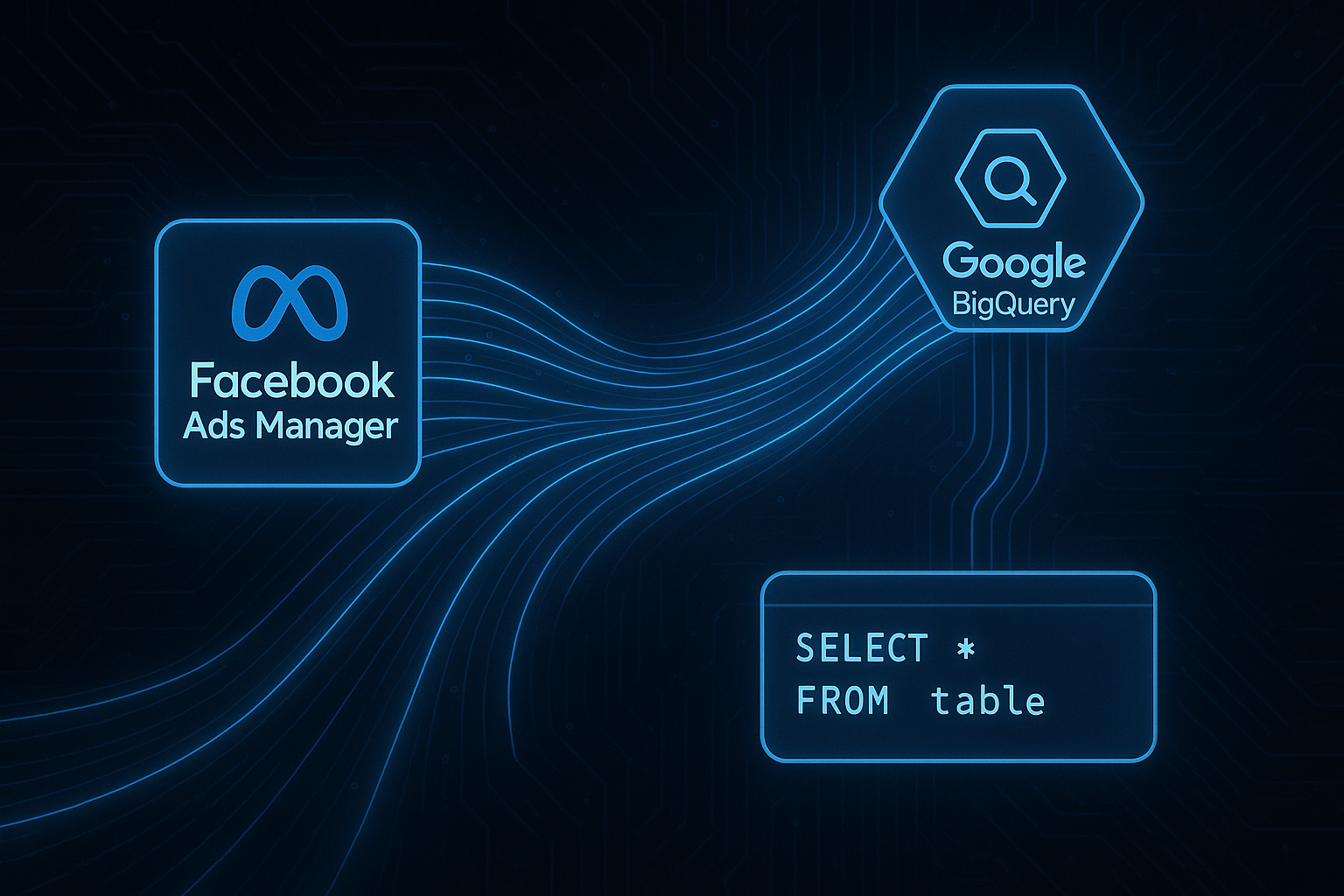
- Ad platform cost data: Google Ads, Meta Ads, TikTok Ads spend, impressions, clicks by campaign
- Email platform data: email opens, clicks, campaign names
- Offline orders: in-store purchases, phone orders, trade shows
The Joining Challenge: User Identity
The core challenge of omnichannel data joining is matching the same person across systems. GA4 uses user_pseudo_id (anonymous) and optionally user_id (authenticated). CRM uses customer email or CRM ID. To join:
- Implement GA4 user_id (set when user logs in, matches CRM email hash)
- In BigQuery, join on user_id between GA4 events and CRM customer records
- For unauthenticated users, use email from purchase events (Enhanced Conversions data) if available
Example: Revenue by Lead Source (CRM + GA4)
SELECT
  crm.lead_source,
  COUNT(DISTINCT crm.customer_id) as customers,
  SUM(crm.deal_value) as crm_revenue,
  SUM(ga4.online_revenue) as online_revenue
FROM `project.crm.customers` crm
LEFT JOIN (
  SELECT
    user_id,
    SUM((SELECT value.double_value FROM UNNEST(event_params) WHERE key = 'value')) as online_revenue
  FROM `project.analytics_PROPERTY.events_*`
  WHERE _TABLE_SUFFIX BETWEEN '20260101' AND '20260631'
    AND event_name = 'purchase'
    AND user_id IS NOT NULL
  GROUP BY user_id
) ga4 ON crm.user_id = ga4.user_id
GROUP BY crm.lead_source
ORDER BY crm_revenue DESC
Advertising Cost and ROAS
Import advertising cost data (available via platform APIs or manual exports) into BigQuery tables, then join to GA4 conversion data by campaign to calculate true ROAS:
SELECT
  cost.campaign_name,
  cost.spend,
  ga4.revenue,
  ROUND(ga4.revenue / NULLIF(cost.spend, 0), 2) as roas
FROM `project.ads.google_ads_cost` cost
JOIN `project.analytics.daily_channel_metrics` ga4
  ON cost.campaign_name = ga4.campaign
  AND cost.date = ga4.event_date
Summary
BigQuery omnichannel data joining requires: a shared user identity across systems (user_id in GA4 matching CRM email/ID), imports of all relevant data sources (CRM, ad cost, email), and JOIN queries that connect GA4 behavioral data to business outcome data from CRM. This enables analyses impossible in GA4 alone: true ROAS with actual ad costs, lead-to-close attribution including offline touchpoints, and customer value analysis combining online and offline revenue.
See our BigQuery Setup service for omnichannel data integration.
Need omnichannel analytics in BigQuery? Contact Adslytics.
Need expert tracking setup?
Our Google Tag Manager experts have delivered 500+ tracking setups with a 98% success rate.
Get a Free Consultation →