Why Data Layer Migrations Happen
Data layer migrations happen for several reasons: upgrading from Universal Analytics-era naming conventions to GA4-aligned ones, fixing accumulated technical debt in legacy implementations, onboarding new analytics platforms that require different field names, or major website rebuilds that require a fresh tracking architecture.
The challenge: changing the data layer breaks existing GTM configurations that depend on the old field names. A poorly managed migration can cause days of missing analytics data.
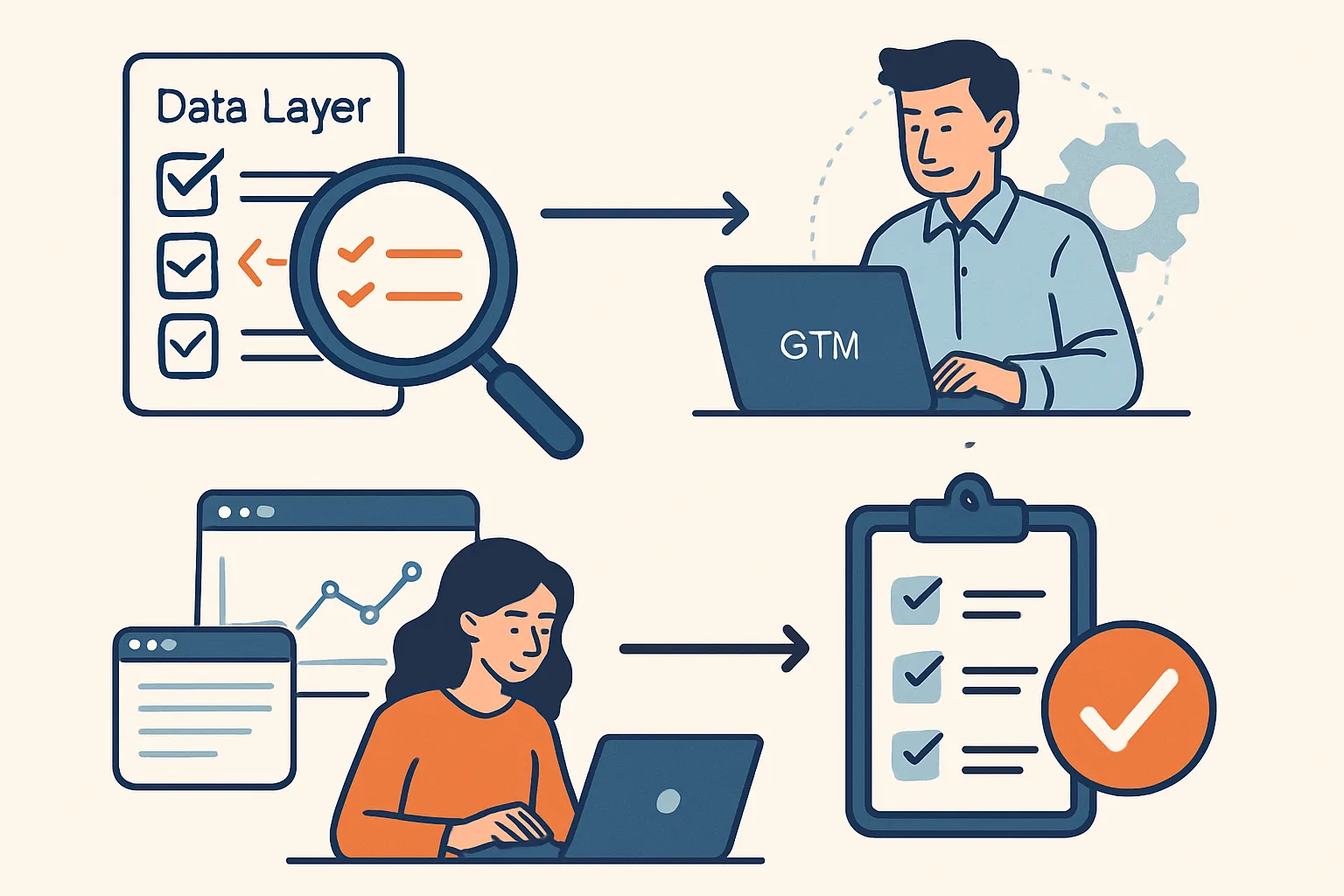
Step 1: Audit the Current State
Before migrating, document everything that currently exists:
- All data layer events currently pushed (use GTM Preview Mode or the console interceptor to capture them)
- All GTM Data Layer Variables reading from the current data layer
- All tags that depend on these variables
- All downstream systems that depend on the data (GA4 reports, advertising platforms, data warehouses)
This creates a complete map of what needs to continue working after the migration.
Step 2: Design the Target State
Design the new data layer structure using GA4-aligned naming:
- Event names: lowercase_underscore (purchase, add_to_cart, view_item)
- Field names: GA4 ecommerce schema (item_id, item_name, transaction_id, value, currency)
- User data: user_id, user_properties object
Document the mapping from old names to new names: transactionId → transaction_id, transactionTotal → value
Step 3: Parallel Running (Migration Safety Net)
The safest migration strategy: run the old and new data layer pushes simultaneously for a period, with both triggering separate GTM configurations. This allows:
- Immediate rollout of new data layer pushes from developers
- Gradual GTM migration from old variables to new variables
- Data validation: compare new vs old for a period to ensure values match
- Rollback option: if new data layer has issues, old GTM tags continue to work
Step 4: GTM Migration (Gradual)
- Create new Data Layer Variables that read from the new field names
- Test in GTM Preview Mode that new variables resolve correctly
- Clone existing tags and configure clones to use new variables
- Run both old and new tags simultaneously for 1-2 weeks, comparing data in GA4
- Once data matches and new tags are verified: disable old tags
- Clean up: delete old variables and tags that are no longer used
Step 5: Historical Data Considerations
GA4 custom dimensions and metrics tied to old event/parameter names will stop receiving data after migration. Options:
- Create new custom definitions with the new names (historical data under old names remains but does not receive new data)
- Export historical data to BigQuery before migration if long-term trends are needed with old naming conventions
Timeline Estimate
- Audit: 1-2 days
- Design new structure: 1 day
- Developer implementation: 2-5 days (depending on site complexity)
- GTM migration: 1-2 days
- Parallel running and validation: 2 weeks
- Cleanup: 1 day
- Total: 3-5 weeks for a typical implementation
Summary
Data layer migrations require parallel running to avoid data loss — never switch from old to new in one cutover. Audit everything that depends on the current data layer, design the target state, implement both old and new in parallel, migrate GTM gradually, validate data parity, then remove the old implementation. Rushed migrations typically cause analytics gaps that are impossible to recover retroactively.
See our GTM Data Layer Implementation service for migration planning.
Need help migrating your data layer? Contact Adslytics.
Need expert tracking setup?
Our Google Tag Manager experts have delivered 500+ tracking setups with a 98% success rate.
Get a Free Consultation →