Why Data Layer QA Is Necessary
A data layer implementation can look correct in the code but fail silently in production: events fire with wrong values, fields have typos, ecommerce objects are not reset between events. Without systematic QA, these issues go undetected and corrupt your analytics data. The cost is high — revenue metrics, ad conversion data, and audience building are all based on this data.
The QA Toolkit
- GTM Preview Mode: primary tool for event-by-event verification
- Browser DevTools Console:
window.dataLayerinspection - GA4 DebugView: real-time event verification in the GA4 property
- Meta Test Events: real-time CAPI event verification in Meta Events Manager
- Data layer monitoring script: console interceptor for logging all pushes
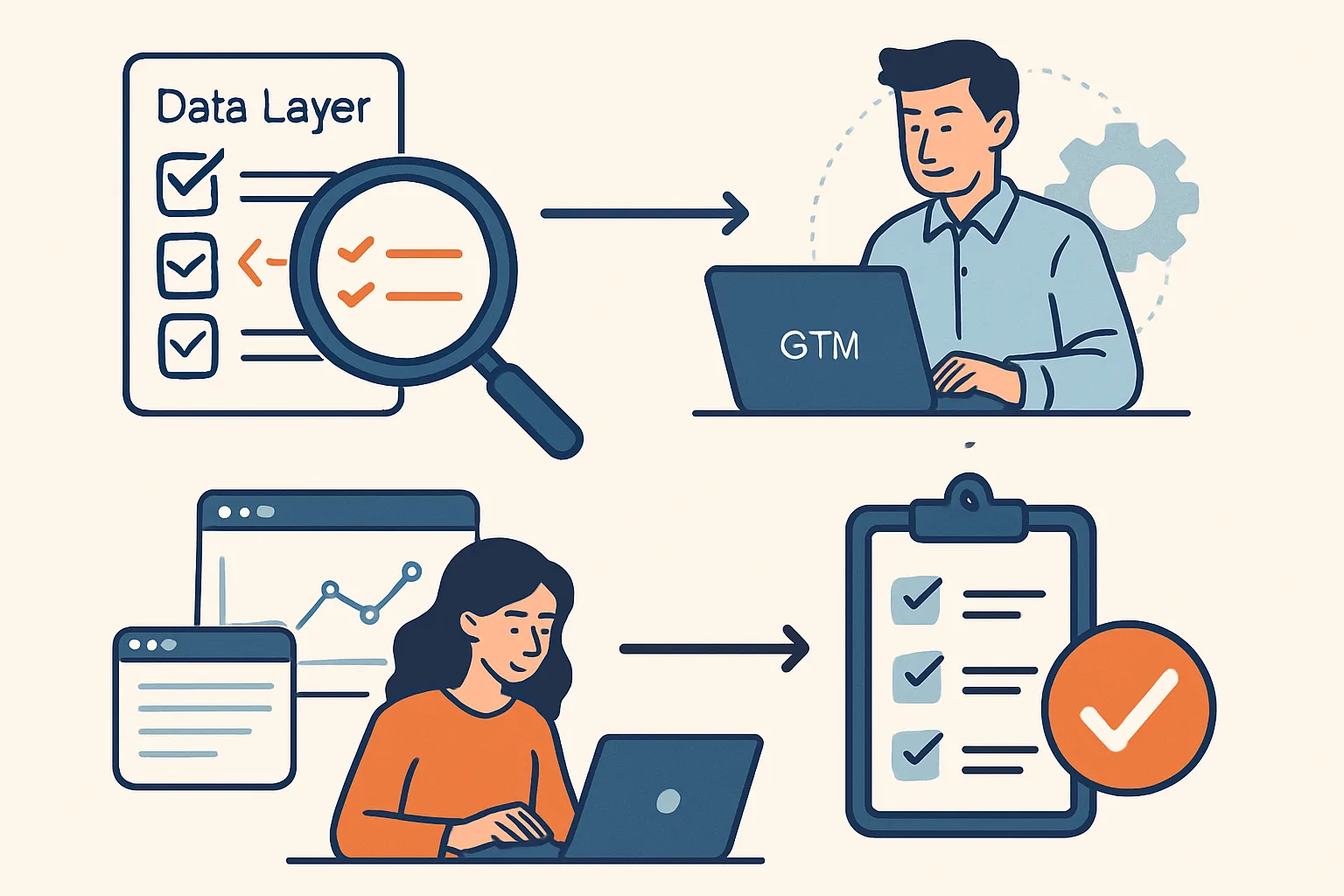
Step 1: Events Inventory
Before testing, document all data layer events that should exist:
- Which pages trigger which events?
- What fields should each event contain?
- What are the expected values for each field?
This becomes your test checklist.
Step 2: Test Each Event
In GTM Preview Mode, trigger each event on your website and verify:
- Does the event appear in the GTM timeline? (if not: push may not be firing, or GTM loaded after the push)
- Is the event name correct? (case-sensitive)
- Are all expected fields present? (check Data Layer tab)
- Are the values correct? (string vs number types matter — '59.99' is not the same as 59.99)
Step 3: Verify Variables
For each Data Layer Variable configured in GTM, verify it resolves to the expected value in GTM Preview's Variables tab when the event fires. Common issues:
- Variable shows
undefined: key name mismatch (check case, check nesting with dot notation) - Variable shows wrong type: value is a string "59.99" but should be a number 59.99
- Variable shows previous event's value: ecommerce object not reset between events
Step 4: Verify Tags Fire
For each event, verify that the correct tags fire in the Tags tab. Check:
- GA4 Event tag fires ✓
- Google Ads Conversion tag fires (for conversion events) ✓
- Meta Pixel tag fires (for conversion events) ✓
- No duplicate tags firing from multiple triggers
Step 5: End-to-End Verification
Verify that data arrives correctly in the analytics platforms:
- GA4 DebugView: check event names, parameter values, user properties
- Google Ads: check conversion action reports for test conversions
- Meta Events Manager: Test Events tab for Meta Pixel events
Step 6: Regression Testing After Changes
When developers make website changes (redesign, new checkout flow, CMS updates), data layer pushes can break. Create a regression testing checklist that covers all critical events and run it after every significant website change.
Summary
Data layer QA requires systematic testing of every event: verify the push fires, the event name is correct, all fields are present with correct values and types, GTM variables resolve correctly, tags fire as expected, and data arrives in analytics platforms. Build a documented test checklist from your events inventory and run regression tests after website changes. Silent data loss is the most common data layer issue — systematic QA prevents it from going undetected.
See our GTM Data Layer Implementation service for implementation and QA support.
Need a data layer audit? Contact Adslytics.
Need expert tracking setup?
Our Google Tag Manager experts have delivered 500+ tracking setups with a 98% success rate.
Get a Free Consultation →