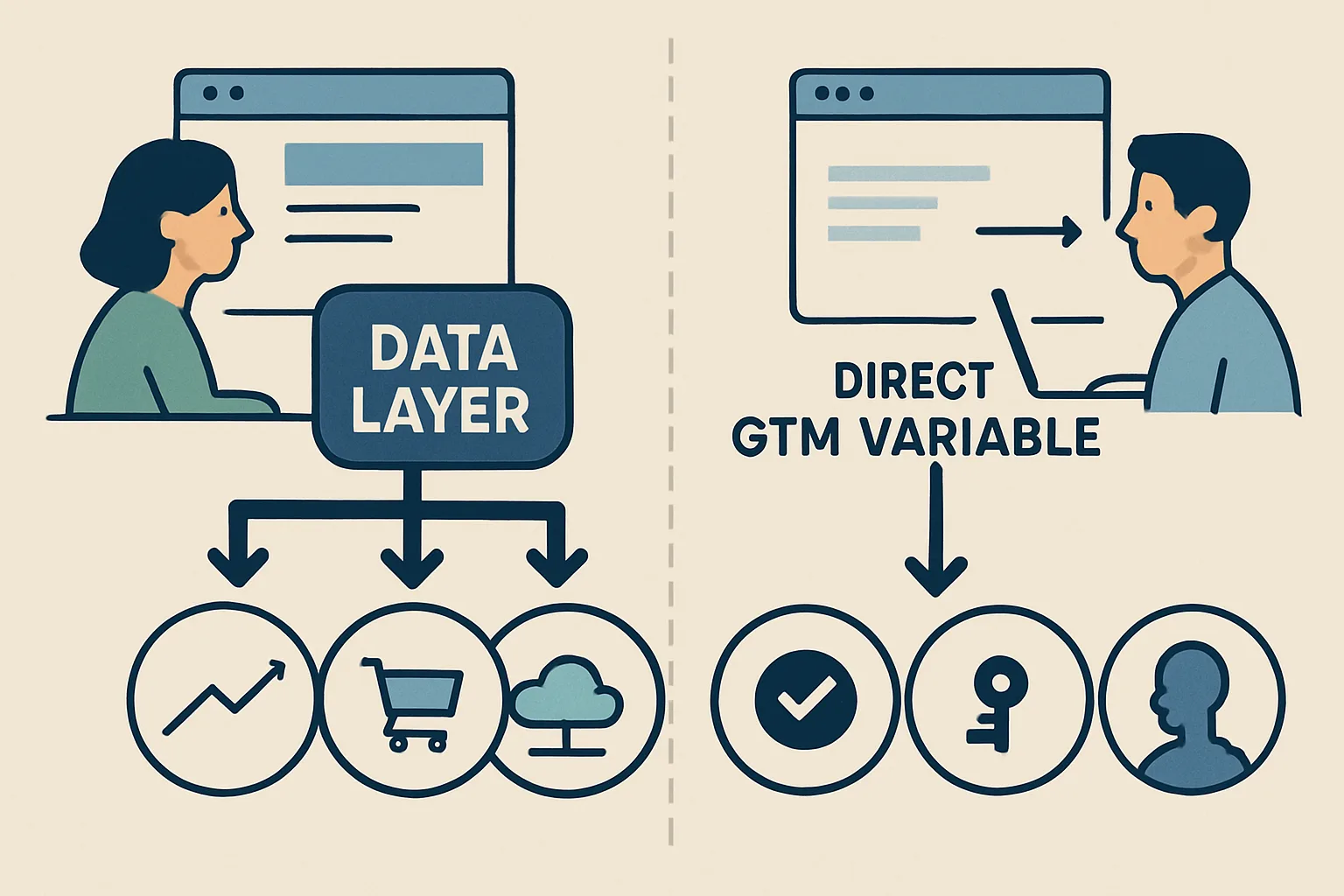
The Four Ways GTM Can Read Data
GTM is not limited to the data layer — it can read data from four sources, each with different trade-offs:
1. Data Layer Variables (Recommended)
Reads values from the data layer object. Requires developers to push data explicitly.
Use when: data is only available server-side (order values, product details, user IDs), needs to be exactly correct (revenue, transaction IDs), or when you want a clean separation between tracking code and site structure.
Advantages: reliable, explicit, not affected by HTML changes, can include server-side data not visible in the DOM, clearly documents what the site is supposed to expose for analytics.
Disadvantages: requires developer involvement to implement pushes; more setup work upfront.
2. DOM Element Variables (Avoid for Critical Data)
Reads the visible text or attribute value of a specific DOM element — a CSS selector targeting a price display, heading, or input value.
Use when: only option for third-party tools where you cannot modify code, and the data you need is visible in the UI.
Advantages: no developer changes needed — an analyst can configure it in GTM alone.
Disadvantages: breaks when HTML structure changes (a redesign moves the price to a different element), reads rendered text that may be formatted differently from the actual value (currency symbols, commas), unreliable for analytics that require precise values.
3. JavaScript Variable Variables
Reads a value from a global JavaScript variable or object on the page. Example: window.productData.price
Use when: the page already exposes a global JS object with the data you need (some CMS/ecommerce platforms have these), and you cannot modify the page to add data layer pushes.
Advantages: often more reliable than DOM scraping; less affected by visual design changes.
Disadvantages: depends on global variables that may change between platform versions; not explicitly designed for analytics use; may be removed in future updates without warning.
4. Cookie Variables
Reads a browser cookie value — useful for persisting data across pages (e.g. a user tier set at login, A/B test variant).
Use when: persisting user-level data across page loads without a user ID in the data layer, or reading consent status stored in cookies.
Advantages: persists across pages and sessions (until cookie expires).
Disadvantages: limited storage, subject to browser cookie restrictions (Safari ITP), requires cookie to be explicitly set.
Decision Framework
- Critical data (revenue, conversion IDs, user IDs): always use Data Layer
- Contextual page data with developer access: Data Layer
- No developer access, data visible in DOM: DOM Variable (with caveats)
- Platform exposes reliable global JS object: JavaScript Variable
- Cross-page user attributes, no data layer: Cookie Variable
Summary
The data layer is the recommended source for all critical analytics data because it is explicit, reliable, and not coupled to visual presentation. DOM variables are fragile and should only be used as a last resort when developer access is unavailable. JavaScript variables and cookie variables have specific use cases where they are appropriate. For any new implementation, invest in proper data layer pushes rather than relying on DOM scraping.
See our GTM Data Layer Implementation service for professional setup.
Need a clean data layer implementation? Contact Adslytics.
Need expert tracking setup?
Our Google Tag Manager experts have delivered 500+ tracking setups with a 98% success rate.
Get a Free Consultation →