The Problem Modelling Solves
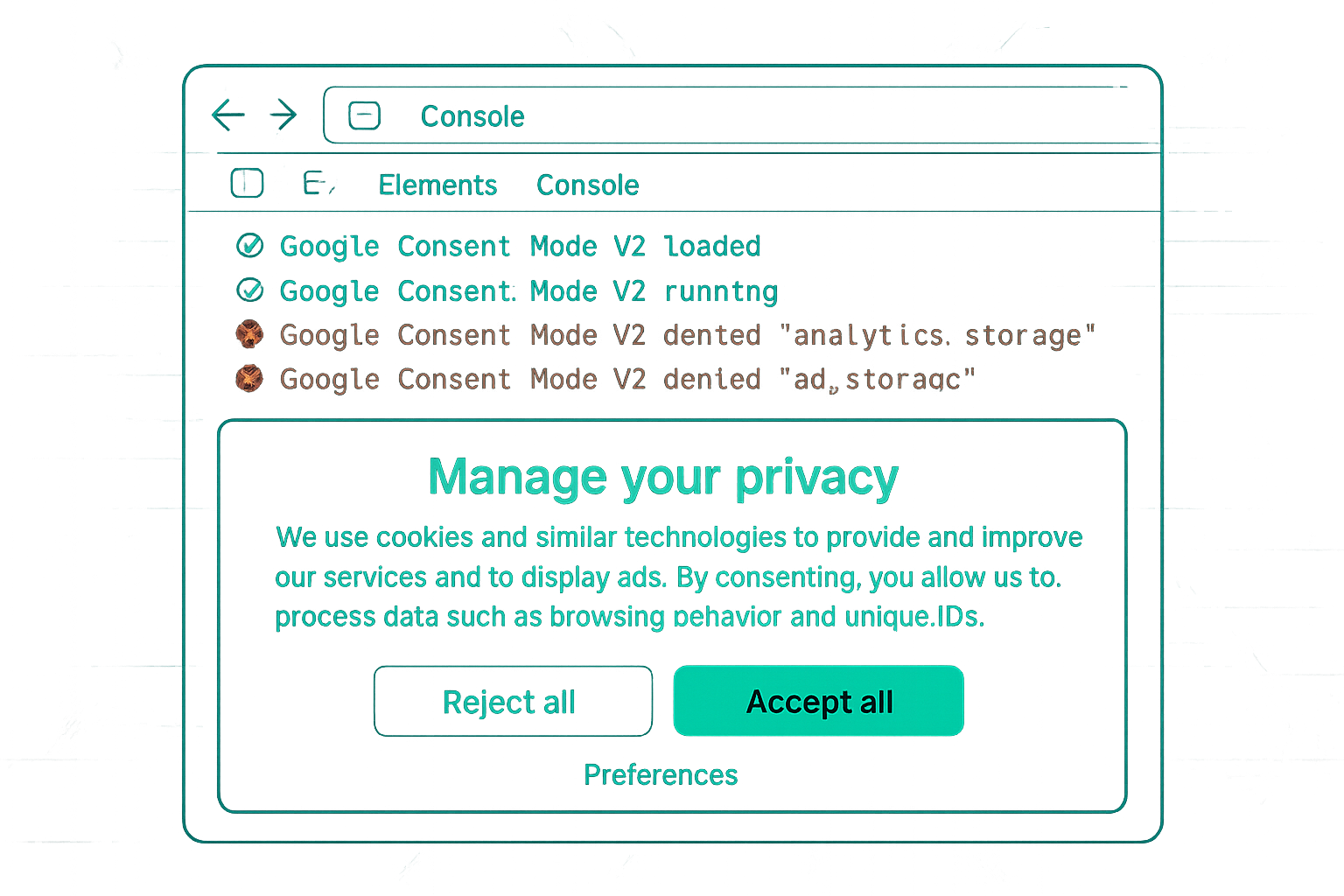
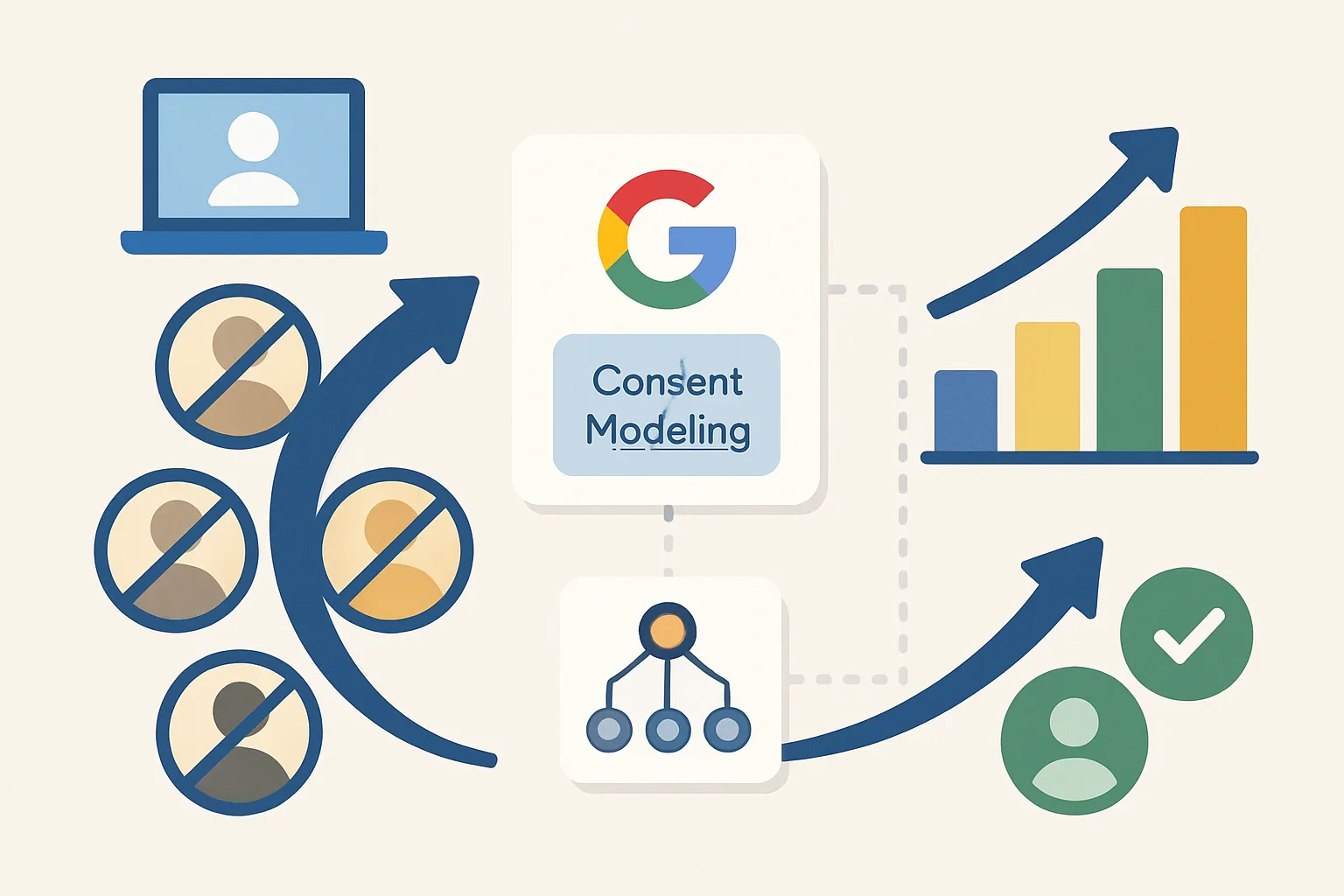
Even with Consent Mode v2 implemented, a percentage of users decline cookies. Without modelling, these non-consenting conversions are simply missing from your reports. If 30% of users decline, 30% of your conversions are invisible — Google Ads Smart Bidding receives only 70% of the true conversion signal, leading to conservative bidding and budget underutilisation.
What Cookieless Pings Provide
In Consent Mode advanced mode, non-consenting users still send cookieless pings when they trigger Google tag events. These pings contain:
- Page URL (without cross-site identifiers)
- Browser and device type (aggregated, not per-user)
- Country-level location
- Event type (page view, conversion)
Critically, they do NOT contain: user IDs, client IDs, gclid (Google Click ID), cookies of any kind, or IP address (stripped by Google's infrastructure).
How Modelling Works
Google uses the cookieless pings from non-consenting users in combination with behavioral patterns from consenting users to statistically model what conversions the non-consenting group likely performed. The modelling uses:
- The ratio of pings (from non-consenting users) that show conversion-like behavior
- Patterns from consenting users with similar device/location/time profiles
- Historical conversion rate patterns
This model is applied to fill the gap — estimated conversions are added to the reported total as "Modelled conversions."
Where to See Modelled Conversions
In Google Ads, the "Conversions" column includes modelled conversions alongside observed conversions. In Google Ads → Column customization, you can add the "Modelled conversions" column to see the estimated contribution from non-consenting users.
In GA4, modelled data contributes to reports but is not separately labeled at the user level. Consent Mode v2 reporting in GA4 shows a "Data thresholds applied" indicator when small samples trigger aggregation.
Limitations of Modelling
- Modelling requires sufficient data volume — low-traffic sites or low-conversion sites may not generate enough signal for accurate modelling
- Modelled conversions are estimates, not exact counts — expect some deviation from actual conversion volume
- Cross-device attribution cannot be modelled — only single-session conversions can be estimated without a user identity
- Modelling improves as more data accumulates — initially (first 4-6 weeks), modelled data may be less complete
Summary
Google Consent Mode modelling uses cookieless pings from non-consenting users (available in advanced mode) as signals, combined with patterns from consenting users, to statistically estimate conversions from the non-consenting population. This modelling appears in Google Ads as modelled conversions and helps Smart Bidding maintain quality despite incomplete cookie-based data. Modelling works best for sites with sufficient conversion volume and requires advanced mode (not basic mode).
See our Consent Mode v2 Implementation service for full setup.
Need Consent Mode modelling configured? Contact Adslytics.
Need expert tracking setup?
Our Google Tag Manager experts have delivered 500+ tracking setups with a 98% success rate.
Get a Free Consultation →