What Changed from v1 to v2
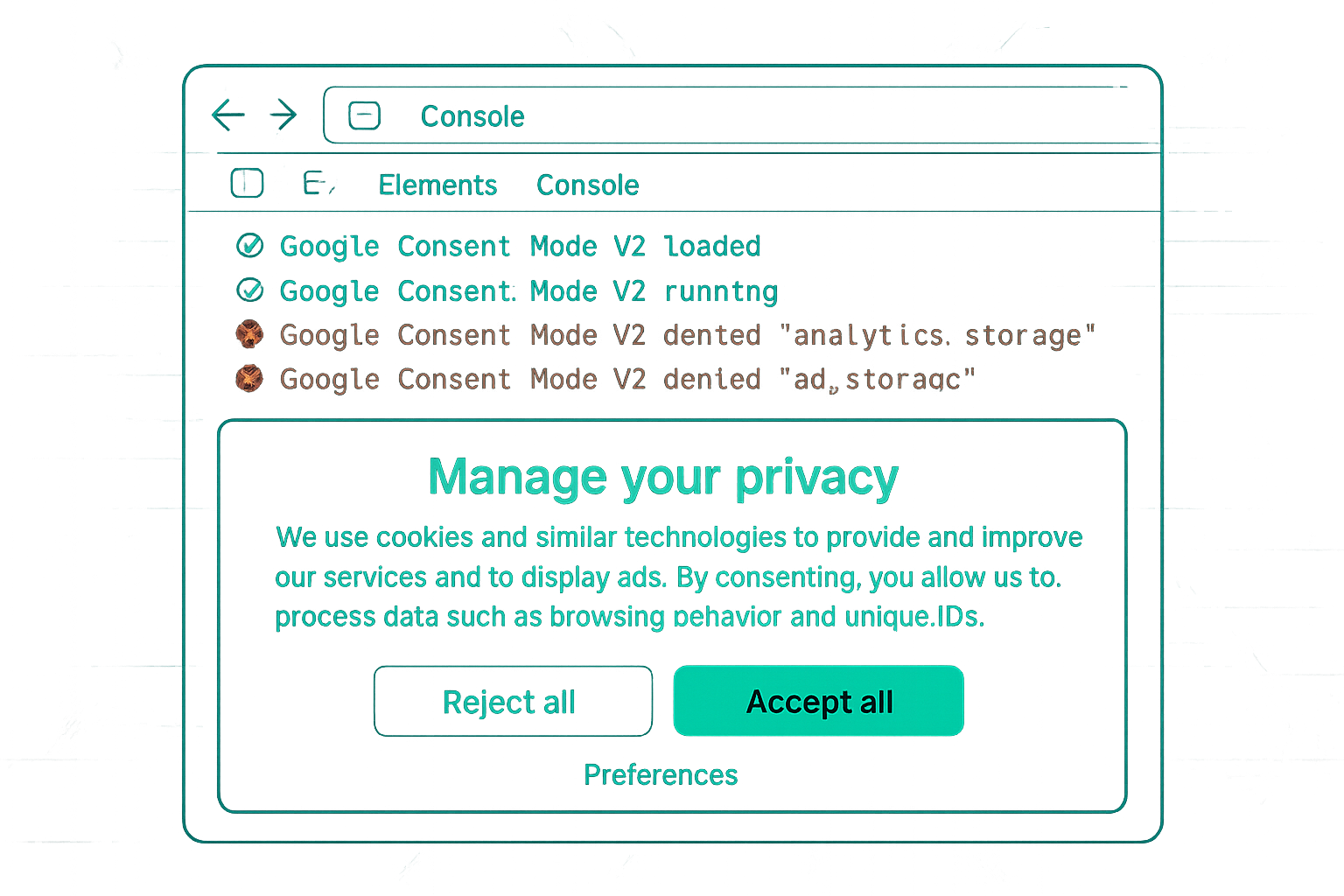
Consent Mode v1 had two consent types: analytics_storage and ad_storage. Consent Mode v2 adds two new types: ad_user_data (controls whether user data can be sent to Google for advertising) and ad_personalization (controls whether data can be used for personalised advertising). Google requires all four types to be correctly implemented for EEA compliance.
What Needs to Change
1. Consent Default Tag Update
Your existing v1 default tag probably sets only two types:
// OLD v1 default (incomplete for v2):
gtag('consent', 'default', {
  'analytics_storage': 'denied',
  'ad_storage': 'denied',
  'wait_for_update': 500
});
Update to include all four types:
// v2 default (required):
gtag('consent', 'default', {
  'analytics_storage': 'denied',
  'ad_storage': 'denied',
  'ad_user_data': 'denied',
  'ad_personalization': 'denied',
  'wait_for_update': 500
});
2. CMP Consent Update
Your CMP must also update the two new consent types when users make choices. Check your CMP's settings or documentation for "Consent Mode v2" or "ad_user_data" configuration. Most Google-certified CMPs released v2 updates in 2023-2024 — ensure you are on the latest version of your CMP plugin or template.
3. CMP Category Mapping
The two new types need to be mapped to the correct consent category in your CMP:
- ad_user_data: should be granted when the user accepts "Marketing" or "Advertising" cookies
- ad_personalization: should be granted when the user accepts "Marketing" or specifically "Personalisation" cookies
Verification After Migration
In GTM Preview Mode → Consent tab, verify all four types update correctly when a user accepts or declines each category. If only two types update (the v1 types) and the new types stay at 'denied', the CMP update has not been applied.
Google Ads Consent Signal Check
After migration, check Google Ads → Admin → Consent settings. Google now shows a consent signal status that specifically checks for v2 compliance (including the new types). A "Consent mode v2 signals received" confirmation appears when the implementation is correct.
Summary
Migrating from Consent Mode v1 to v2 requires two changes: (1) update your default consent tag to include ad_user_data and ad_personalization, both set to 'denied', and (2) update your CMP to also call gtag('consent', 'update') with values for the two new types when users make choices. Verify in GTM Preview Consent tab and Google Ads consent signal diagnostics. Most Google-certified CMP plugins have updated for v2 — check you are on the latest version.
See our Consent Mode v2 Implementation service for migration help.
Need help migrating to Consent Mode v2? Contact Adslytics.
Need expert tracking setup?
Our Google Tag Manager experts have delivered 500+ tracking setups with a 98% success rate.
Get a Free Consultation →