Why SPAs Break Standard GTM Tracking
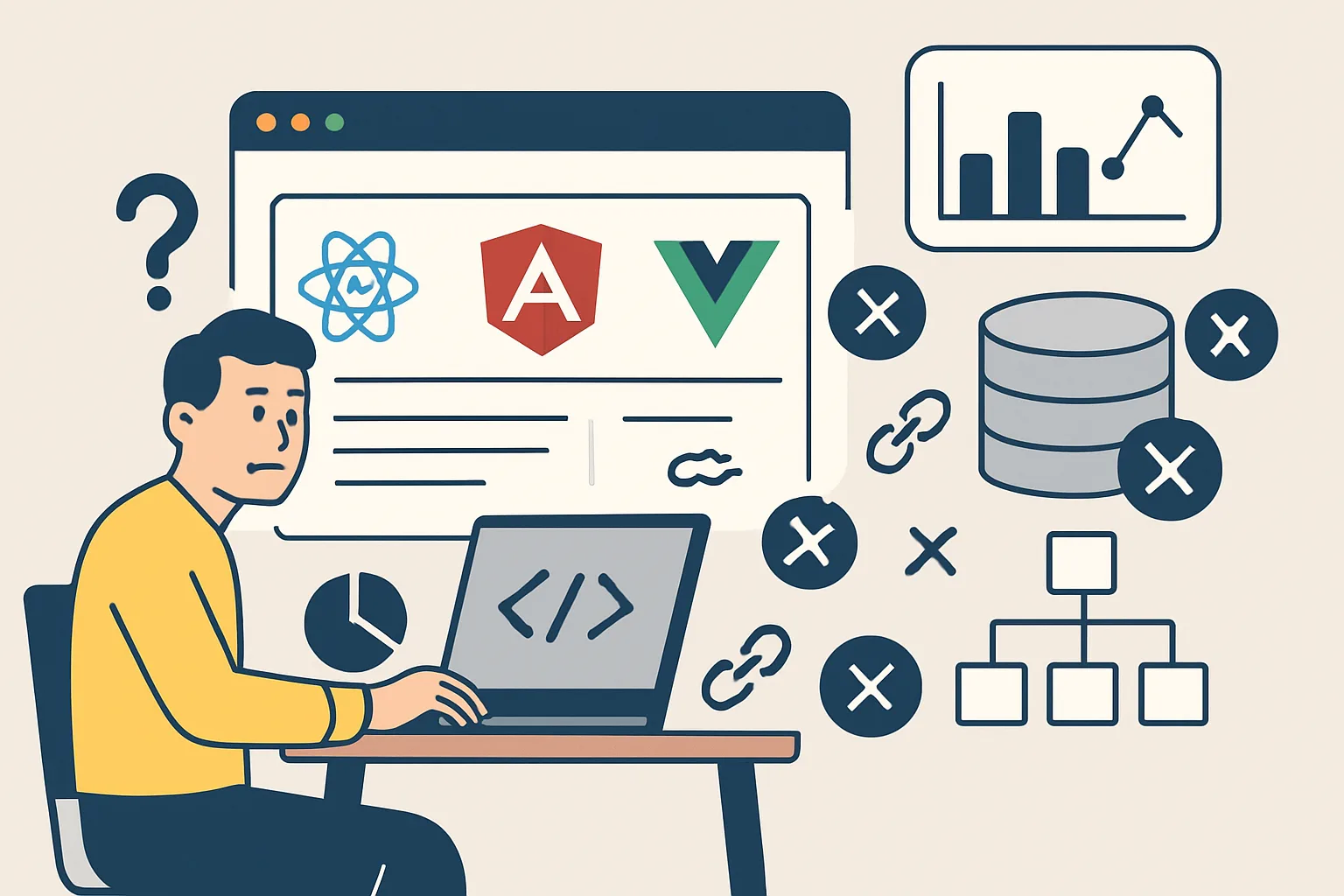
Traditional websites load a new HTML page on each navigation — GTM fires on each page load, and Google Analytics registers a new page view automatically. Single-page applications (SPAs built with React, Angular, or Vue) navigate client-side, changing the URL via the browser history API without a full page reload. GTM's container does not re-initialise, so no page view is fired unless you explicitly push one to the data layer.
Detecting Route Changes
Each framework exposes route change events differently:
React (React Router)
// In a route-tracking component or layout
import { useEffect } from 'react';
import { useLocation } from 'react-router-dom';

export default function RouteChangeTracker() {
  const location = useLocation();
  useEffect(() => {
    window.dataLayer = window.dataLayer || [];
    window.dataLayer.push({
      'event': 'virtual_page_view',
      'page_path': location.pathname + location.search,
      'page_title': document.title
    });
  }, [location]);
  return null;
}
Angular (Router Events)
// In AppComponent or a route tracking service
import { Router, NavigationEnd } from '@angular/router';
import { filter } from 'rxjs/operators';

constructor(private router: Router) {
  this.router.events.pipe(filter(e => e instanceof NavigationEnd)).subscribe((event: NavigationEnd) => {
    (window as any).dataLayer = (window as any).dataLayer || [];
    (window as any).dataLayer.push({
      'event': 'virtual_page_view',
      'page_path': event.urlAfterRedirects,
      'page_title': document.title
    });
  });
}
Vue (Vue Router)
// In main.js or App.vue
router.afterEach((to, from) => {
  if (typeof window !== 'undefined') {
    window.dataLayer = window.dataLayer || [];
    window.dataLayer.push({
      'event': 'virtual_page_view',
      'page_path': to.fullPath,
      'page_title': document.title  // Update document.title before this fires
    });
  }
});
GTM Configuration for SPA Page Views
In GTM:
- Create Data Layer Variables:
DL - Page Path(readspage_path),DL - Page Title(readspage_title) - Create a Custom Event trigger: event equals
virtual_page_view - Create a GA4 Configuration tag (or GA4 Event tag for page_view event) triggered by this custom event
- In the GA4 tag, override the page path with the
DL - Page Pathvariable
History Change Trigger (Alternative)
GTM has a built-in "History Change" trigger type that fires when the browser history changes (pushState/replaceState). This works for SPAs without adding framework-specific code:
- Create a new trigger → History Change
- Trigger on all history changes, or filter by URL path pattern
- Use in combination with the built-in
{{Page Path}}variable
Limitation: the History Change trigger fires before document.title updates in some frameworks — the data layer push approach gives more control over when the event fires relative to content rendering.
SPA-Specific Pitfalls
- Document title not updated: push the virtual_page_view after the route renders, not just after the URL changes
- Double counting on initial load: GTM fires a page view on initial load AND your virtual_page_view fires — filter out the initial state from history change tracking
- Ecommerce data persistence: data layer values persist across route changes in SPAs — always push
ecommerce: nullon route change to clear stale product data
Summary
SPAs require explicit virtual_page_view events pushed to the data layer on each route change. Use framework router events (useLocation in React, NavigationEnd in Angular, afterEach in Vue) to push events. GTM's History Change trigger is a simpler alternative but offers less control over timing. Always clear the ecommerce object on route changes to prevent stale product data.
See our GTM Data Layer Implementation service for SPA tracking setup.
Need SPA analytics implemented correctly? Contact Adslytics.
Need expert tracking setup?
Our Google Tag Manager experts have delivered 500+ tracking setups with a 98% success rate.
Get a Free Consultation →