Why Subscription Tracking Is Different
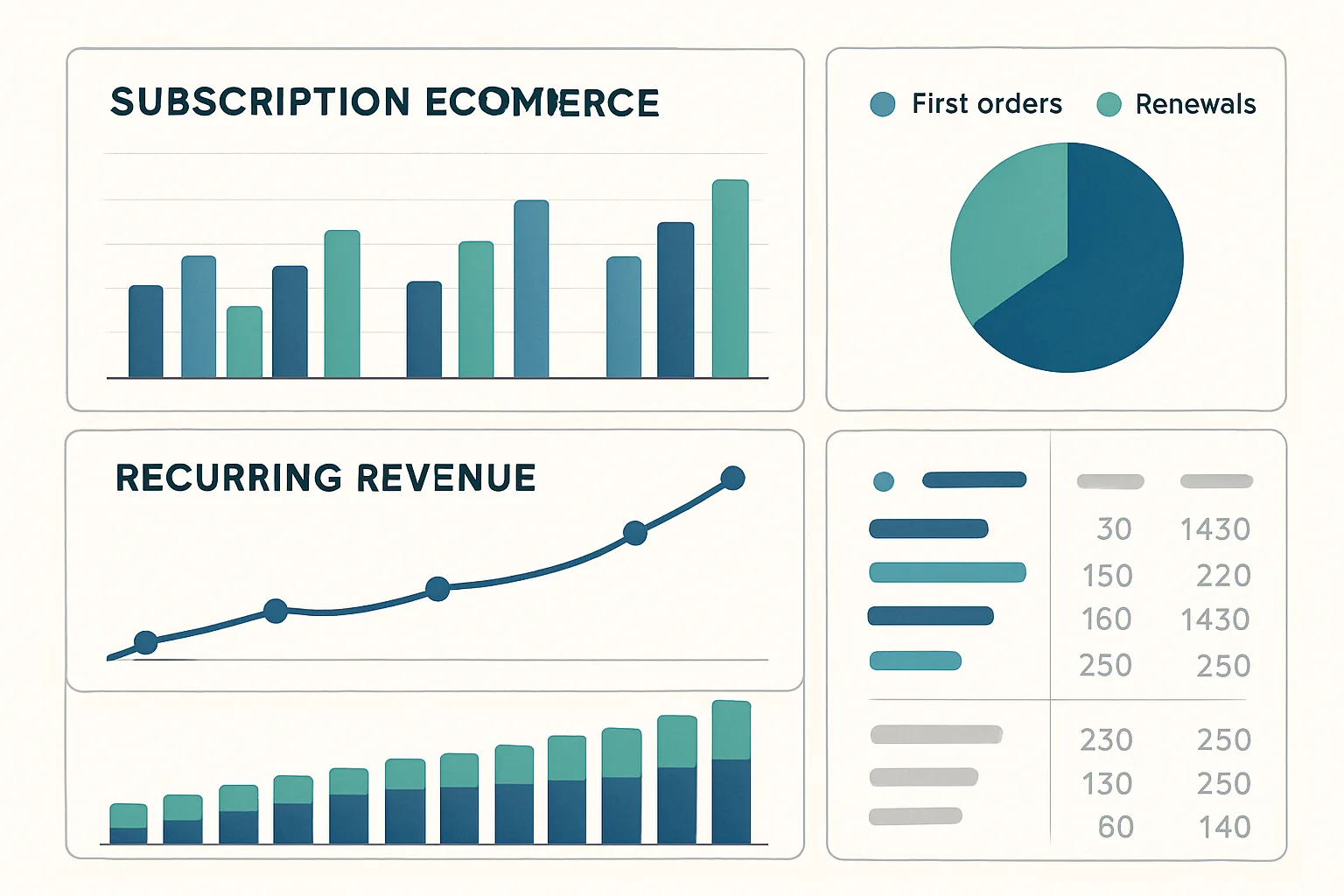
For subscription businesses, lumping first-time orders and renewal orders into a single "purchase" event makes your ecommerce analytics nearly useless for decision-making. Marketing spend drives first orders — measuring ROAS requires knowing which revenue came from new subscribers. Retention efforts drive renewals — measuring their effectiveness requires knowing renewal count and churn rate. Mixed together, neither metric is meaningful.
The Subscription Type Custom Parameter
Add a custom parameter to distinguish order types on the purchase event:
dataLayer.push({ecommerce: null});
dataLayer.push({
  event: "purchase",
  ecommerce: {
    transaction_id: "T-456",
    value: 29.00,
    currency: "GBP",
    items: [{
      item_id: "PLAN-PRO-MONTHLY",
      item_name: "Pro Plan - Monthly",
      price: 29.00,
      quantity: 1
    }]
  },
  // Custom parameters outside ecommerce object for GA4 event-level dimensions
  subscription_type: "new",  // or "renewal"
  subscription_plan: "pro_monthly",
  subscription_cycle: 1      // which billing cycle this is (1=first, 2=second, etc.)
});
Register subscription_type and subscription_plan as custom dimensions in GA4 (Admin then Custom Definitions then Custom Dimensions, scope: Event).
Tracking Renewal Events
For subscription renewals, the purchase event typically fires server-side (via the Measurement Protocol) when your payment processor confirms the renewal charge, rather than in the browser. This is the correct approach for server-side billing:
POST https://www.google-analytics.com/mp/collect
?measurement_id=G-XXXXXXXX&api_secret=YOUR_SECRET

{
  "client_id": "CUSTOMER_GA4_CLIENT_ID",
  "user_id": "INTERNAL_USER_ID",
  "events": [{
    "name": "purchase",
    "params": {
      "transaction_id": "RENEWAL-456-CYCLE-2",
      "value": 29.00,
      "currency": "GBP",
      "subscription_type": "renewal",
      "subscription_cycle": 2,
      "items": [...]
    }
  }]
}
LTV Analysis with Subscription Data
With subscription_type and subscription_cycle parameters in GA4:
- Filter by subscription_type = "new" to see acquisition revenue and calculate ROAS on marketing spend
- Filter by subscription_type = "renewal" to see retention revenue
- Use subscription_cycle to see revenue by cohort cycle (how much revenue do month-3 subscribers generate vs month-1?)
- Combine with GA4's user_id to track individual subscriber lifecycle in BigQuery
Churn Rate Measurement
Build a GA4 audience of users who triggered a purchase with subscription_type = "renewal" in month N-1 but NOT in month N. Export this audience count monthly to calculate churn rate. Or, for more precision, use BigQuery to calculate churn from the raw event tables where you have complete purchase history per user.
Summary
Subscription ecommerce tracking requires a custom parameter (subscription_type: new/renewal) on every purchase event to separate acquisition from retention revenue. Renewals should be sent via the Measurement Protocol from your backend when the charge is processed. With this data, ROAS, LTV, and churn rate analysis become possible in GA4 and BigQuery.
See our Enhanced Ecommerce Tracking service for subscription tracking implementation.
Need subscription ecommerce tracking set up? Contact Adslytics.
Need expert tracking setup?
Our Google Tag Manager experts have delivered 500+ tracking setups with a 98% success rate.
Get a Free Consultation →