Client-Side vs. Server-Side CDP Collection
CDPs can collect data two ways:
- Client-side: JavaScript SDK runs in the user's browser, fires events on user interactions
- Server-side: Your application server fires events directly to the CDP API, bypassing the browser entirely
Most CDP implementations start client-side and progressively add server-side sources as the implementation matures. Our CDP implementation team typically designs a hybrid architecture from day one — client-side for browser interactions, server-side for transactional events.
Why Server-Side Is Superior for Critical Events
Reliability
Browser-side events fail for multiple reasons:
- User closes the browser tab before the event fires (thank-you page tracking)
- JavaScript errors prevent the CDP library from loading
- Ad blockers block CDP scripts (Segment.js is blocked by some blockers)
- Single-page app navigation issues causing duplicate or missed page events
Server-side events fire from your application server where you have full control. A purchase that happens in your database fires an event to the CDP from the backend — it doesn't depend on the browser being open or unblocked.
This is the CDP equivalent of what server-side tracking does for web analytics. The reliability benefits are identical.
Data Completeness
Server-side events can include data that isn't available in the browser:
- Actual order total from your payment processor (not the amount the user saw — the final post-discount, post-tax amount)
- Customer tier or subscription status from your database
- Fulfillment status, shipping costs, margin data
- Return or refund events (entirely server-side)
Privacy and Compliance
Server-side collection reduces the amount of tracking code on your pages:
- Fewer third-party scripts means fewer privacy consent requirements
- Data doesn't flow through the user's browser to multiple third-party endpoints
- You control exactly what data is collected and transmitted before it reaches the CDP
- Easier to implement consent-based data collection because you control the server
What to Collect Server-Side vs. Client-Side
Server-Side (Always)
- Purchase/order completion events (with actual transaction values)
- Subscription created/updated/canceled events
- Refund or return events
- User registration and profile updates
- Plan upgrades or downgrades
- Any event where the authoritative data lives in your database
Client-Side (Appropriate)
- Page views and page interactions
- UI element clicks (button clicks, form starts)
- Feature usage within a web app (as supplement to server-side product events)
- Scroll depth, time on page, engagement signals
Implementation: The CDP HTTP API
Most CDPs provide a REST API (HTTP Tracking API) for server-side event submission. From your application code:
POST https://api.segment.io/v1/track
Authorization: Basic {WRITE_KEY}
{
  "userId": "user_123",
  "event": "Order Completed",
  "properties": {
    "order_id": "ORD-456",
    "revenue": 89.95,
    "currency": "GBP"
  }
}
This call goes from your server to the CDP's API, completely independent of browser-side tracking. The CDP then routes it to all configured destinations.
Connecting Server-Side CDP to Client-Side Sessions
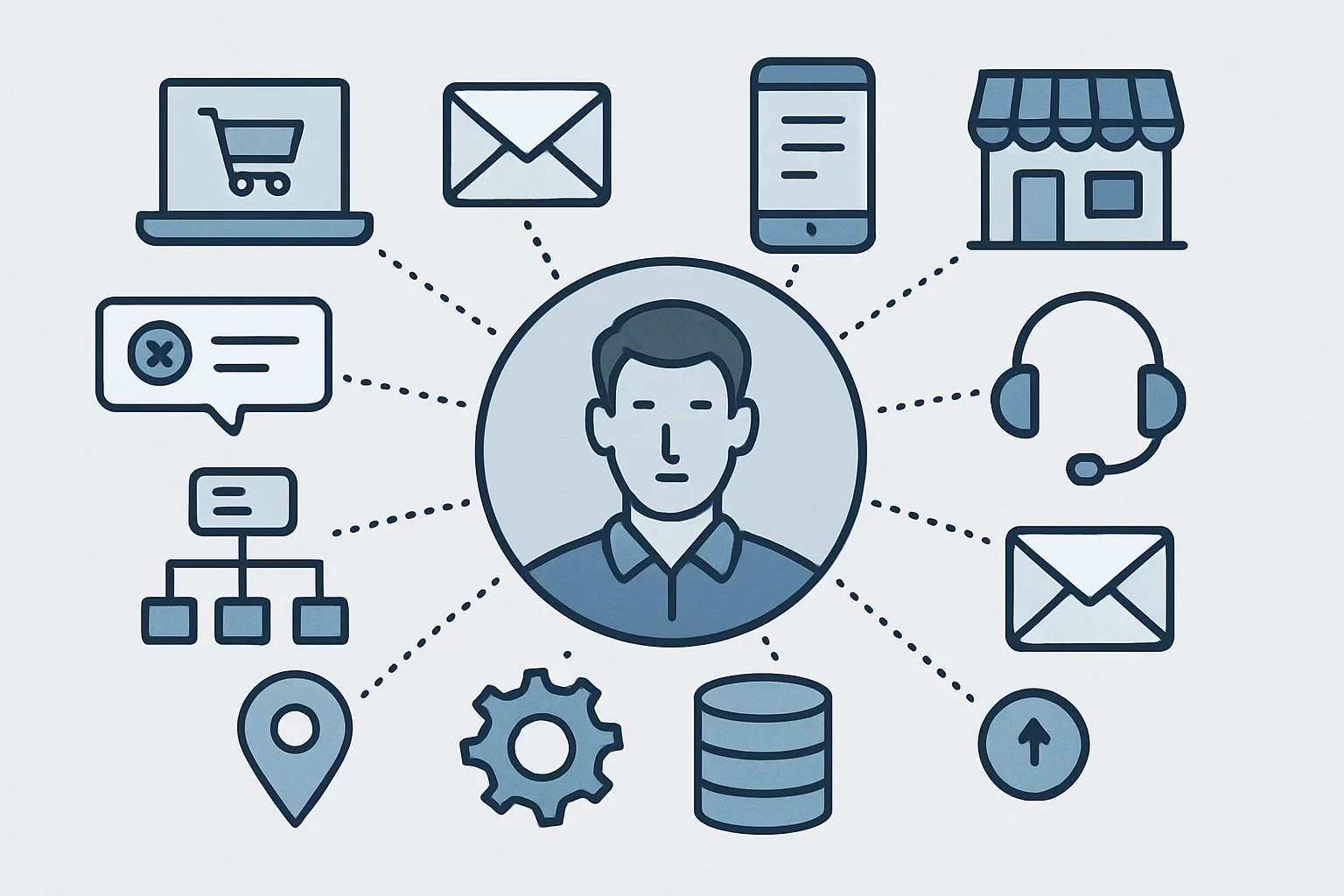
A common challenge: your server-side events have a userId, but your client-side events start with an anonymousId. Linking them is identity resolution.
When a user registers or logs in, fire a client-side identify() call with their userId. The CDP links the previous anonymousId session to the userId, making all subsequent server-side events part of the same unified profile.
Our CDP implementation team designs this identity linking architecture carefully to ensure complete customer journey profiles. Contact us to design a server-side CDP architecture for your application.
Need expert tracking setup?
Our Google Tag Manager experts have delivered 500+ tracking setups with a 98% success rate.
Get a Free Consultation →