Quick Summary
Implementing sitewide tagging is crucial for accurate data collection and effective advertising strategies. This process involves placing gtag.js or Google Tag Manager (GTM) on every page of your website, enabling auto-tagging in Google Ads, ensuring a correct conversion linker setup, and maintaining a consistent domain. This guide will help you understand what sitewide tagging is, the specific requirements of Google Ads, how GTM can fulfill these needs, common mistakes to avoid, and the role of Consent Mode v2.
What is Sitewide Tagging?
Sitewide tagging refers to the practice of deploying tracking codes consistently across all pages of a website. This ensures comprehensive data collection, enabling businesses to track user interactions, conversions, and more. Effective sitewide tagging is essential for Server-Side Tracking, GA4 implementation, and other analytics services.
The Importance of Sitewide Tagging
- Enhanced Data Accuracy: By tagging every page, you ensure all user interactions are captured, leading to more accurate analytics data.
- Improved Conversion Tracking: It enables accurate tracking of user journeys and conversions, crucial for Google Ads conversion tracking.
- Better Insight Generation: Comprehensive tagging provides deeper insights into user behaviors, aiding strategic decision-making.
Google Ads Requirements for Sitewide Tagging
To optimize your Google Ads campaigns, implementing sitewide tagging is a must. Here are the specific requirements:
Using gtag.js or GTM
For Google Ads, you need to use either the gtag.js library or Google Tag Manager. These tools help in managing tags across your website efficiently.
Enabling Auto-Tagging
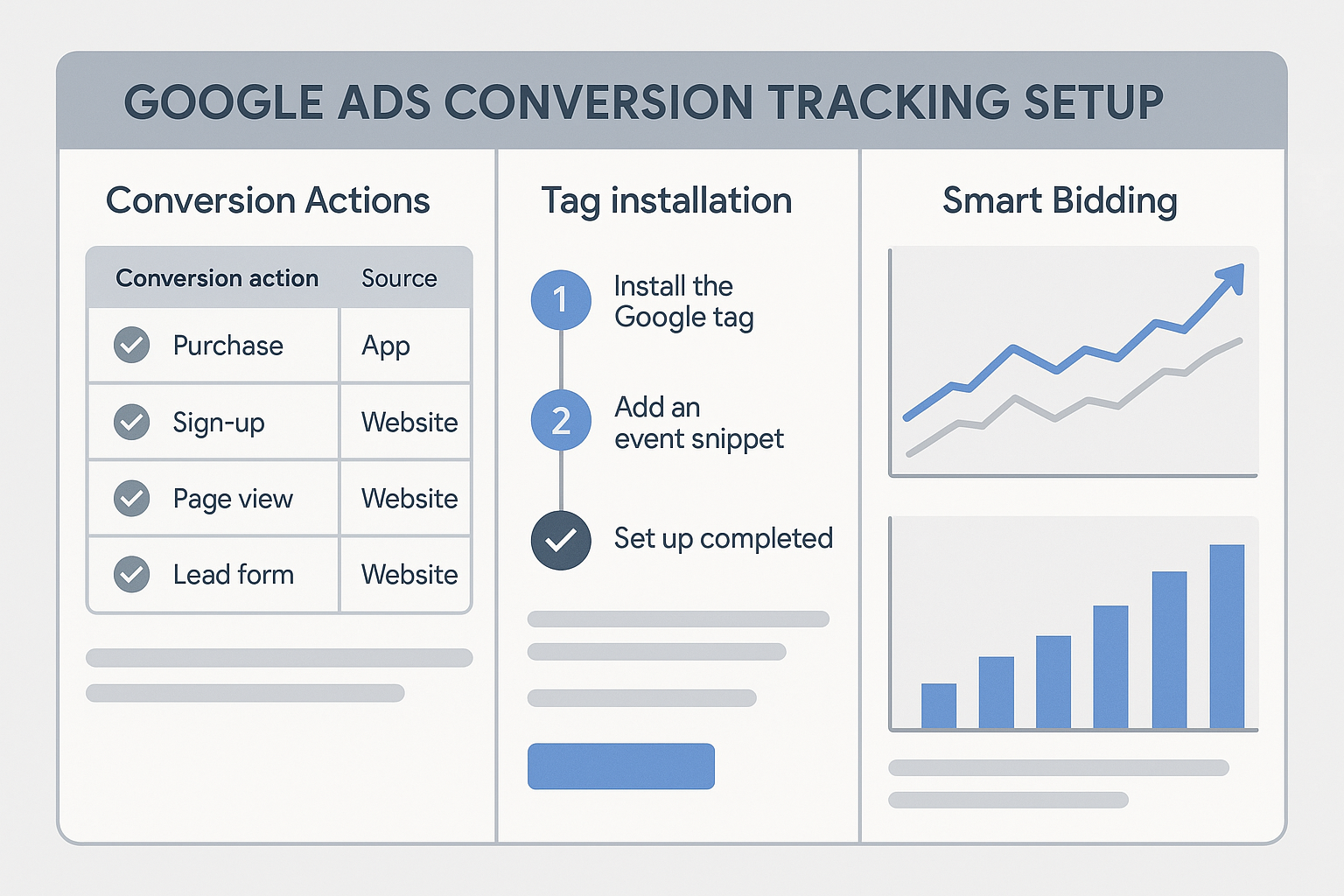
Auto-tagging is a feature in Google Ads that appends a parameter called GCLID (Google Click Identifier) to the URL, which is essential for tracking ad clicks. For more details, check out our article on GCLID Explained.
Correct Conversion Linker Setup
The conversion linker tag in GTM helps pass the GCLID from the URL to a first-party cookie, ensuring conversion tracking works accurately across domains.
Maintaining a Consistent Domain
It’s crucial that all pages are on the same domain or properly configured subdomains to ensure consistent tracking and avoid data fragmentation.
How GTM Satisfies the Requirement
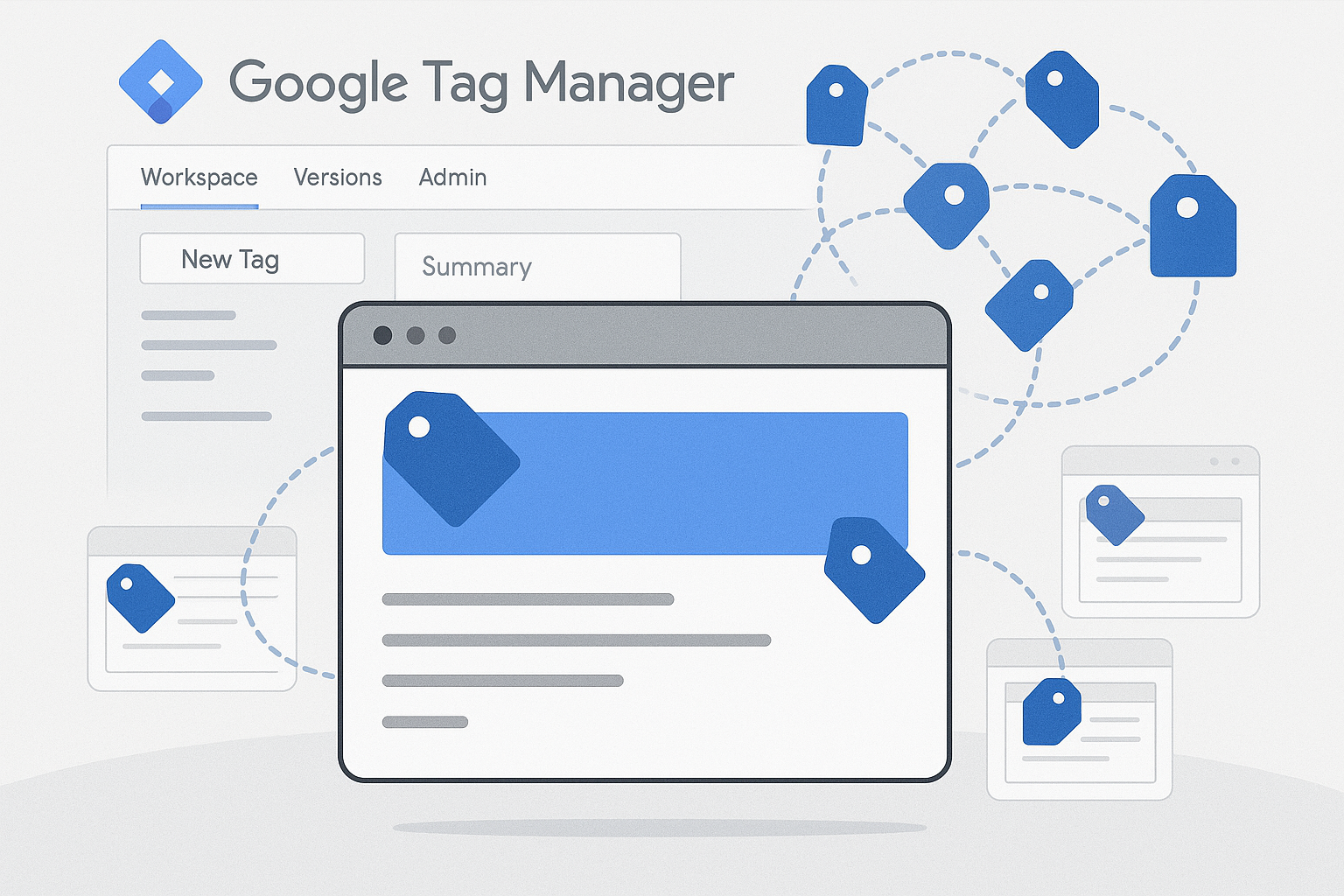
Google Tag Manager (GTM) is an efficient tool for implementing sitewide tagging. It allows for centralized management of all tags, making it easier to deploy and maintain them across all pages.
Benefits of Using GTM
- Centralized Control: Manage all your tags from a single platform, reducing the risk of errors.
- Version Control: GTM offers version control, allowing you to revert changes if needed.
- Easy Integration: Integrates seamlessly with other tools like GA4 and Meta CAPI.
Common Mistakes to Avoid
When implementing sitewide tagging, there are common pitfalls to be aware of:
Missing Tags on Checkout Pages
One of the biggest mistakes is missing the placement of tags on checkout pages, leading to incomplete conversion data. Ensure that all critical pages, including checkout, are tagged correctly for Enhanced Ecommerce tracking.
Subdomain Tracking Issues
Subdomains can pose challenges. Ensure your GTM setup accounts for subdomains to maintain tracking consistency. This often involves configuring the conversion linker correctly and setting up cross-domain tracking.
Ignoring Consent Mode v2
With increasing privacy regulations, implementing Consent Mode v2 is crucial. It allows you to adjust your tags based on user consent, ensuring compliance and maintaining data collection efficiency.
How Consent Mode v2 Fits In
Consent Mode v2 is Google’s solution to privacy challenges. It helps maintain robust data collection while respecting user privacy preferences.
Benefits of Consent Mode v2
- Compliance: Ensures your tracking setup complies with privacy laws.
- Data Integrity: Adjusts data collection based on user consent, preserving data quality.
- Seamless Integration: Works with existing Google tags, requiring minimal changes.
FAQ
1. What is the purpose of sitewide tagging?
Sitewide tagging ensures comprehensive data collection across all pages of a website, which is crucial for accurate analytics and effective ad targeting.
2. How do I enable auto-tagging in Google Ads?
Auto-tagging can be enabled from the account settings in Google Ads. Ensure it’s turned on to append the GCLID parameter to your URLs for tracking purposes.
3. Can I use GTM for tracking across multiple domains?
Yes, GTM supports cross-domain tracking, allowing you to track users across multiple domains and subdomains by properly configuring the conversion linker and cross-domain settings.
4. What are the benefits of using Consent Mode v2?
Consent Mode v2 adjusts data collection based on user consent, ensuring compliance with privacy laws while maintaining data quality and integrity.
5. Why is it important to tag checkout pages?
Tagging checkout pages is crucial for capturing complete conversion data, which is vital for understanding the effectiveness of your marketing efforts and optimizing your sales funnel.
Conclusion
Implementing sitewide tagging is a foundational aspect of effective digital marketing and analytics. By ensuring every page is tagged, enabling auto-tagging, setting up the conversion linker correctly, and addressing common mistakes, you can significantly enhance your data accuracy and marketing performance. If you need assistance with setting up or auditing your tagging system, don't hesitate to contact Adslytics for expert guidance tailored to your business needs.
Need expert tracking setup?
Our Google Tag Manager experts have delivered 500+ tracking setups with a 98% success rate.
Get a Free Consultation →