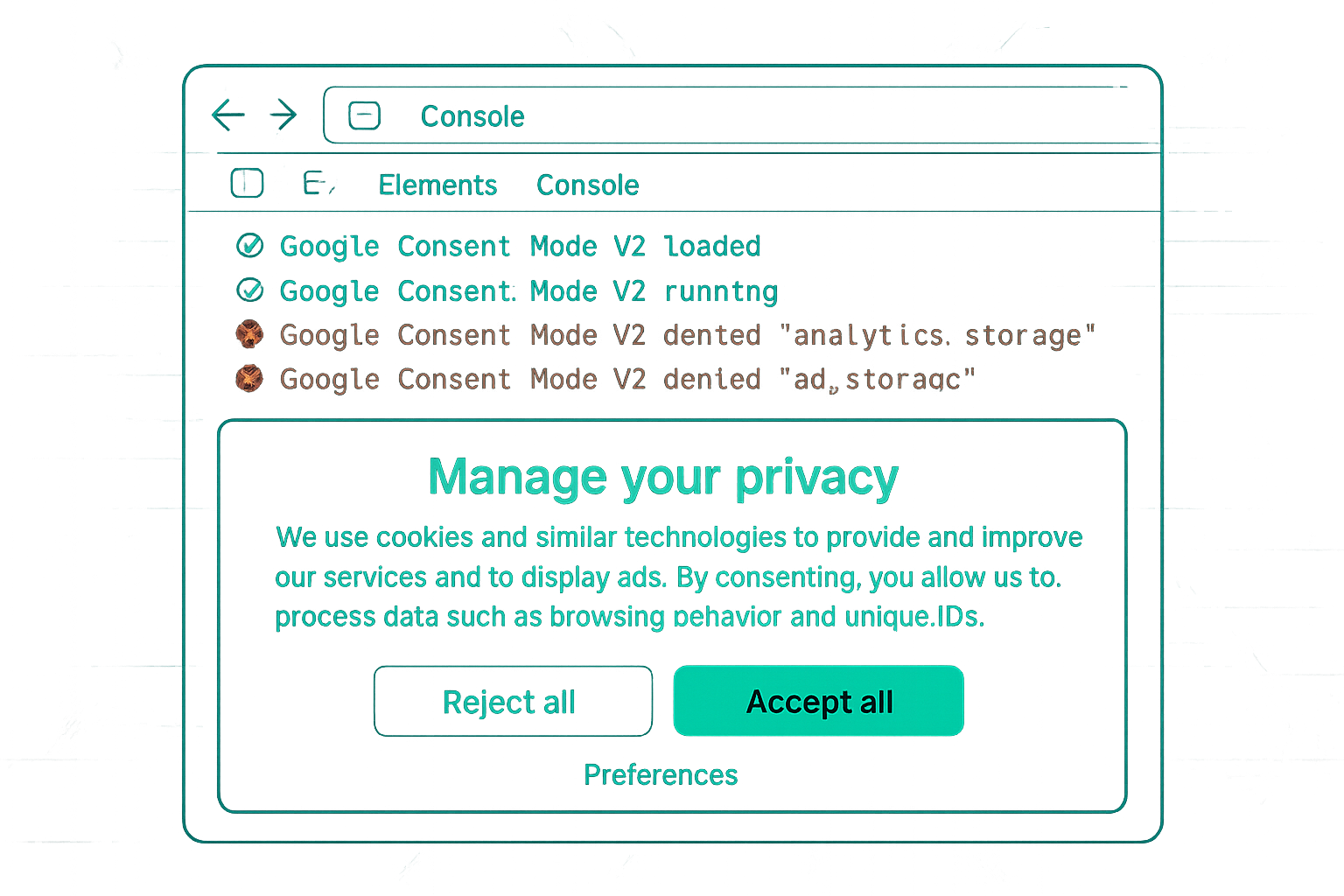
WordPress Consent Mode Options
WordPress sites have two main paths to implement Consent Mode v2:
- Plugin-based (recommended): use a WordPress CMP plugin that handles both the cookie banner and the Consent Mode v2 signals automatically
- Manual via GTM: add GTM to WordPress, configure the default consent tag, and use a CMP plugin that integrates with GTM for consent updates
Recommended WordPress CMP Plugins
Complianz: A Google-certified CMP partner. Complianz has built-in GTM integration and supports Consent Mode v2 natively. Free and Pro versions available. Its GTM integration automatically calls gtag('consent', 'update') when users make consent choices in the banner.
CookieYes: Popular plugin with Consent Mode v2 support. Works with GTM via a GTM tag template available in the GTM community gallery. Also supports direct (non-GTM) implementation.
Real Cookie Banner: WordPress-specific plugin with Consent Mode v2 support. More configuration options for granular consent categories.
Manual Implementation via GTM
If you prefer to use a CMP that does not have a WordPress plugin but does have a GTM tag:
- Install GTM on WordPress (via plugin such as "GTM4WP — Google Tag Manager for WordPress" or manual header/footer code)
- Add the Consent Mode default tag in GTM (Custom HTML, Consent Initialization trigger)
- Add your CMP's GTM tag (Consent Initialization trigger) to handle banner display and consent updates
- Test in GTM Preview Mode
WooCommerce Specifics
For WooCommerce purchase tracking with Consent Mode v2, the purchase event must fire on the order-received (thank you) page for consenting users. Ensure:
- The data layer push for WooCommerce purchase events fires before the GA4 tag
- The CMP has restored consent status before GTM fires on the thank you page (consent cookie check on page load)
- Test the full purchase flow in GTM Preview including the thank you page
Common WordPress Issues
Caching plugins: WordPress caching plugins (WP Rocket, W3 Total Cache) can cache pages in a state where the consent banner is not shown to returning users, bypassing the CMP. Configure your caching plugin to not cache pages for users with consent cookies set, or disable page caching for the consent banner page.
Multiple CMP plugins: Installing two different cookie consent plugins creates conflicts — both try to show banners and both update consent state, potentially overriding each other. Use one CMP plugin only.
Summary
WordPress Consent Mode v2 implementation is simplest via a Google-certified CMP plugin (Complianz, CookieYes) that handles banner, consent storage, and GTM Consent Mode signals automatically. Manual GTM-based implementation is also effective using the Consent Mode default tag plus a CMP GTM tag. Key WordPress-specific issues: caching plugin interference with consent banner display and multiple CMP plugin conflicts.
See our Consent Mode v2 Implementation service for WordPress setup.
Need Consent Mode v2 on WordPress? Contact Adslytics.
Need expert tracking setup?
Our Google Tag Manager experts have delivered 500+ tracking setups with a 98% success rate.
Get a Free Consultation →