Getting Started with Segment
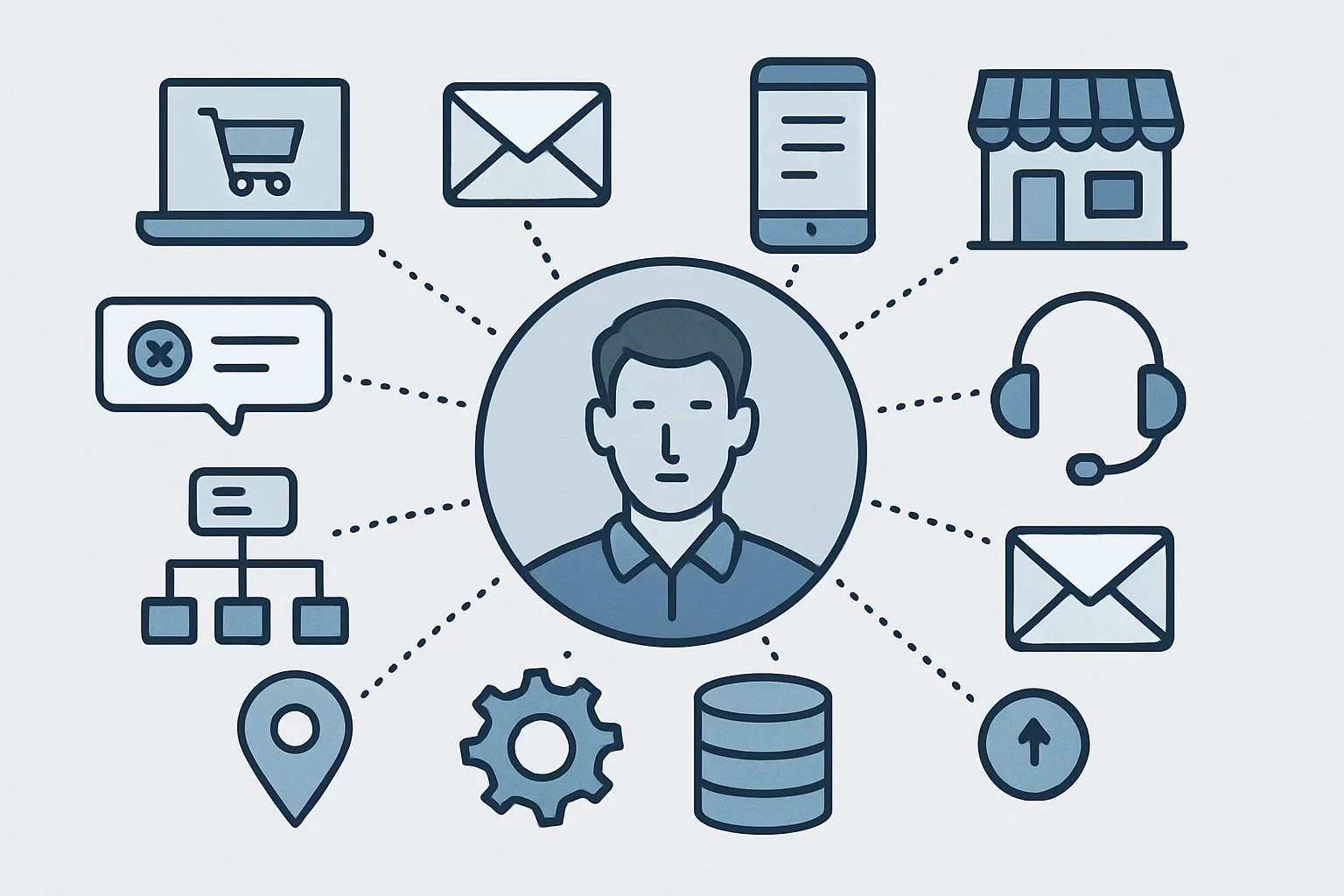
Segment is the most widely adopted CDP for growth-stage companies. Its core architecture is simple: you send events to Segment from your sources (website, app, server), and Segment forwards them to your destinations (analytics tools, ad platforms, email platforms, data warehouses). One tracking implementation — many destinations. Our CDP service handles Segment implementations for teams that need it done at scale.
Setting Up Your First Source
In Segment, a "source" is any system sending data to Segment. Common sources:
- Analytics.js: Segment's JavaScript library for websites. Add the snippet to your site (via Google Tag Manager or direct). It tracks page views automatically and lets you call
analytics.track()for custom events. - Mobile SDKs: iOS and Android SDKs for native app tracking
- Server-side sources: Node.js, Python, Ruby, Go — for server-side event sending (purchases, account changes)
- Cloud sources: Connect Salesforce, Stripe, Zendesk — Segment pulls data from these APIs automatically
Tracking Calls in Segment
Segment has six tracking methods:
identify(userId, traits)— associate user with an ID and set profile attributes (name, email, plan)track(event, properties)— record a user action with propertiespage(name, properties)— record a page viewgroup(groupId, traits)— for B2B: associate user with an accountalias(newId)— link anonymous pre-signup events to logged-in user IDscreen(name, properties)— mobile equivalent of page()
Adding Destinations
In the Segment dashboard, go to Destinations → Add Destination. Search for your platform. Common destinations: Google Analytics 4, Mixpanel, Amplitude, Klaviyo, Facebook Pixel (connect via Conversion API for server-side), HubSpot, Intercom, and BigQuery.
Each destination has mapping settings — configure which Segment events map to which destination events. Some destinations accept events directly (pass-through); others require custom mappings.
Protocols: Enforcing Your Tracking Plan
Segment Protocols (available on Business tier) lets you define your event schema and validate incoming events against it. Events that don't match the schema are flagged or blocked. This prevents data quality degradation as your team grows. Combined with proper event taxonomy design, Protocols is what keeps your CDP data clean at scale.
Need expert tracking setup?
Our Google Tag Manager experts have delivered 500+ tracking setups with a 98% success rate.
Get a Free Consultation →