The Modern Data Stack for Mid-Market Businesses
CDP + GA4 + BigQuery has become the standard data architecture for mid-market businesses that want sophisticated analytics without enterprise complexity. Each tool plays a distinct role, and they integrate cleanly when configured correctly.
Our CDP implementation team regularly architects this three-layer stack, and this guide explains how the pieces fit together.
The Architecture Overview
Web/App Events
     ↓
   CDP (Segment/RudderStack)
     ↓          ↓          ↓
   GA4      BigQuery    Email/Ads
(Reporting) (Analytics) (Activation)
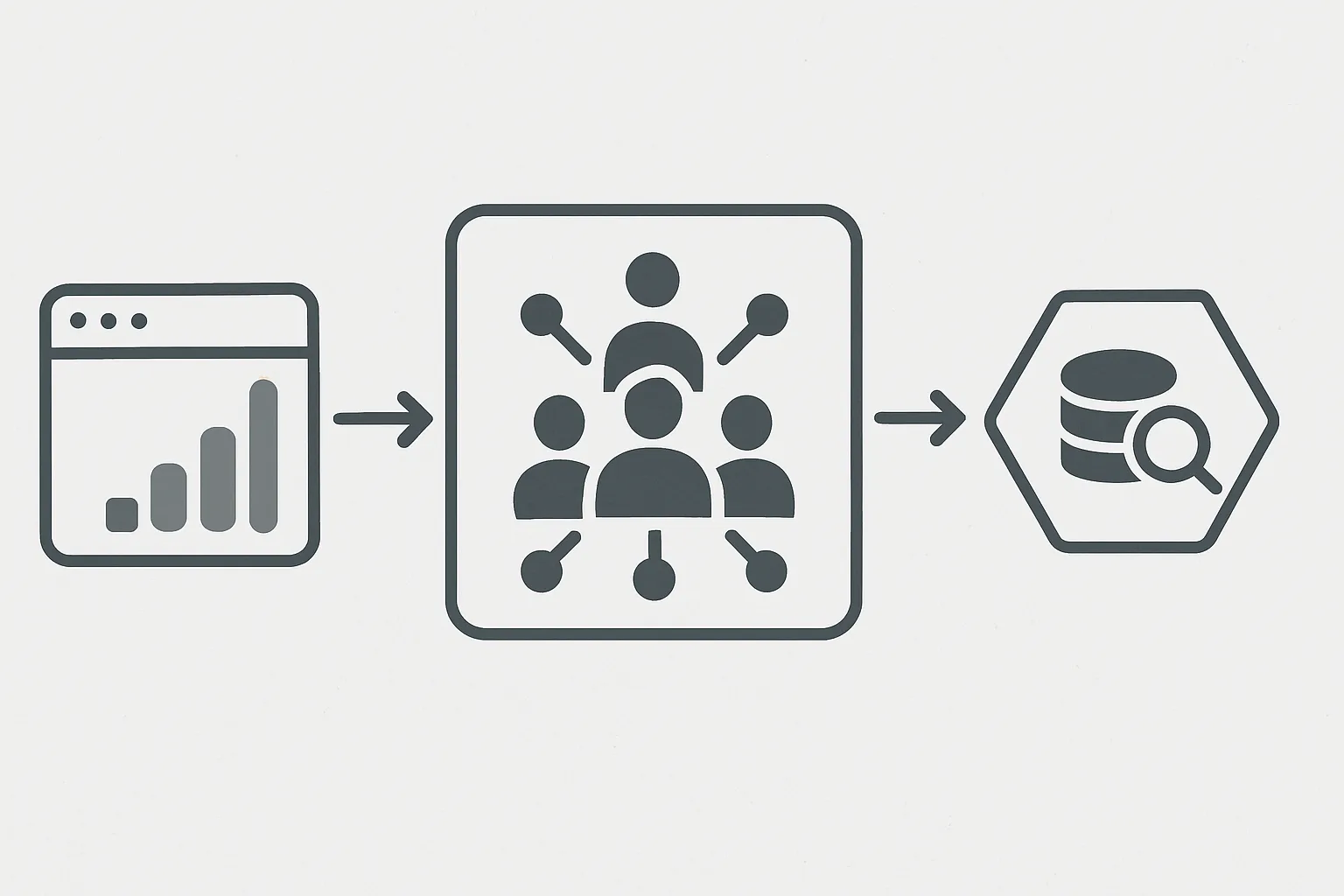
The CDP is the collection and routing hub. GA4 receives events for marketing analytics and attribution. BigQuery receives raw events for data engineering and BI. Marketing destinations receive audiences for activation.
CDP → GA4 Integration
Two methods for sending CDP events to GA4:
Method 1: GA4 Destination (Server-Side)
CDP sends events to GA4's Measurement Protocol API from its servers. Events arrive in GA4 with the cdp_event_id as a server event source. This bypasses browser restrictions and ad blockers.
Setup: Enable the GA4 (Cloud Mode) destination in your CDP, provide your Measurement ID and API Secret.
Limitation: Server-side GA4 events miss some browser signals (device, browser type, viewport). Workaround: pass these as event properties from the browser before sending to CDP.
Method 2: gtag.js Alongside CDP
Maintain a minimal GTM/gtag.js GA4 implementation alongside the CDP. The CDP handles routing to all other destinations; gtag handles GA4 specifically with full browser context.
This is often the pragmatic choice when you need complete GA4 data fidelity (session-based metrics, enhanced measurement features). The overhead is one additional tag rather than 15.
CDP → BigQuery Integration
This is the most straightforward CDP-to-warehouse connection and should be configured first in any implementation.
Setup: Enable BigQuery destination in CDP, provide project ID and dataset name. The CDP creates tables automatically (one table per event type, or a flattened "events" table depending on your CDP).
What Arrives in BigQuery
- Raw event tables: one row per event, columns for event properties
- Identifies table: user trait updates over time
- Pages table: pageview events
- Groups table: B2B account associations
Data typically arrives in BigQuery within minutes for streaming destinations, or in hourly/daily batches for non-streaming configurations.
Building on Top of CDP Data in BigQuery
Once CDP events are in BigQuery, you can build:
- Unified customer table: JOIN CDP events with CRM exports, order data, support tickets
- Computed traits: LTV, engagement score, churn probability — run nightly and written back to CDP
- Attribution models: Custom multi-touch attribution across all CDP-tracked channels
- Audience queries: SQL-defined segments exported via Reverse ETL to marketing destinations
Use dbt to transform raw CDP tables into clean, tested, documented models that your analytics team can query reliably.
GA4 → BigQuery Export
GA4 exports raw event data to BigQuery daily (free for Firebase projects; paid for GA4 standalone). This creates a second stream of event data in BigQuery alongside your CDP events.
The GA4 BigQuery export is particularly valuable for:
- Session-level analysis that GA4's native reporting can't do
- Custom funnel analysis without GA4's UI limitations
- Joining GA4 behavioral data with CDP customer profiles for enriched analysis
Connecting the Three Layers
The power comes from joining across data sources in BigQuery:
SELECT
  c.customer_tier,
  COUNT(g.event_name) as sessions,
  SUM(o.order_total) as revenue
FROM cdp.users c
JOIN ga4.events g ON g.user_id = c.user_id
JOIN orders.completed o ON o.customer_id = c.user_id
GROUP BY 1
This kind of cross-source analysis — impossible in any single tool — is where the CDP + GA4 + BigQuery stack delivers its highest analytical value.
Contact our team to design your CDP + GA4 + BigQuery architecture.
Need expert tracking setup?
Our Google Tag Manager experts have delivered 500+ tracking setups with a 98% success rate.
Get a Free Consultation →