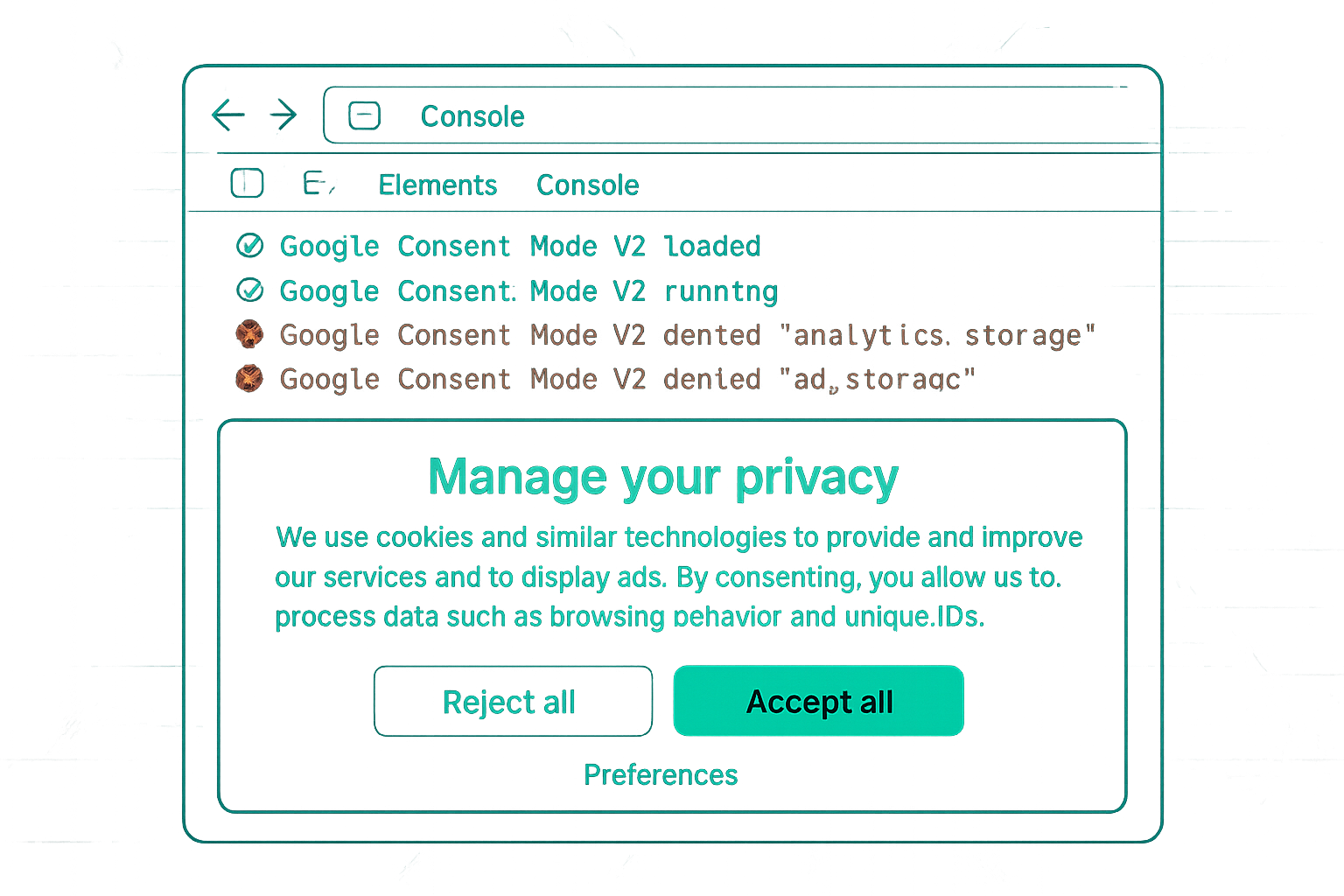
GA4 Data Before and After Consent Mode v2
Before Consent Mode v2 implementation, if you are simply loading GA4 without a CMP, you may technically be collecting data from all users — but in violation of GDPR in EEA markets. After implementing Consent Mode v2, GA4 correctly restricts data collection for non-consenting users. Expect your reported user counts, session counts, and event counts to decrease — this is correct behaviour, not a tracking failure.
The Impact on Key GA4 Metrics
Users and Sessions: GA4 cannot create a persistent user identity (client_id) for non-consenting users. These users are excluded from user counts. Session counts drop proportionally to your non-consent rate.
Events: Page views and interaction events from non-consenting users are not counted in the standard event reports. They contribute only cookieless pings (in advanced mode) which are used for modelling but not reflected in the Events report.
Conversions: Conversions from non-consenting users do not appear in GA4's standard conversion reports. However, Consent Mode modelling may estimate them separately in the GA4 → Advertising section.
Data Thresholds and Aggregation
GA4 applies data thresholds when consent mode is active and the sample of consenting users is small. If fewer than a certain number of users (Google does not publish the exact threshold) trigger a report dimension combination, the data is aggregated or withheld to prevent re-identification. Reports may show "Data thresholds applied" when this occurs.
The Reporting Attribution Section
GA4's Advertising → Attribution reports include Consent Mode modelling data. The "Conversions" metric in this section may be higher than the standard Events → Conversions count because modelled conversions are included. This is the most complete picture of your conversion volume available in GA4 under Consent Mode.
What Good Looks Like
A well-implemented Consent Mode v2 setup in GA4 shows:
- A "Consent mode is active" indicator in the GA4 Data Stream settings
- The Admin → Data Collection → Google signals → "Consent Mode" showing as configured
- A natural decline in reported users/sessions from the implementation date (proportional to non-consent rate)
- No significant change in conversion rate (if consent rate is stable)
Summary
Consent Mode v2 implementation causes visible declines in GA4 user, session, and event counts — this is expected and correct. The decline size reflects your non-consent rate. Conversions from non-consenting users are captured via modelling in GA4's Advertising section. Data threshold indicators appear when consenting user samples are small. A decrease in GA4 numbers after Consent Mode implementation is a sign the system is working correctly, not a tracking problem.
See our Consent Mode v2 Implementation service for GA4 configuration.
Need Consent Mode v2 properly set up with GA4? Contact Adslytics.
Need expert tracking setup?
Our Google Tag Manager experts have delivered 500+ tracking setups with a 98% success rate.
Get a Free Consultation →