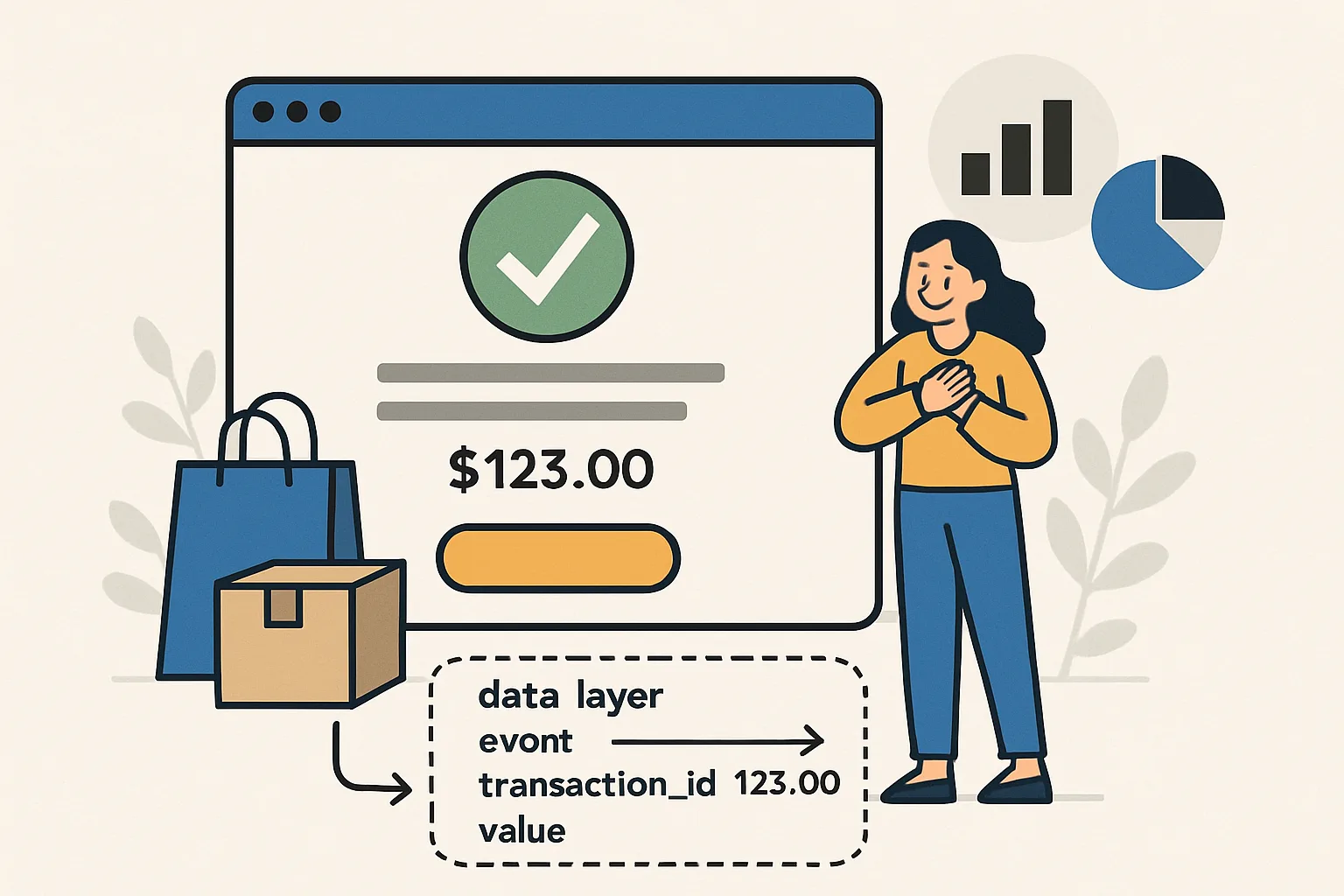
Why the Order Confirmation Page Is Critical
The order confirmation page (thank you page) is where the purchase event fires. This is the single most important data layer push in ecommerce tracking: it is used for revenue reporting in GA4, conversion attribution in Google Ads and Meta, and ROAS calculation. Getting it wrong — missing items, wrong values, duplicate firings — corrupts your revenue reporting and makes your advertising data unreliable.
Server-Side Data Injection (Recommended Approach)
Order data should be injected into the page server-side — not constructed client-side from URL parameters or LocalStorage. Server-side injection ensures the data is accurate (comes from your database, not user-modifiable values) and fires before GTM loads.
The server-side rendered push (shown before the GTM snippet):
<script>
window.dataLayer = window.dataLayer || [];
window.dataLayer.push({ecommerce: null});
window.dataLayer.push({
  'event': 'purchase',
  'ecommerce': {
    'transaction_id': '[[order.id]]',
    'value': 99.99,
    'tax': 9.99,
    'shipping': 5.99,
    'currency': '[[order.currency]]',
    'coupon': '[[order.coupon_code]]',
    'items': [
      {
        'item_id': '[[item.sku]]',
        'item_name': '[[item.name]]',
        'item_category': '[[item.category]]',
        'item_variant': '[[item.variant]]',
        'price': 49.99,
        'quantity': 1
      }
    ]
  }
});
</script>
Transaction ID Deduplication
The transaction_id is critical for deduplication. If the user refreshes the confirmation page or navigates back to it, GA4 will attempt to record a second purchase event. Using the stable transaction_id (order ID from your database), GA4 can deduplicate — consecutive purchase events with the same transaction_id within a short window are dropped.
Additionally, mark the order in your database as "tracking fired" and only push the data layer event if it has not been fired for this order before. This prevents duplicate reporting if the page is refreshed.
Common Mistakes
- Wrong value field: using subtotal instead of total, or missing shipping in the total. value should be what the customer paid
- Missing transaction_id: without a transaction ID, GA4 cannot deduplicate and each page refresh counts as a new purchase
- Firing from a URL redirect: if your confirmation page redirects before GTM fires, the event may not fire. Load the data layer push in the final destination page, not in the redirect
- Ecommerce object not reset: forgetting
{ecommerce: null}before the purchase push can cause data from previous events to bleed in - Items array empty: if the items array is empty or missing, GA4 records a purchase but cannot attribute it to products
Summary
Inject order data server-side into the data layer push before the GTM snippet loads. Include transaction_id, value (total paid), tax, shipping, currency, and all items with item_id, item_name, price, and quantity. Always push ecommerce: null first. Use the order ID as transaction_id for deduplication. Consider a "tracking fired" flag in your database to prevent duplicate pushes on page refresh.
See our Enhanced Ecommerce Tracking Setup service for complete implementation.
Need order confirmation tracking implemented correctly? Contact Adslytics.
Need expert tracking setup?
Our Google Tag Manager experts have delivered 500+ tracking setups with a 98% success rate.
Get a Free Consultation →