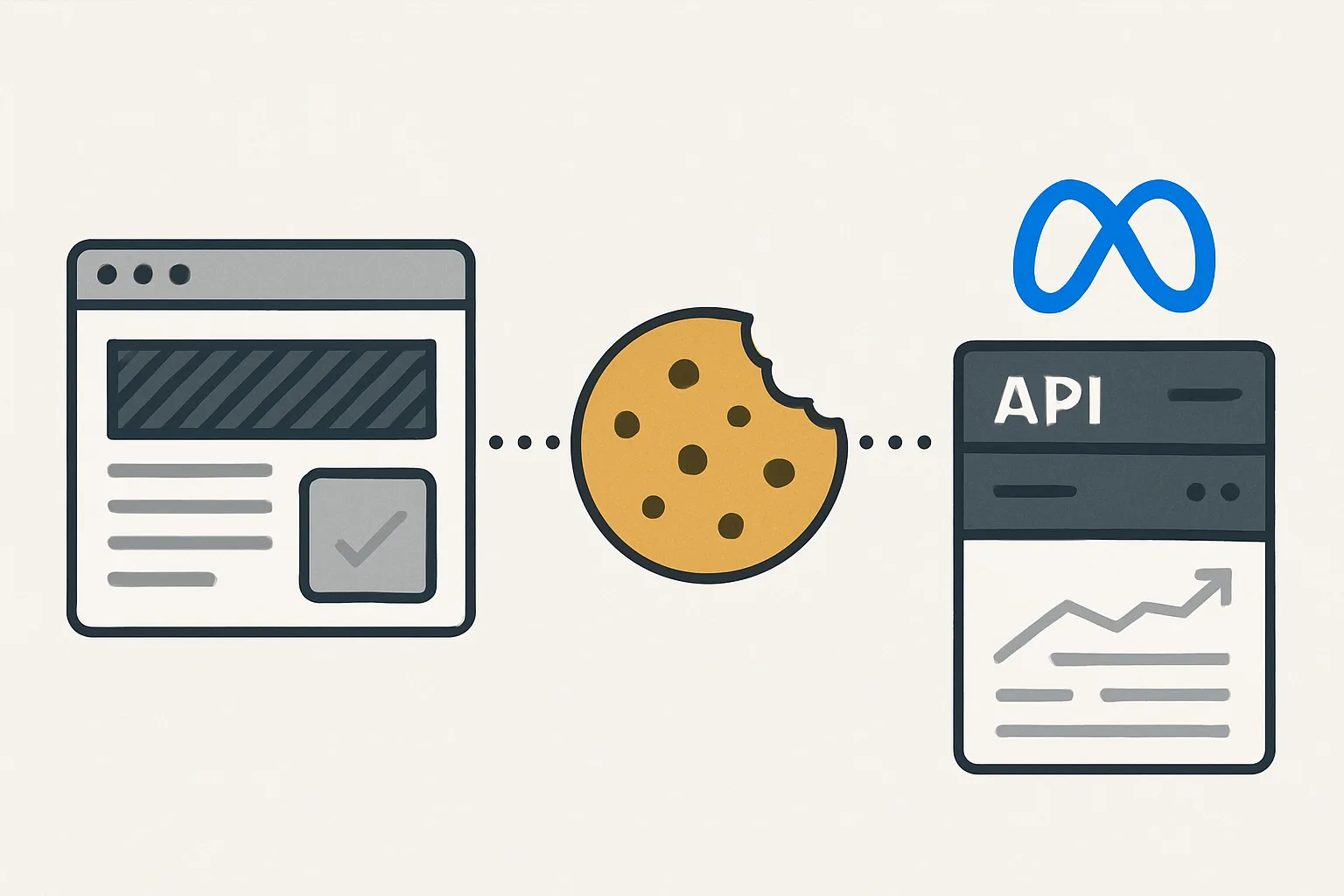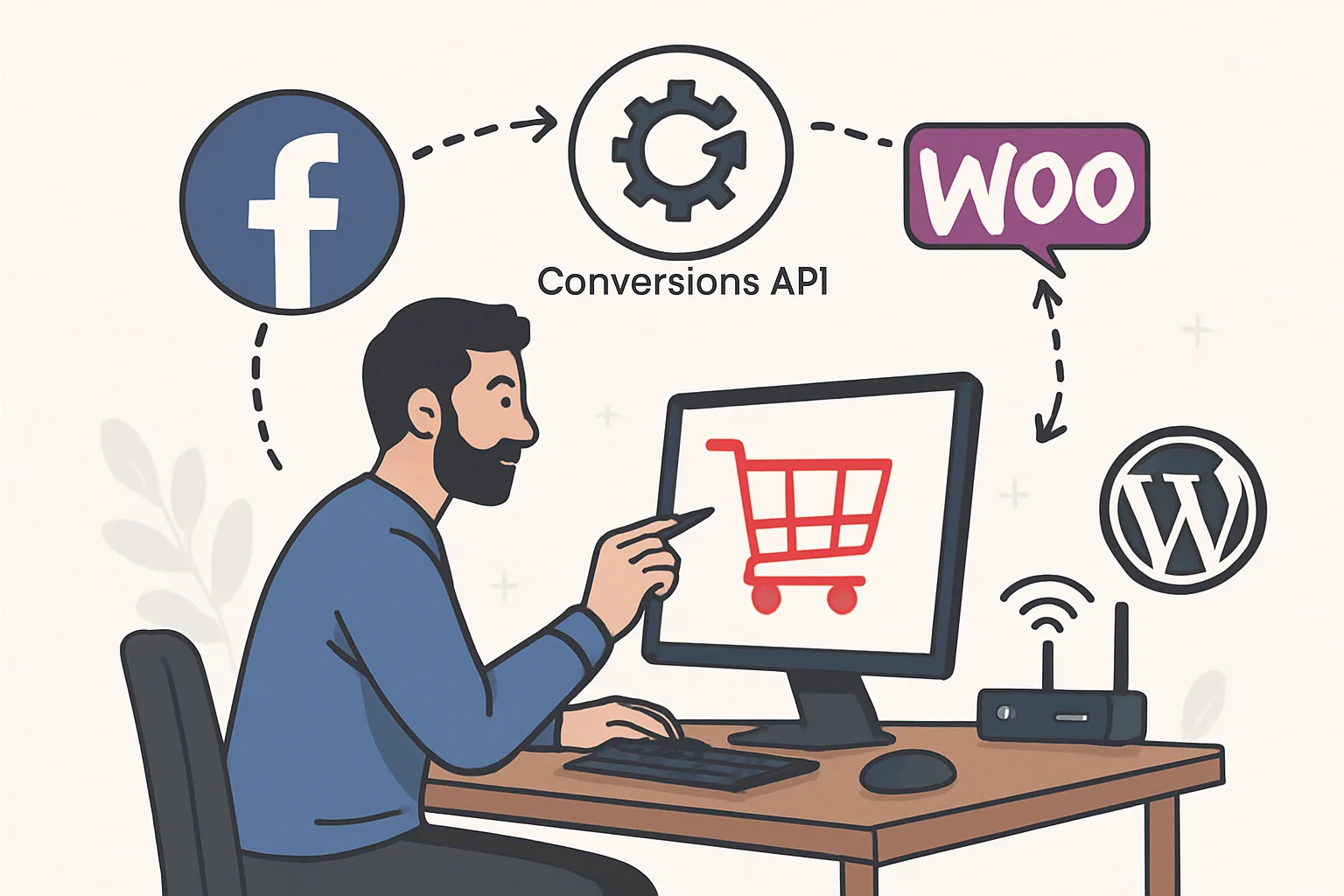
WooCommerce CAPI Options
WooCommerce stores on WordPress have several paths to implementing Facebook Conversions API. Unlike Shopify which has platform-level restrictions, WordPress/WooCommerce allows GTM on all pages — giving you more implementation flexibility.
Option 1: Official Meta Pixel Plugin for WordPress
Meta publishes an official "Meta Pixel" WordPress plugin that includes both browser-side Pixel and server-side CAPI support.
Setup:
- Install "Meta Pixel" plugin from WordPress.org plugin directory
- Connect your Meta Business account via the plugin settings
- Enable CAPI in the plugin settings
- The plugin automatically sends purchase events from the WooCommerce order hook (woocommerce_thankyou) both as a browser pixel fire and a server-side CAPI call
Advantages: official, zero-code, maintained by Meta, handles deduplication automatically.
Disadvantages: limited customer information (email and basic address from WooCommerce order; phone depends on checkout fields). Cannot add custom parameters. Plugin dependency adds security and maintenance considerations.
Option 2: Server-Side GTM with WooCommerce Data Layer
The recommended approach for stores already using GTM:
- WooCommerce data layer implementation (GTM4WP plugin or custom code) pushes purchase events with full order data to the data layer
- Web GTM picks up these events and forwards to sGTM server container
- sGTM forwards to Meta CAPI with complete customer information
This approach gives you all WooCommerce order data (email, phone, name, address, order items) in the sGTM server where you can send it to Meta with high EMQ.
Option 3: Custom PHP CAPI Implementation
For complete control, implement CAPI directly in PHP using WooCommerce hooks:
<?php
add_action('woocommerce_thankyou', 'send_meta_capi_purchase', 10, 1);

function send_meta_capi_purchase($order_id) {
    $order = wc_get_order($order_id);
    if (!$order || $order->get_meta('_meta_capi_sent')) return;

    $email = $order->get_billing_email();
    $phone = $order->get_billing_phone();

    $user_data = [
        'em'      => [hash('sha256', strtolower(trim($email)))],
        'ph'      => [hash('sha256', preg_replace('/[^0-9]/', '', $phone))],
        'fn'      => [hash('sha256', strtolower(trim($order->get_billing_first_name())))],
        'ln'      => [hash('sha256', strtolower(trim($order->get_billing_last_name())))],
        'ct'      => [hash('sha256', strtolower(trim($order->get_billing_city())))],
        'zp'      => [hash('sha256', preg_replace('/\s/', '', $order->get_billing_postcode()))],
        'country' => [hash('sha256', strtolower($order->get_billing_country()))],
        'client_ip_address' => $_SERVER['REMOTE_ADDR'] ?? '',
        'client_user_agent' => $_SERVER['HTTP_USER_AGENT'] ?? '',
    ];

    $payload = [
        'data' => [[
            'event_name'       => 'Purchase',
            'event_time'       => time(),
            'event_id'         => 'ORDER-' . $order_id,
            'event_source_url' => get_permalink(wc_get_page_id('checkout')),
            'action_source'    => 'website',
            'user_data'        => $user_data,
            'custom_data'      => [
                'value'        => floatval($order->get_total()),
                'currency'     => get_woocommerce_currency(),
                'content_type' => 'product',
                'contents'     => array_map(function($item) {
                    return ['id' => $item->get_product()->get_sku() ?: $item->get_product_id(), 'quantity' => $item->get_quantity()];
                }, array_values($order->get_items())),
                'num_items'    => $order->get_item_count(),
            ],
        ]],
        'access_token' => 'YOUR_META_ACCESS_TOKEN',
    ];

    wp_remote_post(
        'https://graph.facebook.com/v19.0/YOUR_PIXEL_ID/events',
        ['body' => json_encode($payload), 'headers' => ['Content-Type' => 'application/json'], 'timeout' => 15]
    );

    $order->update_meta_data('_meta_capi_sent', true);
    $order->save();
}
Choosing Between Options
- Non-technical WooCommerce user: Meta Pixel plugin
- Using GTM already: sGTM + WooCommerce data layer
- Need full control, have PHP developer: custom implementation
Summary
WooCommerce CAPI can be implemented via the official Meta plugin (easiest), via sGTM with data layer (most flexible for multi-platform), or via custom PHP (most control). The custom PHP approach achieves the highest EMQ by including all customer information from the WooCommerce order object. Whichever approach, always implement deduplication via matching event_ids on both browser Pixel and CAPI.
See our Facebook CAPI Setup service for WooCommerce implementation.
Need WooCommerce CAPI set up? Contact Adslytics.
Need expert tracking setup?
Our Google Tag Manager experts have delivered 500+ tracking setups with a 98% success rate.
Get a Free Consultation →