The Two Key Meta Attribution Cookies
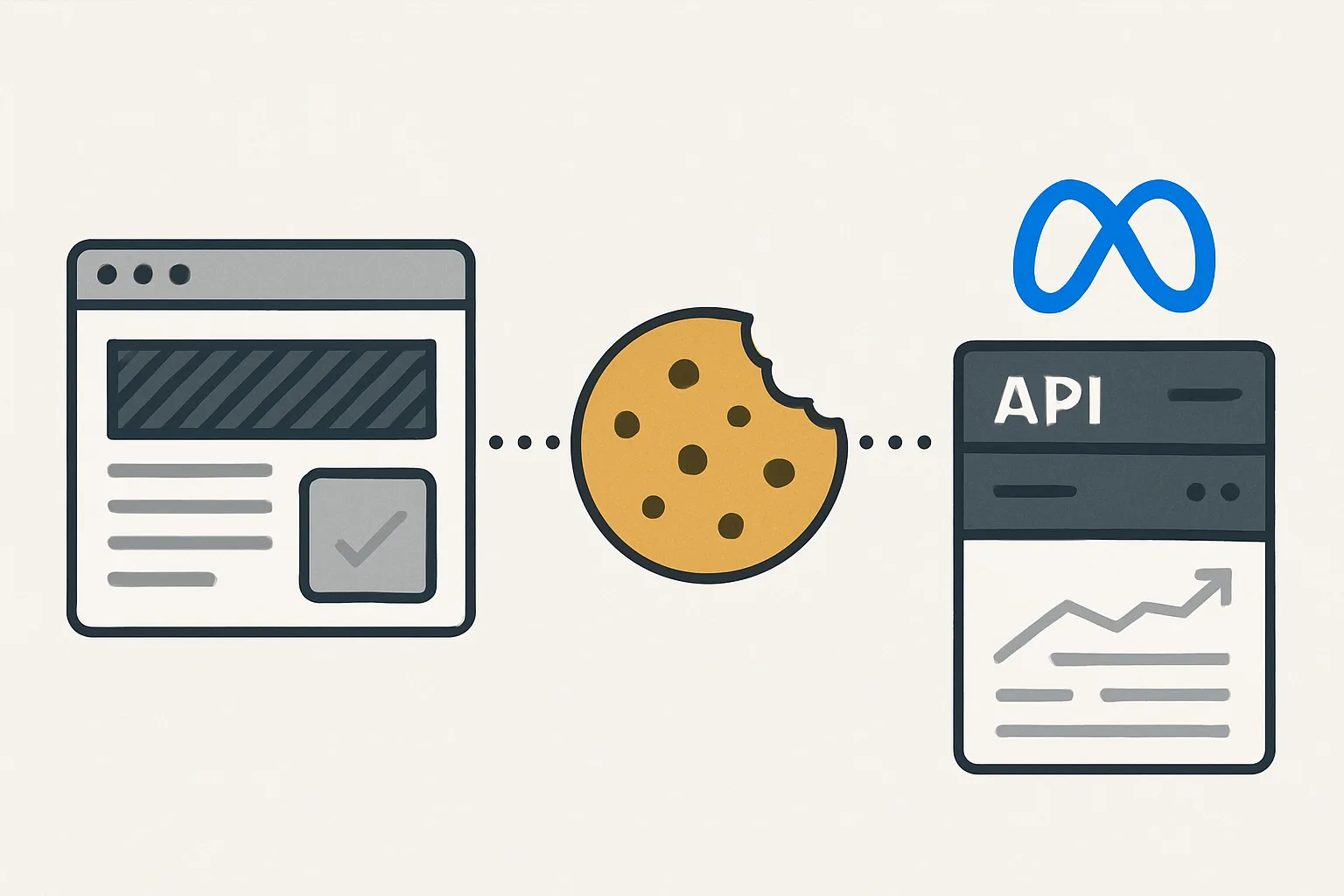
When you have the Facebook Pixel installed on your website, Meta sets two browser cookies that serve as attribution building blocks for both browser-side and server-side (CAPI) conversion tracking:
- _fbp (Facebook Browser ID): a persistent browser identifier set by the Meta Pixel. It identifies the browser across sessions on your website. It does NOT identify which Meta ad the user clicked.
- _fbc (Facebook Click ID): a session-specific identifier set when a user clicks on a Meta ad and lands on your website. It identifies the specific ad click that brought this user to your site.
The _fbp Cookie in Detail
Format: fb.1.1735682400000.987654321
Structure: fb.[version].[creation_timestamp].[random_number]
The _fbp cookie is set by the Meta Pixel when it first loads. It persists in the user's browser for 90 days (or less on Safari due to ITP). It is set on your domain, which means it is a first-party cookie (set by your site, not by Meta's domain).
When you pass _fbp in a CAPI event, Meta uses it to understand which users are the same person across their sessions on your website. This improves the matching between your CAPI events and Meta user accounts for users who may not be logged into Meta's apps but are known to Meta through previous browsing history.
The _fbc Cookie in Detail
Format: fb.1.1735682400000.IwAR1...
The _fbc cookie is only set when a user arrives on your website by clicking a Meta ad. The click ID (fbclid) from the ad URL is stored in this cookie. It persists for 90 days.
When you pass _fbc in a CAPI event, Meta can directly tie the server-side event to the specific ad click — this is the strongest possible attribution signal for ad-driven conversions. Events with _fbc are attributed to the exact campaign, ad set, and ad that drove the visit.
Why Passing Both in CAPI Matters
Without _fbp and _fbc, Meta must rely only on hashed PII (email, phone) to match CAPI events to Meta users. With both cookies, Meta has three independent signals to match on:
- _fbp: identifies the browser
- _fbc: identifies the specific ad click
- Hashed email/phone: identifies the person
The combination significantly improves both matching rate and attribution accuracy.
How to Capture and Pass the Cookies
In your website's JavaScript, capture the cookies and pass them to your server when the conversion event occurs:
// JavaScript: read _fbp and _fbc cookies
function getCookie(name) {
    const match = document.cookie.match(new RegExp('(^| )' + name + '=([^;]+)'));
    return match ? match[2] : '';
}
const fbp = getCookie('_fbp');
const fbc = getCookie('_fbc');

// Pass these to your server with the purchase data
fetch('/api/order', {
    method: 'POST',
    body: JSON.stringify({ ...orderData, fbp, fbc })
});
In your CAPI call, include them in user_data (not hashed):
"user_data": {
    "em": [hashed_email],
    "fbp": fbp,  // The raw cookie value, not hashed
    "fbc": fbc   // The raw cookie value, not hashed — may be empty if not from a Meta ad
}
Summary
_fbp identifies the browser (set on all Meta Pixel page views), while _fbc identifies the specific Meta ad click (set only on ad-driven visits). Both should be captured at form submission or checkout initiation and stored with the order/lead record for use in CAPI events. They are passed in plaintext (not hashed). Without them, CAPI attribution relies solely on PII matching — passing them adds two additional attribution signals that significantly improve conversion attribution accuracy.
See our Facebook CAPI Setup service for cookie capture implementation.
Need CAPI with proper cookie attribution? Contact Adslytics.
Need expert tracking setup?
Our Google Tag Manager experts have delivered 500+ tracking setups with a 98% success rate.
Get a Free Consultation →