GTM's Built-In Triggers vs Data Layer Events
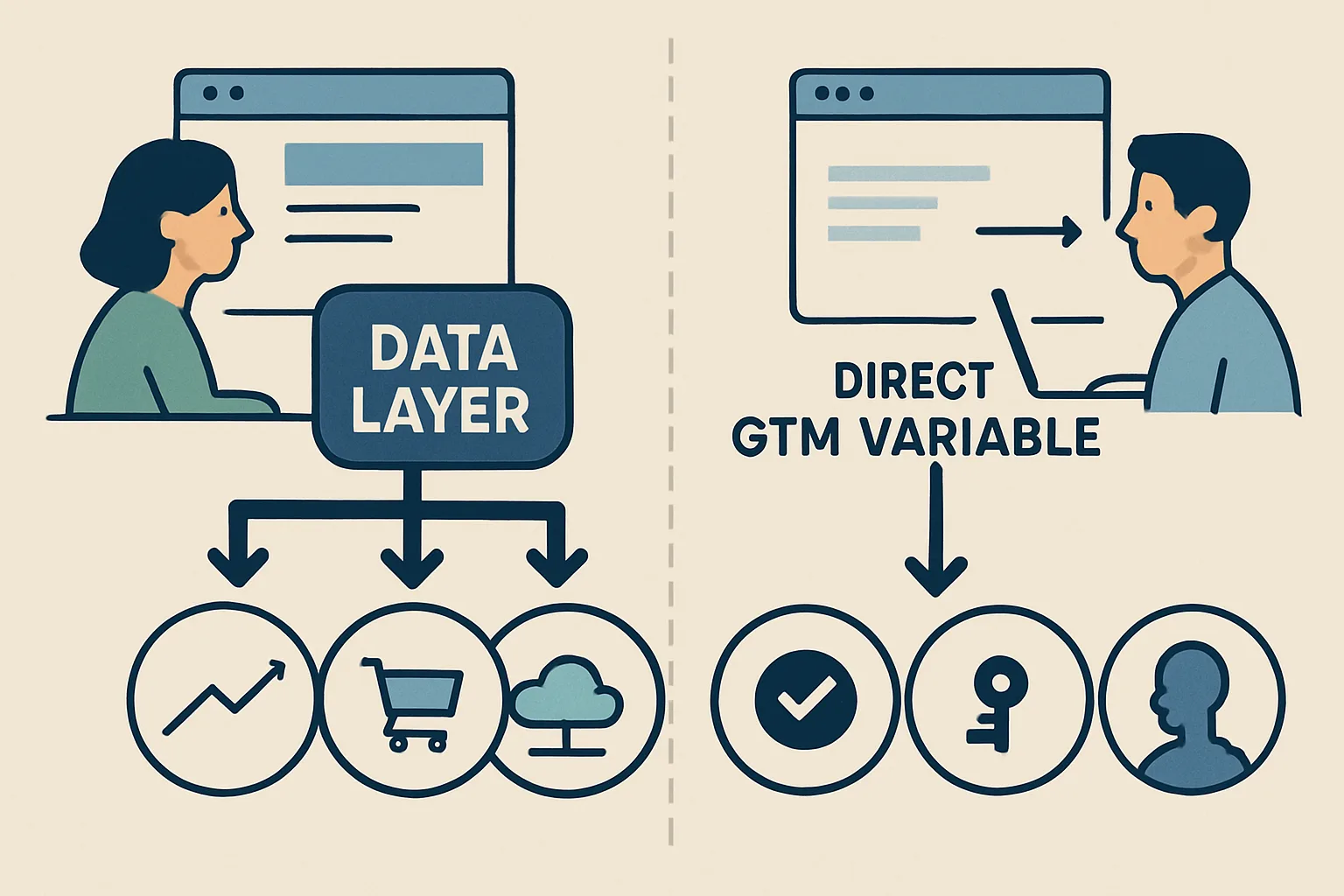
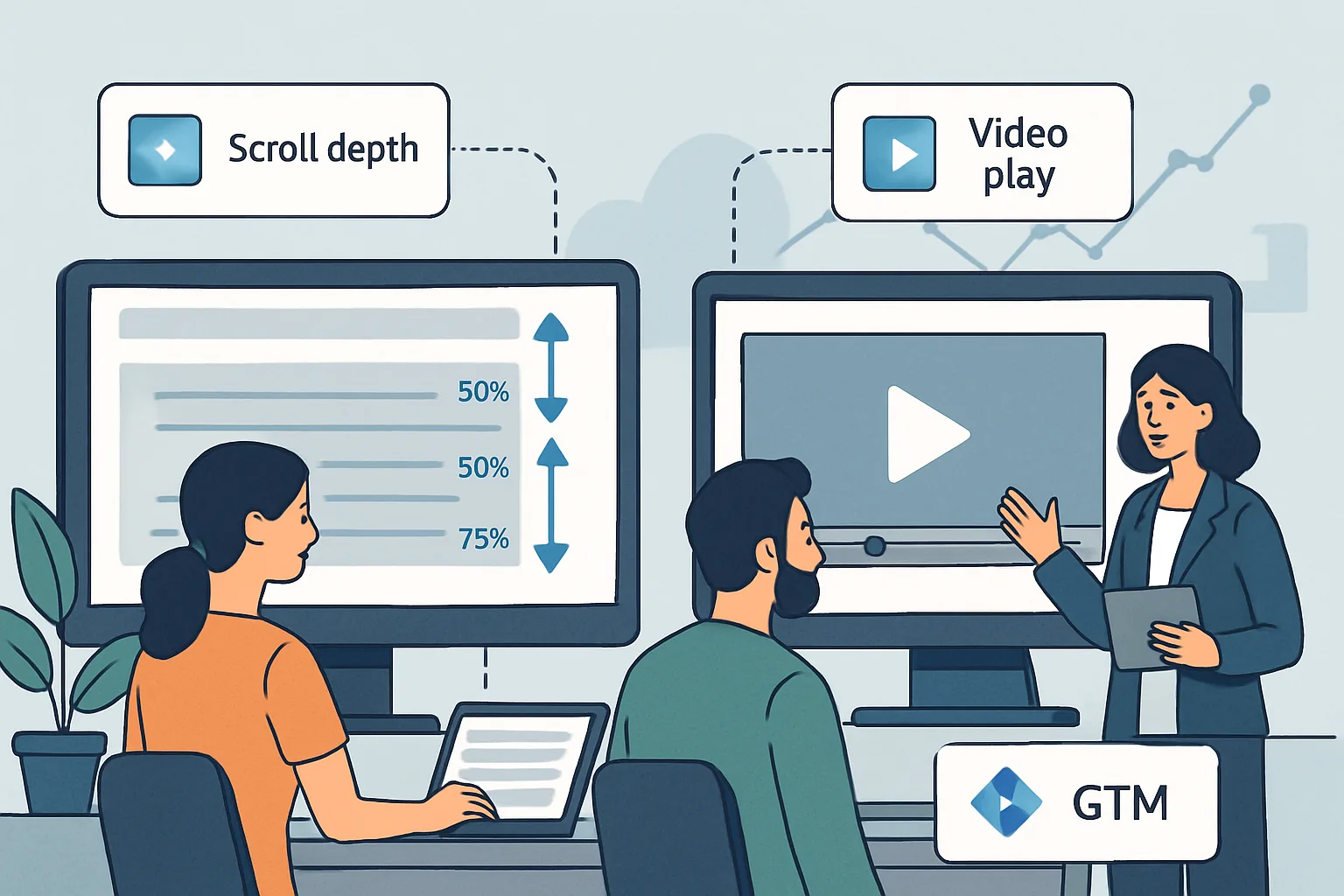
GTM has built-in scroll and YouTube video triggers. These are convenient but limited: the scroll trigger only fires at generic 10%, 25%, 50%, 75%, 90% thresholds and does not tell you what content the user was reading when they reached that depth. The YouTube trigger only works with embedded YouTube iframes, not custom HTML5 video players. Data layer events let you add the context these built-in triggers miss.
Custom Scroll Depth Tracking
Custom scroll tracking using Intersection Observer — fires when specific content sections enter the viewport:
const sections = document.querySelectorAll('[data-track-section]');
const observer = new IntersectionObserver(function(entries) {
  entries.forEach(entry => {
    if (entry.isIntersecting) {
      const section = entry.target;
      const sectionName = section.getAttribute('data-track-section');
      window.dataLayer.push({
        'event': 'section_viewed',
        'section_name': sectionName,
        'page_path': window.location.pathname
      });
      observer.unobserve(section); // Fire once per section per page visit
    }
  });
}, {threshold: 0.5});  // Fire when 50% of the section is visible

sections.forEach(section => observer.observe(section));
Mark sections in HTML: <section data-track-section="pricing">
This fires a section_viewed event with the specific section name — you can see which sections of your landing pages are actually read, not just reached.
YouTube Video Tracking
For YouTube embeds, use the YouTube IFrame API:
var tag = document.createElement('script');
tag.src = "https://www.youtube.com/iframe_api";
document.head.appendChild(tag);

var player;
function onYouTubeIframeAPIReady() {
  player = new YT.Player('video-element-id', {
    events: {
      'onStateChange': onPlayerStateChange
    }
  });
}

var milestones = {25: false, 50: false, 75: false, 90: false};
function onPlayerStateChange(event) {
  if (event.data === YT.PlayerState.PLAYING) {
    window.dataLayer.push({
      'event': 'video_start',
      'video_title': player.getVideoData().title
    });
    trackProgress();
  }
  if (event.data === YT.PlayerState.ENDED) {
    window.dataLayer.push({
      'event': 'video_complete',
      'video_title': player.getVideoData().title
    });
  }
}

function trackProgress() {
  var interval = setInterval(function() {
    if (!player.getCurrentTime) { clearInterval(interval); return; }
    var pct = Math.round((player.getCurrentTime() / player.getDuration()) * 100);
    [25, 50, 75, 90].forEach(function(milestone) {
      if (pct >= milestone && !milestones[milestone]) {
        milestones[milestone] = true;
        window.dataLayer.push({
          'event': 'video_progress',
          'video_title': player.getVideoData().title,
          'video_percent': milestone
        });
      }
    });
  }, 1000);
}
GTM Configuration
For both scroll and video events, create:
- Data Layer Variables for each contextual field (section_name, video_title, video_percent)
- Custom Event triggers (section_viewed, video_start, video_progress, video_complete)
- GA4 Event tags with event parameters from the variables
Summary
Custom data layer scroll and video events add context that GTM's built-in triggers cannot provide. Section-based Intersection Observer tracking reveals which content sections users actually view. YouTube IFrame API events fire video_start, video_progress (at 25/50/75/90%), and video_complete. Both approaches push specific contextual data (section name, video title) that makes the analytics actionable for content optimisation decisions.
See our GTM Data Layer Implementation service for engagement tracking setup.
Need scroll and video tracking implemented? Contact Adslytics.
Need expert tracking setup?
Our Google Tag Manager experts have delivered 500+ tracking setups with a 98% success rate.
Get a Free Consultation →