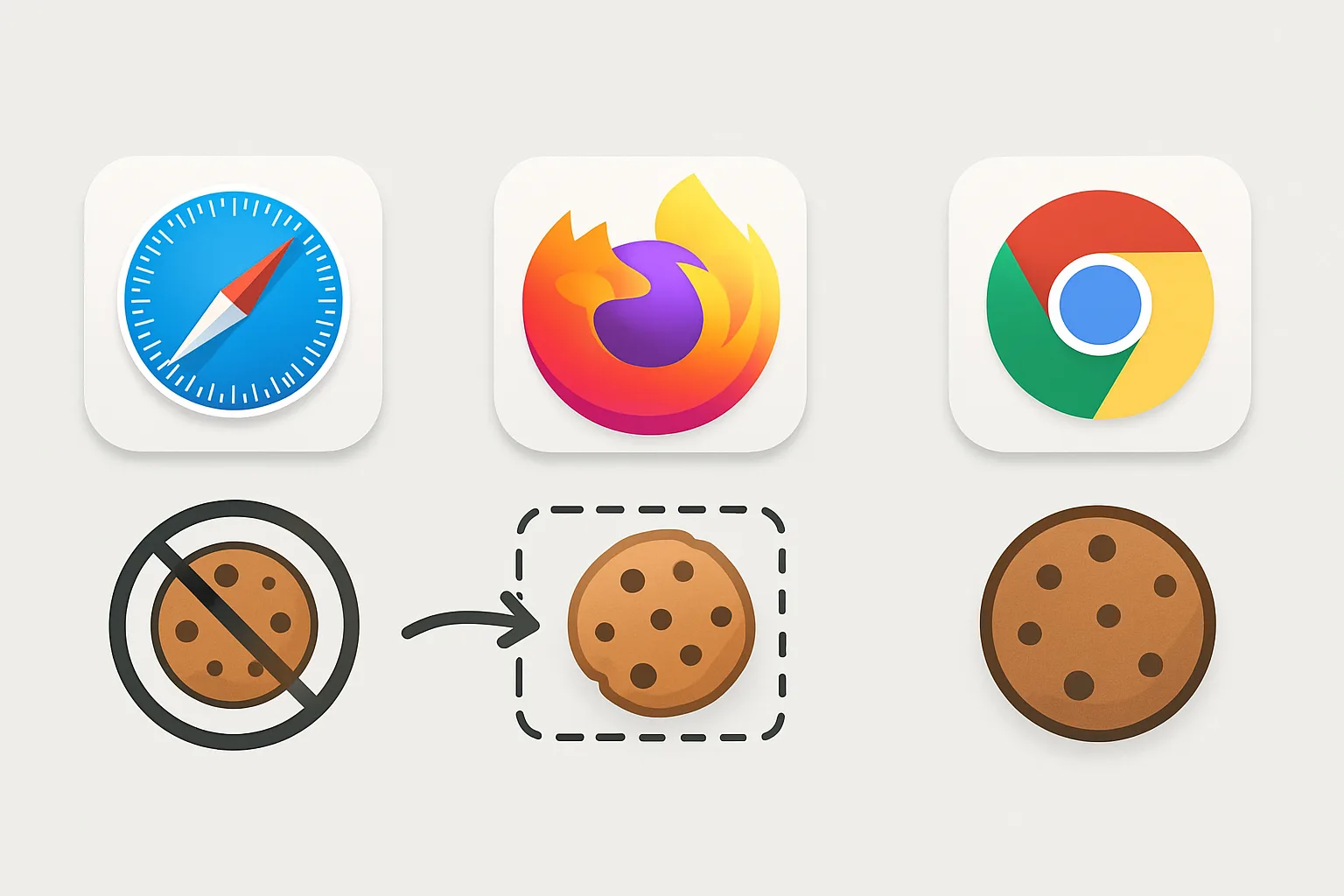
Why Browser Differences Matter for Tracking
Website analytics and conversion tracking rely on cookies to identify users across sessions. But each major browser implements different levels of cookie restriction — meaning the same user visiting your site in Safari versus Chrome has a fundamentally different tracking profile. Understanding these differences is essential context for server-side tracking decisions.
Safari: The Most Restrictive
Safari's Intelligent Tracking Prevention (ITP) is the most aggressive browser privacy feature affecting analytics:
- Third-party cookies: blocked by default since Safari 12.1 (2019)
- JavaScript-set first-party cookies: capped at 7 days for domains classified as cross-site trackers. This includes Google Analytics, Google Tag Manager, and other analytics domains — meaning the _ga cookie expires in 7 days on Safari.
- LocalStorage and IndexedDB: also capped at 7 days for cross-site tracker domains
- Link decoration: Safari strips query parameters including fbclid and gclid from URLs when navigating between sites
- Private Relay: iCloud+ subscribers can route Safari traffic through relay nodes, masking IP addresses
Impact on analytics: Safari users who return to your site after 7 days appear as new users. Long-tail conversion attribution is broken. On mobile, iOS uses Safari (or Safari WebKit) for all browsers — meaning these restrictions apply even to Chrome on iPhone.
Firefox: Significant but Less Aggressive
Firefox's Enhanced Tracking Protection (ETP) is meaningful but less comprehensive than Safari ITP:
- Third-party cookies: blocked by default in Standard mode since Firefox 79 (2020). "Total Cookie Protection" (Strict mode) isolates cookies by site, preventing cross-site tracking even through first-party cookies.
- JavaScript-set first-party cookies: NOT automatically capped like Safari ITP. Firefox respects the cookie's stated expiration date for first-party cookies.
- Tracking scripts: ETP blocks scripts from known tracking domains using Mozilla's disconnect.me list. This includes GTM and GA4 scripts in Strict mode.
- Link decoration: Firefox strips known tracking parameters (fbclid, gclid, etc.) in some configurations
Impact on analytics: Firefox users in Standard mode have most analytics tracking intact (first-party cookies work). Strict mode users lose cross-site tracking but first-party analytics still functions. Firefox desktop has 3-4% market share in most markets.
Chrome: Currently Most Permissive (Changing)
Chrome has historically been the most permissive major browser for tracking, but this is changing:
- Third-party cookies: deprecated for most users in 2024 (after several delays). Chrome's Privacy Sandbox provides alternative APIs (Protected Audience, Topics) for interest-based advertising without cross-site cookies.
- First-party cookies: fully supported with stated expiration dates — no ITP-style restrictions
- JavaScript-set cookies: not capped for first-party cookies
- Tracking scripts: not blocked by default (unlike Firefox's ETP or Safari's ITP)
Impact on analytics: Standard first-party analytics in Chrome remains functional. The deprecation of third-party cookies affects remarketing audiences and cross-site attribution but not direct analytics cookie function.
The Summary Table
| Restriction | Safari | Firefox (Standard) | Chrome |
|---|---|---|---|
| Third-party cookies | Blocked | Blocked | Deprecated 2024 |
| JS-set 1st party cookies | 7 days cap | Full lifetime | Full lifetime |
| Tracking scripts | Blocked (ITP) | Blocked (Strict only) | Not blocked |
| Link decoration stripping | Yes | Partial | No (yet) |
How Server-Side Tracking Addresses This
Server-side tracking addresses the Safari 7-day cookie cap (by setting cookies via HTTP headers) and ad blocker script blocking (by routing through a first-party subdomain). It does not bypass users who explicitly opt out of all tracking through browser settings or extensions.
Summary
Safari is the most impactful browser for tracking restrictions, especially on iOS where all mobile browsers use Safari's engine. Firefox matters for desktop users in privacy-conscious markets. Chrome is evolving with Privacy Sandbox but remains the most permissive for first-party analytics. Build your tracking architecture around Safari's restrictions and everything else is covered.
See our Server-Side Tracking service for browser-resilient implementation.
Need analytics that works across all browsers? Contact Adslytics.
Need expert tracking setup?
Our Google Tag Manager experts have delivered 500+ tracking setups with a 98% success rate.
Get a Free Consultation →