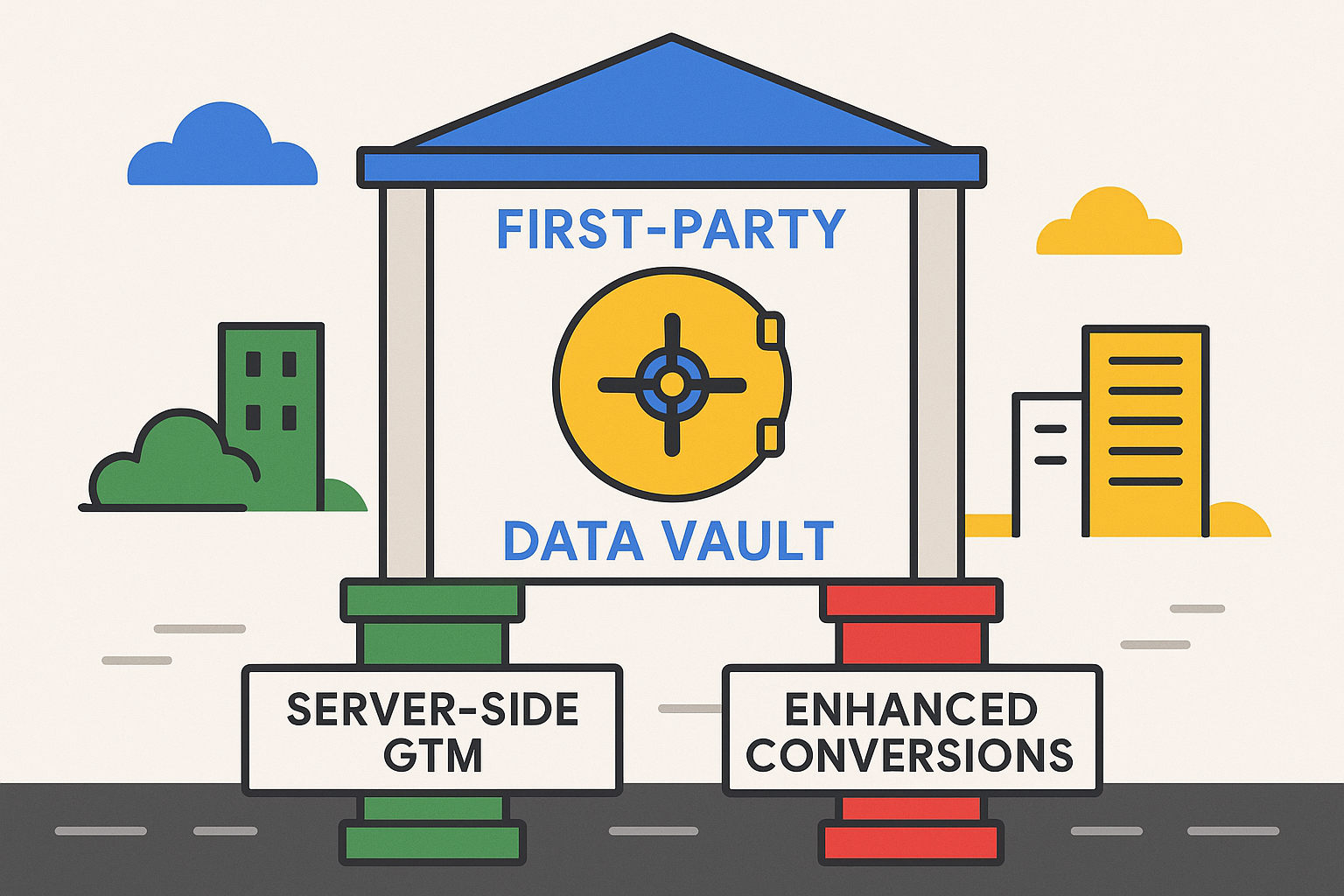
Google now offers two ways to move tracking closer to your own domain: the Google tag gateway and server-side Google Tag Manager. They get compared often, and they are not the same product. One serves Google's tag from your domain through your content delivery network. The other is a server you run that receives events, changes them and forwards them to any platform you choose.
This guide compares them, so you can pick the one that fits your setup.
What each one does
Google tag gateway
The tag gateway lets you load the Google tag and send its measurement requests through your own domain, using your CDN or load balancer. To the browser, the requests look like part of your site. Google documents setup routes for common CDNs and load balancers, and the list changes, so check its documentation for the one you use.
The gateway works with Google tags. It does not receive events from your site and pass them to Meta, TikTok or your CRM.
Server-side Google Tag Manager
Server-side GTM adds a server container, usually hosted on Google Cloud, Stape or another provider. Your site sends events to that container on your domain. The container then decides what to forward and where: GA4, Google Ads, Meta Conversions API, TikTok and others.
Because the container runs your logic, you can hash personal data, drop fields, add fields from your backend, set first-party cookies from the server and honor consent before anything leaves.
Side-by-side comparison
| Google tag gateway | Server-side GTM | |
|---|---|---|
| What it covers | Google tags | Any platform you connect |
| Where it runs | Your CDN or load balancer | A server container you host |
| Control over data | Limited | Full: filter, enrich, hash, route |
| First-party delivery | Yes, through your domain | Yes, through your domain |
| Non-Google destinations such as Meta CAPI | No | Yes |
| Hosting cost | Usually CDN configuration | Server hosting that grows with traffic |
| Setup effort | Lower | Higher |
| Best for | Google-only setups that want fewer blocked requests | Multi-platform tracking with data control |
When the gateway is enough
The gateway may be enough when:
- Your paid media is almost all Google Ads and GA4.
- You want fewer blocked Google requests and do not need to change the data.
- You already use a CDN that Google supports and you can change its configuration.
- You do not have the budget or the person to maintain a server container.
When you need server-side GTM
Choose a server container when:
- You send conversions to Meta, TikTok, LinkedIn or other platforms through their server APIs.
- You need to hash emails and phone numbers before they leave your infrastructure.
- You want to enrich events with data from your backend, such as order margin or customer type.
- You need to filter bot traffic or remove fields before they reach a vendor.
- You want one consent-aware routing layer for every vendor.
Our server-side GA4 guide shows what that routing looks like in practice, and Server-Side Tracking ROI covers cost against benefit.
Things to watch
Google has also been moving more Google tag features into Tag Manager, such as version control and debugging for sites that use only the browser-side Google tag. Google's help page says nothing changes automatically and that you choose whether to adopt the new setup. If you run server-side GTM, test any browser-side change before you publish it, because it can alter what your server container receives.
Critics of the gateway approach argue that moving logic into a managed layer makes it harder for advertisers to inspect what happens to their data. Whichever option you choose, keep a record of what each tag sends and keep consent handling in place. A gateway or a server does not replace consent.
How to decide
Answer three questions:
- Do you send data to platforms other than Google? If yes, you need server-side GTM.
- Do you need to change, hash or filter data before it leaves your site? If yes, you need server-side GTM.
- If both answers are no, does blocked Google traffic cost you enough to justify the work? If yes, try the gateway first.
If you are unsure, run the tracking checker on your site and compare it with your backend orders. A large gap points to server-side GTM. A small gap on a Google-only setup suggests the gateway or no change at all.
Need expert tracking setup?
Our Google Tag Manager experts have delivered 500+ tracking setups with a 98% success rate.
Get a Free Consultation →