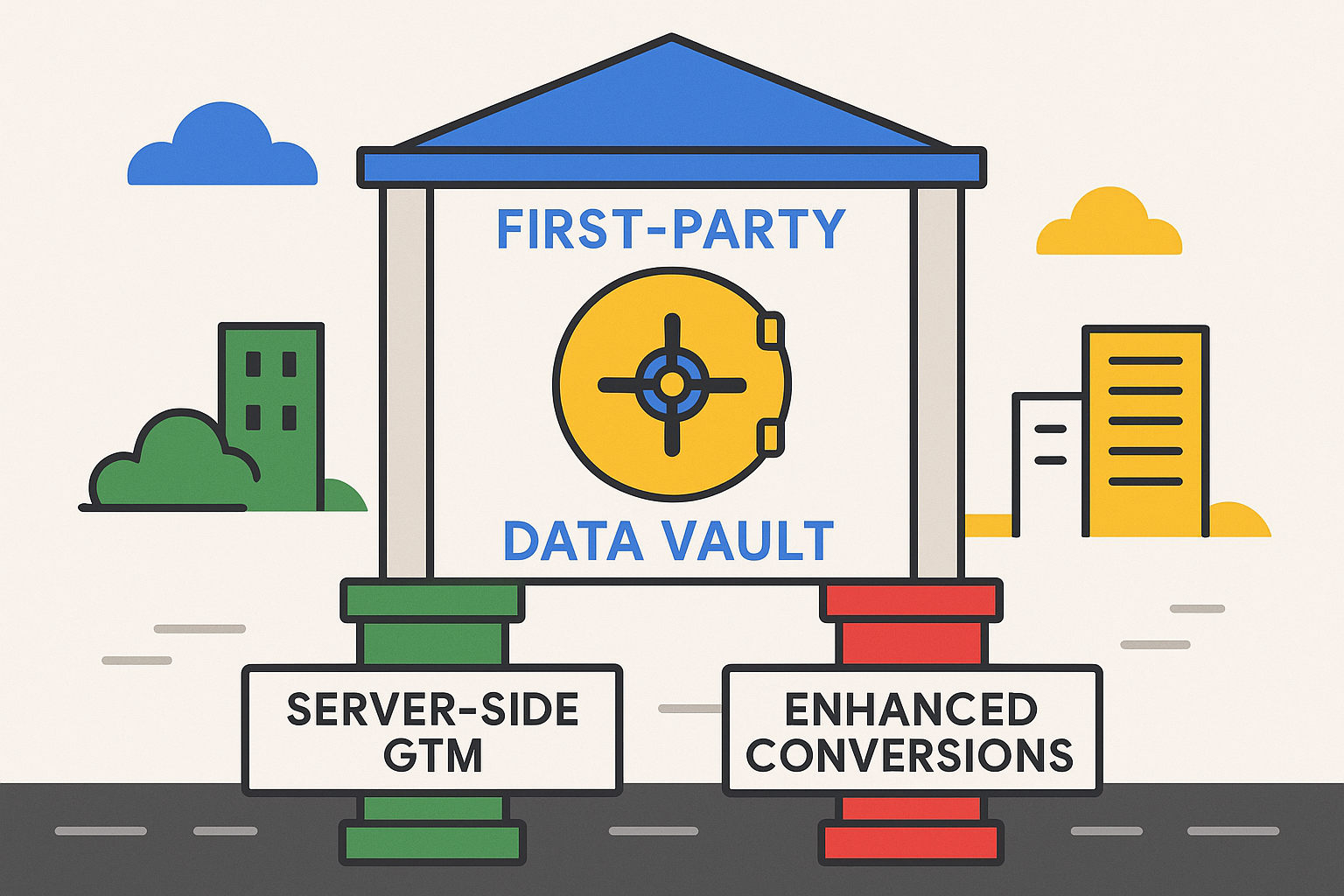
Server-side Google Tag Manager currently hides part of the visitor IP address across a whole container. Google has announced that this changes on January 11, 2027. From that date, tags for some Google advertising products will receive the full IP address by default, and the redaction setting will work per tag and not per container.
If you run a server container, you have until then to decide what you want. This guide explains the change, what to check, and what to do.
What is changing
According to Google's notice, as reported by Search Engine Land and others, starting January 11, 2027:
- Server-side GTM will let tags process standard network signals such as the IP address.
- Tags for Google Ads, Display & Video 360, Search Ads 360 and Campaign Manager 360 will accept the full IP address.
- Google Analytics tags will keep applying IP redaction.
- Redaction becomes an opt-out. A container owner who does nothing will start passing full IP addresses to those four advertising products on that date.
Several details are not clear. Google's notice is undated in the copies we found. It does not say how long full IP addresses are stored or where. It also does not say whether the full IP is processed when a visitor has refused advertising consent. Check the latest documentation and ask your privacy team to review it.
Why it matters
IP addresses are personal data under the GDPR. Sending a full address instead of a truncated one is a change in what you share with a third party, and it may need an update to your privacy notice, your records of processing and your consent setup. For advertisers, the full address can help with matching and geographic signals, which is why Google is making the change.
Decide deliberately: accept the new default, or keep partial IP addresses for tags that do not need the full value.
Step 1: list your tags
Open each server container and sort the tags into groups:
- Google Ads, Display & Video 360, Search Ads 360 and Campaign Manager 360 tags. These change on January 11.
- Google Analytics tags. These keep redaction.
- Third-party tags, such as Meta Conversions API or TikTok. Check how each one reads the IP today.
Only the first group is affected by the Google change, but the exercise often turns up tags that nobody remembers.
Step 2: check where each tag reads the IP
A tag may read the address from the ip_override field, from a custom header or from an event parameter. If you want to control what it receives, you have to target the field it actually uses. Open each tag's configuration and note the source. Our guide to IP anonymisation and geo headers in server-side GTM explains the fields and headers.
Step 3: decide per tag
For each affected tag, pick one:
- Accept the full IP address. Choose this if you have reviewed the privacy impact and want the benefit.
- Keep a partial IP address. Build a transformation that shortens the address before the tag receives it.
- Block the field. Use this only where the tag works without an IP address.
Step 4: build a redaction transformation if you need one
The way to keep sending a shortened address is a custom transformation in your server container. In Matching Conditions or Affected Tags, choose the tags that should receive the redacted value. Google's transformation documentation does not mention IP addresses at the time of writing, so expect to test and adjust. Publish the transformation before January 11, and verify it in preview mode.
Step 5: update your privacy documentation
If you accept full IP addresses, update:
- your privacy notice
- your records of processing
- your data processing agreements, where relevant
- your consent flow, if consent covers this processing
Step 6: measure the effect
Take a baseline now: Google Ads conversions against backend orders for the 30 days before January 11. Compare it with the 30 days after. A change in match rates or reported conversions tells you whether the new default helps, and gives you something to show stakeholders.
Checklist
- List every tag in every server container.
- Group them by product.
- Note where each tag reads the IP.
- Decide to accept, shorten or block for each affected tag.
- Build and publish a transformation where needed.
- Update your privacy documentation.
- Record a 30-day baseline before January 11.
- Compare the 30 days after.
Our server-side tracking service includes a container review that covers this change.
Need expert tracking setup?
Our Google Tag Manager experts have delivered 500+ tracking setups with a 98% success rate.
Get a Free Consultation →