The BigQuery + Looker Studio Architecture
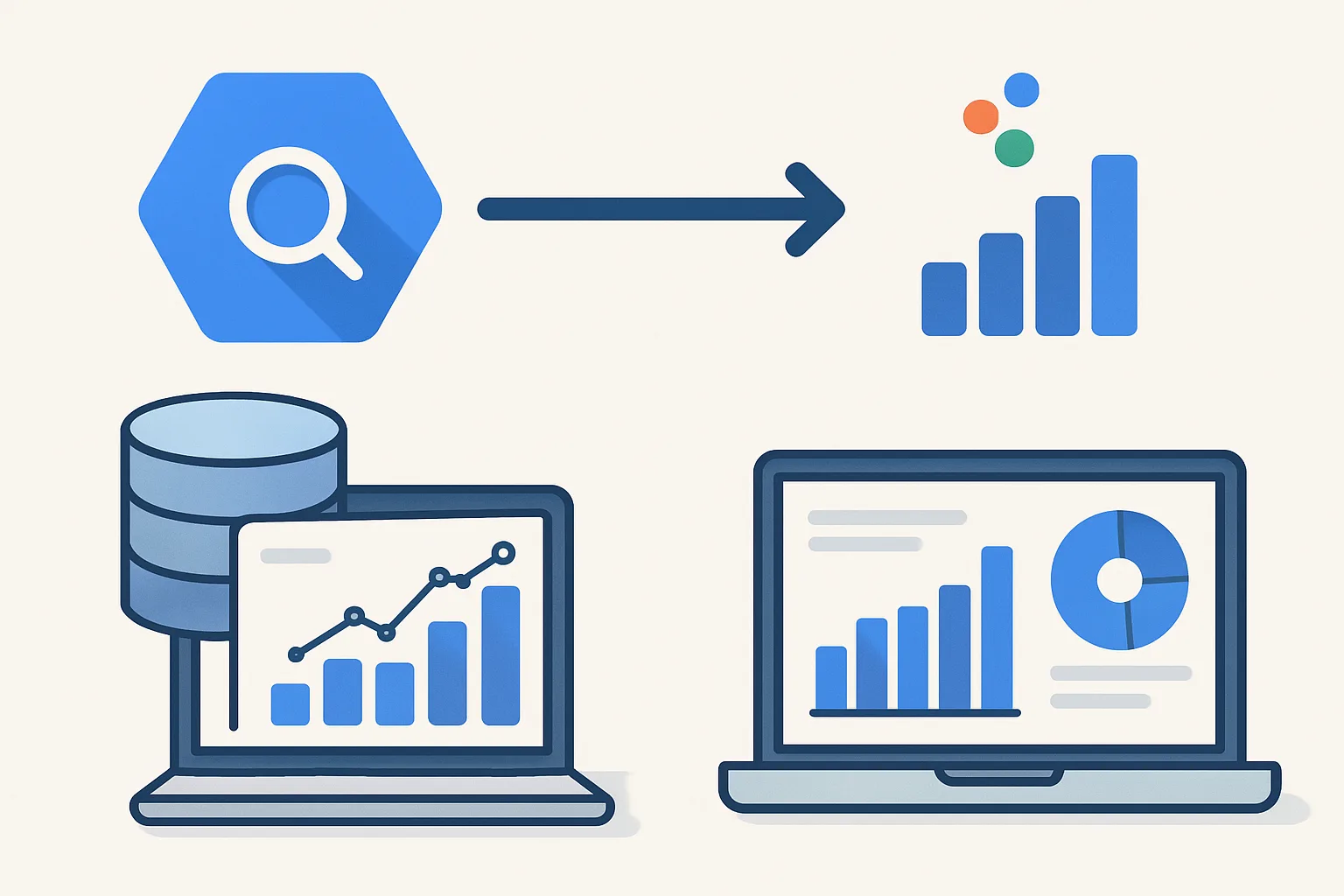
BigQuery is the analytical engine; Looker Studio (formerly Google Data Studio) is the visualisation layer. Data analysts write SQL in BigQuery to prepare clean, aggregated datasets. Business stakeholders consume those datasets as interactive charts and tables in Looker Studio, without needing to understand SQL.
Two Connection Methods
Method 1: Direct BigQuery table/view connection
Connect Looker Studio directly to a BigQuery table or BigQuery View. Looker Studio queries the table on every report load and refresh. Best for:
- Aggregated summary tables (pre-computed, cheap to query)
- BigQuery Views (saved SQL queries that Looker Studio can query as if they were tables)
Method 2: Custom Query
Write a SQL query directly in the Looker Studio data source configuration. Looker Studio runs this query each time the report loads. Best for: ad-hoc connections where you need to filter or transform data at query time.
Setting Up the Connection
- Looker Studio → Data Sources → Add a data source → BigQuery
- Authorize with your Google account (must have BigQuery access)
- Choose: My Projects → select project → select dataset → select table or "Custom Query"
- Configure fields (Looker Studio detects dimensions and metrics from table columns)
- Click Connect → Add to Report
BigQuery Views for Looker Studio
Creating a BigQuery View from your SQL query is better than using Custom Query in Looker Studio because:
- The SQL lives in BigQuery (versioned, testable)
- Looker Studio connects to the View like a table
- Multiple Looker Studio reports can use the same view
- Changes to the underlying logic only need to happen in BigQuery
-- Create a view in BigQuery:
CREATE OR REPLACE VIEW `project.analytics.weekly_channel_summary` AS
SELECT
  event_date,
  traffic_source.source,
  traffic_source.medium,
  COUNT(DISTINCT user_pseudo_id) as users,
  COUNT(DISTINCT IF(event_name='purchase', user_pseudo_id, NULL)) as buyers
FROM `project.analytics_PROPERTY.events_*`
WHERE _TABLE_SUFFIX >= '20260101'
GROUP BY event_date, traffic_source.source, traffic_source.medium
Performance in Looker Studio
Looker Studio with BigQuery backend can be slow if queries scan large amounts of data on every report view. Optimise by: connecting to pre-aggregated tables/views rather than raw events, enabling BigQuery BI Engine for frequently-accessed data, and applying date filters in the underlying query rather than relying on Looker Studio's date range filters (which run after the query rather than limiting its scan).
Summary
The BigQuery-Looker Studio pipeline: create clean aggregated BigQuery Views from raw GA4 events, then connect Looker Studio to those Views for fast, interactive dashboards. The View pattern (SQL in BigQuery, connected as a table in Looker Studio) is preferred over Custom Query. Pre-aggregated tables dramatically improve dashboard load times versus querying raw events. This architecture enables business stakeholders to explore data without SQL while analysts maintain control of data preparation logic.
See our BigQuery Setup service and Looker Studio service for dashboard development.
Need BigQuery connected to Looker Studio? Contact Adslytics.
Need expert tracking setup?
Our Google Tag Manager experts have delivered 500+ tracking setups with a 98% success rate.
Get a Free Consultation →