Two Approaches to the Same Goal
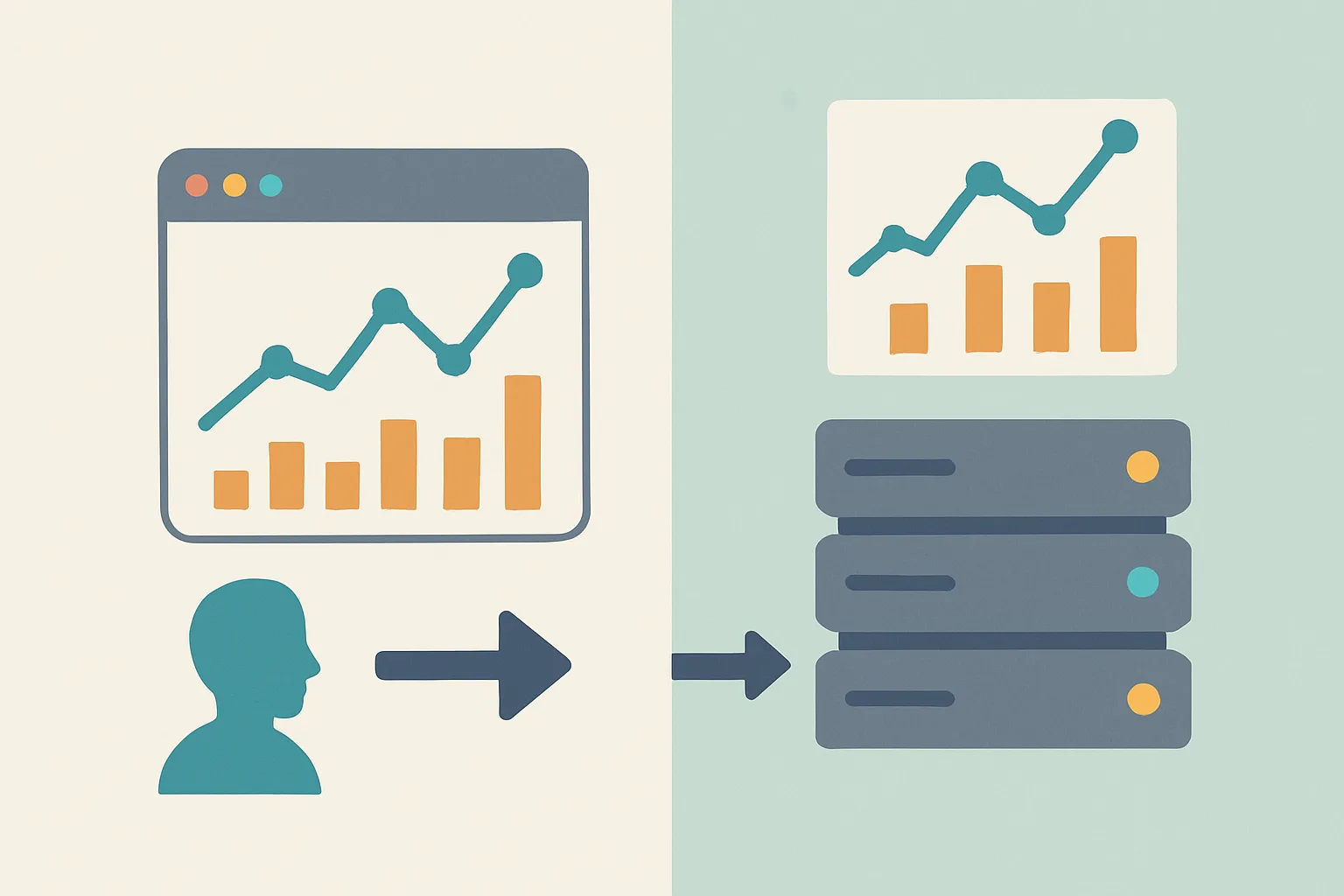
Both client-side and server-side tracking aim to measure user behaviour and attribute it to marketing channels. They differ fundamentally in where the measurement happens — in the user's browser, or on your server. Understanding this difference shapes all the practical trade-offs between them.
Client-Side Tracking: The Standard Approach
JavaScript tags (GA4, Google Ads, Meta Pixel) execute in the user's browser and send event data directly to analytics platforms.
Advantages:
- Simpler to implement — no server infrastructure required
- Faster to deploy changes — update tags in GTM without touching server code
- Native integration with browser context — easy access to page URL, user interactions, DOM events
- Lower cost — no cloud infrastructure to maintain
- Large ecosystem of GTM community templates and pre-built integrations
Disadvantages:
- Blocked by ad blockers (20-40%+ of desktop users in many industries)
- Affected by browser privacy restrictions — Safari ITP limits cookie lifetime to 7 days
- Data is less reliable — JavaScript errors, slow tag loading, browser crashes can cause missed events
- No server-side validation — data comes from the browser where it can be manipulated
- Third-party cookies being deprecated, affecting cross-site tracking
Server-Side Tracking: The Advanced Approach
Events are collected server-to-server, through a tagging server you control (typically server-side GTM), then forwarded to analytics platforms.
Advantages:
- Ad blocker resistant — routes through your own first-party subdomain
- Longer first-party cookie lifetime — server-set cookies are not subject to ITP's 7-day limit
- More reliable data — server-side events confirmed by your infrastructure, not dependent on browser JavaScript completing
- Data enrichment — add server-side data (CRM records, order confirmation data) that is not available in the browser
- Data control — decide exactly what to send to each platform, redact PII before forwarding
- Better privacy compliance — clear audit trail of what data leaves your server
Disadvantages:
- More complex to implement — requires cloud infrastructure and server deployment
- Higher cost — tagging server infrastructure (typically £20-100/month for cloud hosting)
- Requires additional technical expertise for setup and maintenance
- Some browser-specific signals (screen resolution, browser version) are harder to capture server-side
- Debugging is more complex — events pass through an additional layer before reaching analytics platforms
Head-to-Head Comparison
| Factor | Client-Side | Server-Side |
|---|---|---|
| Implementation complexity | Low | Medium-High |
| Setup cost | Low (GTM is free) | Medium (hosting + setup) |
| Ongoing cost | Very low | £20-100/month |
| Ad blocker impact | High (20-40% data loss) | Low (first-party routing) |
| Cookie lifetime (Safari) | 7 days (ITP) | Up to 2 years |
| Data enrichment ability | Limited (browser only) | High (server data available) |
| Privacy compliance control | Limited | High |
| Meta CAPI support | Partial (browser events only) | Full (server events + deduplication) |
Do You Need One or Both?
Most businesses with server-side tracking run both — not one or the other. Client-side tracking handles browser-specific events (interactions, scroll depth, click tracking) while server-side handles critical conversion events (purchases, form submissions) and CAPI/API integrations.
The combination gives you the ease of client-side for event collection with the reliability and completeness of server-side for the events that matter most to your business and advertising platforms.
Summary
Client-side tracking is simpler and cheaper but increasingly limited by ad blockers and browser restrictions. Server-side tracking is more complex and has infrastructure cost but delivers better data quality, longer cookie lifetimes, and more control. For businesses with significant ad spend and tech-forward audiences, the ROI on server-side tracking is strong.
See our Server-Side Tracking service for professional implementation.
Not sure which approach is right for your business? Contact Adslytics.
Need expert tracking setup?
Our Google Tag Manager experts have delivered 500+ tracking setups with a 98% success rate.
Get a Free Consultation →