Why User ID and Properties Matter
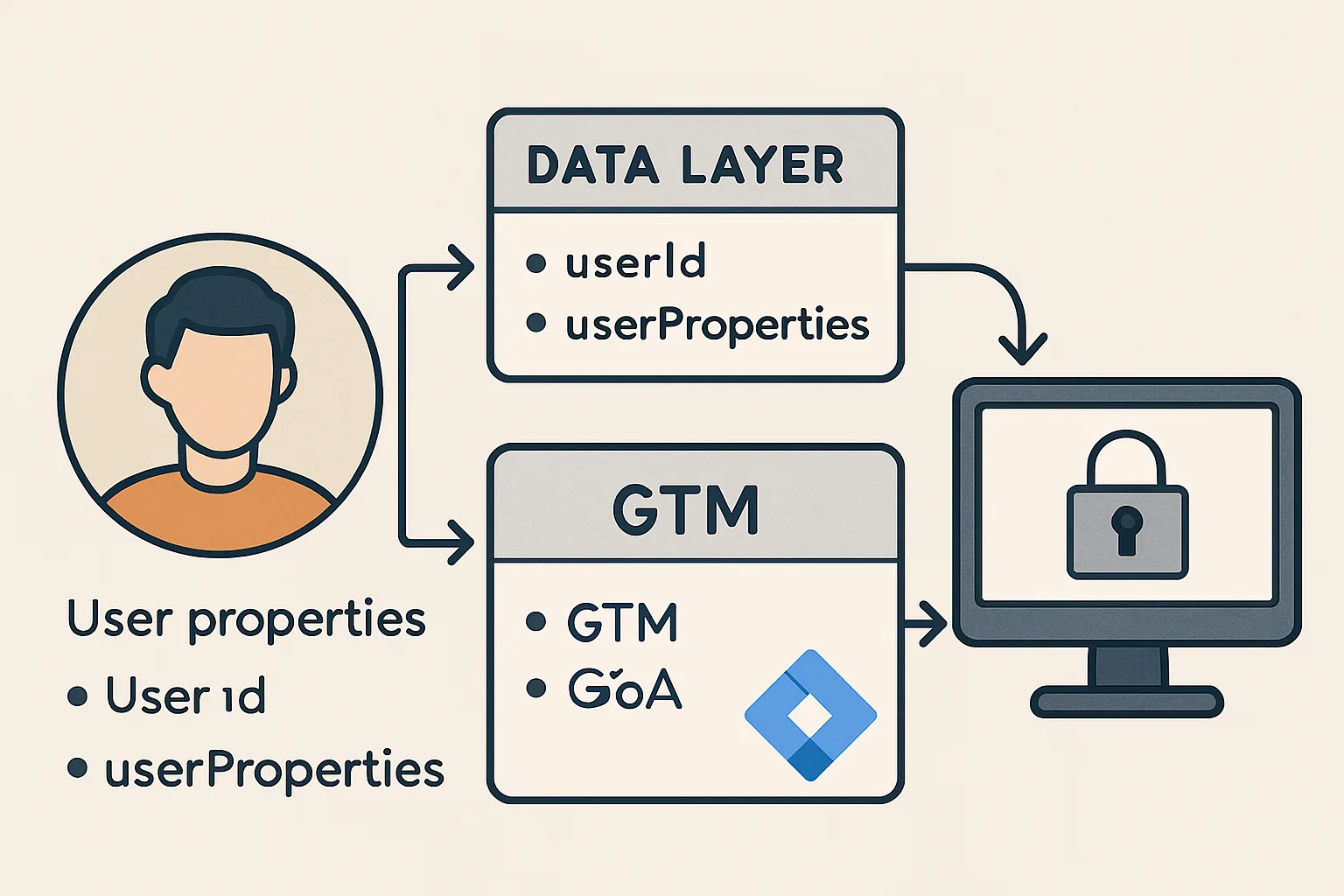
By default, GA4 tracks sessions and devices — it does not know when multiple sessions belong to the same person. When a logged-in user visits from their laptop and then from their phone, GA4 counts them as two different users. User ID solves this: by passing a stable identifier for each authenticated user, GA4 can stitch cross-device sessions together into a single user journey.
User properties add additional persistent attributes about the user (account tier, subscription status, region) that apply to all events in that session without having to include them in every event push.
Pushing User ID to the Data Layer
User ID should be pushed on every page load where the user is authenticated, before any event tracking fires:
<!-- Server-rendered in your page template when user is logged in -->
<script>
window.dataLayer = window.dataLayer || [];
window.dataLayer.push({
  'user_id': '{ server_side_user_id }',  // Your internal numeric/string user ID
  'user_properties': {
    'account_type': '{ user_account_type }',
    'subscription_plan': '{ user_plan }',
    'user_region': '{ user_region }'
  }
});
</script>
This push has no 'event' field — it simply sets user data that persists throughout the session and is available to all subsequent event tags.
GTM Configuration for User ID
- Create a Data Layer Variable:
DL - User ID, Variable Name:user_id, default value:undefined - In your GA4 Configuration tag: User Properties → Add a user property → Name:
user_id, Value:{{DL - User ID}} - Alternatively, in the GA4 Configuration tag settings, the "User ID" field (if available in your GTM version) accepts the variable directly
GA4 User Properties Configuration
For user_properties from the data layer:
- Data Layer Variable:
DL - Account Type, Variable Name:user_properties.account_type - In GA4 Configuration tag → User Properties → Add: Name:
account_type, Value:{{DL - Account Type}}
User properties in GA4 persist to the user profile and appear in GA4 reports as user dimensions. They are retroactively applied — setting a user property updates it for the user going forward.
Privacy Considerations
- Never push PII: do not push email addresses, names, or other identifying information to the data layer (it is visible in the browser). Only push internal user IDs that cannot be reverse-engineered.
- Only push for authenticated users: do not push a user_id for anonymous visitors (leave it undefined)
- GDPR compliance: pushing a user ID may require consent under GDPR — implement user ID tracking only after analytics consent is granted
- GA4's user_id field: Google's terms prohibit sending personally identifiable information to GA4. An internal numeric ID (1234) is acceptable; an email is not
Summary
Push user_id and user_properties to the data layer on every authenticated page load, before GTM fires events. User ID enables cross-device user stitching in GA4. User properties persist across the session and appear in user-scoped GA4 dimensions. Never push PII — only internal IDs. Implement under consent gating if analytics consent is required before user tracking begins.
See our GTM Data Layer Implementation service for user tracking setup.
Need user ID tracking implemented? Contact Adslytics.
Need expert tracking setup?
Our Google Tag Manager experts have delivered 500+ tracking setups with a 98% success rate.
Get a Free Consultation →