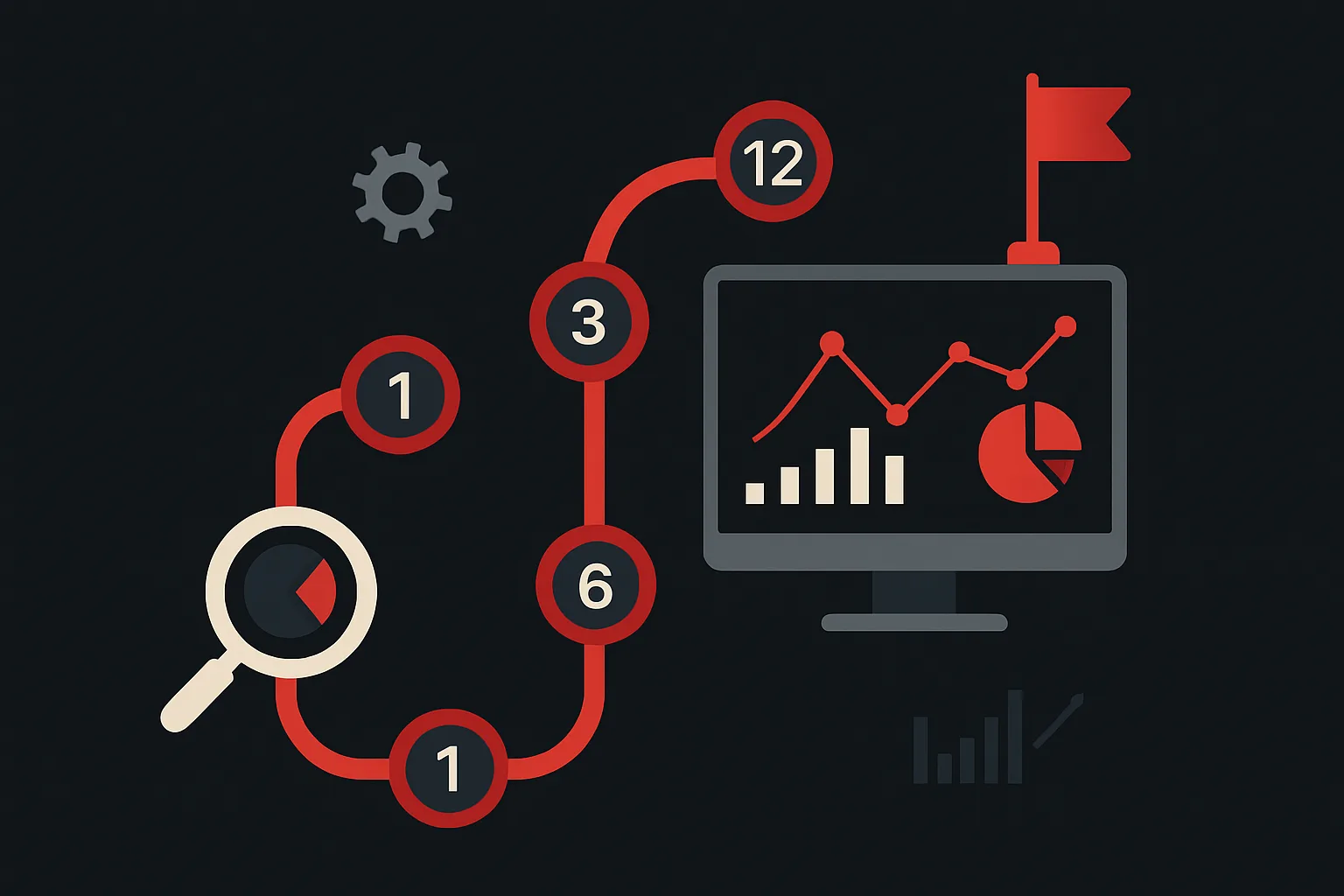
Most analytics improvements happen reactively — someone notices a discrepancy, a campaign performs unexpectedly, or a new platform requirement forces a change. The businesses that consistently outperform on measurement aren't necessarily smarter than their competitors; they're more intentional. A 12-month analytics roadmap transforms reactive firefighting into planned capability building. Here's a practical template you can adapt for your organization.
Q1: Foundation and Audit (Months 1–3)
The first quarter is almost always about understanding what you actually have. Before building new capabilities, you need an honest assessment of your current state.
- Complete a full tracking audit: Review your GTM container, GA4 configuration, conversion tracking across all ad platforms, and cross-domain setup. Document what's working, what's broken, and what's missing.
- Establish a tracking plan: Create a living document that lists every event you track, its trigger conditions, associated parameters, and which business question it answers. This becomes the reference point for all future implementations.
- Fix the highest-impact issues first: Prioritize fixes that affect your primary conversion events and largest ad spend channels. Don't try to fix everything at once.
- Set measurement baselines: Document current conversion rates, cost per acquisition, and traffic metrics by channel. You can't demonstrate improvement without a baseline.
Q2: Data Quality and Privacy (Months 4–6)
With the foundation stabilized, Q2 focuses on making the data you collect more reliable and compliant.
- Implement server-side tracking: Migrate key conversion events to server-side GTM and connect to ad platform APIs (Google Ads API, Meta CAPI). Measure the impact on reported conversions.
- Deploy Consent Mode v2: Ensure your consent management platform is properly integrated with Google Consent Mode v2. Verify that modeled conversions are flowing for users who decline consent.
- Set up data validation monitoring: Build a simple dashboard or alert system that flags when conversion volume drops significantly — catching breakage within hours rather than weeks.
- Clean up your GTM container: Remove tags from campaigns that ended, consolidate redundant configurations, and document the purpose of every active tag.
Q3: Reporting and Insights (Months 7–9)
Better data is only valuable if it drives better decisions. Q3 is about building the reporting infrastructure that makes insights accessible to decision-makers.
- Build your BigQuery pipeline: Connect GA4 to BigQuery and start storing raw event data. This unlocks custom funnel analysis, cohort modeling, and joining with CRM data that GA4's UI can't provide.
- Create channel-level performance dashboards: Build Looker Studio dashboards that consolidate Google Ads, Meta, GA4, and any other relevant data sources into a single view by channel.
- Set up automated weekly reports: Use Looker Studio scheduling or a tool like Supermetrics to automatically distribute key performance summaries to stakeholders.
- Document your attribution model: Decide which attribution model your organization will use for primary decision-making and communicate it clearly to all stakeholders.
Q4: Advanced Capabilities (Months 10–12)
With a solid foundation, reliable data, and good reporting, Q4 is the time to add capabilities that create competitive advantage.
- Implement enhanced conversions: Deploy Google Ads Enhanced Conversions and Meta's advanced matching to improve attribution accuracy for your existing conversion events.
- Build predictive audiences: If you have sufficient conversion volume (1,000+/month), set up GA4 predictive audiences (likely purchasers, likely churn) for use in remarketing campaigns.
- Evaluate a CDP: If your business has complex customer journeys across multiple touchpoints, evaluate whether a customer data platform is appropriate for your scale and complexity.
- Plan next year: Document what you built, measure the impact of each initiative, and use this to prioritize Year 2 investments.
Making the Roadmap Work in Practice
A roadmap is only useful if it's treated as a living document, not a commitment carved in stone. Review it quarterly, adjust priorities based on what you learn, and communicate progress to stakeholders regularly. The businesses that successfully execute analytics roadmaps have one thing in common: they treat measurement as infrastructure, not overhead. When the tracking is right, every other marketing investment performs better.
Need expert tracking setup?
Our Google Tag Manager experts have delivered 500+ tracking setups with a 98% success rate.
Get a Free Consultation →