Quantitative vs Qualitative Product Analytics
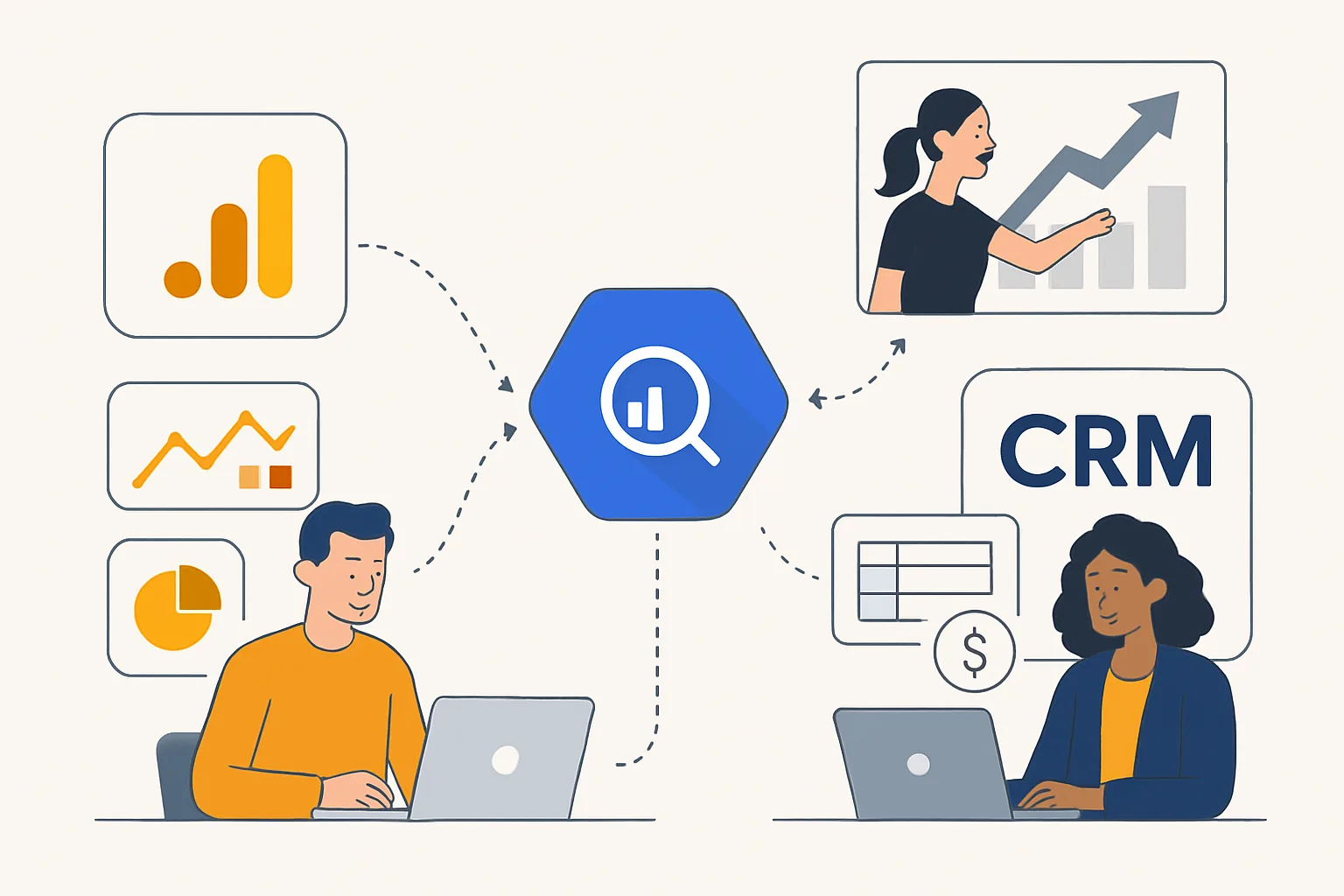
Product analytics tools like Mixpanel tell you what users do — 60% of users who reach the checkout step abandon before completing payment. Session replay and heatmap tools tell you why — recordings show users encountering a confusing form field or a broken promo code input that's causing the abandonment. Both are necessary for effective product improvement.
Session Replay Tools
Session replay captures a video-like recording of an actual user's interaction with your product: mouse movements, clicks, scrolling, form interactions, and navigation. Tools include FullStory, Hotjar, Microsoft Clarity (free), LogRocket, and Smartlook.
Session replay is most valuable when used to investigate specific problems identified by quantitative data. Don't watch random sessions — filter to sessions that include the specific event or step where you know users are struggling, then watch those to understand what's happening.
Heatmaps
Heatmaps aggregate click, scroll, and movement data across hundreds of sessions into a visual overlay on a page:
- Click maps: Show where users click — reveals whether calls to action are getting attention, and whether users are clicking non-clickable elements (indicating confusing UI)
- Scroll maps: Show how far down the page users scroll — reveals whether important content below the fold is being seen
- Move maps: Show where the mouse hovers — correlates loosely with eye movement and attention
Privacy Considerations
Session replay tools can capture sensitive user data if not configured carefully. Always configure your session replay tool to mask or exclude: password fields (usually automatic), credit card fields, personal information fields (name, address, email), and any user-entered content that may be sensitive. Most tools have masking configuration options — review them before activating recording. Data residency requirements may also dictate which tools are compliant for your users' geography.
Connecting Session Replay to Analytics Events
Many session replay tools can be linked to your product analytics: when you identify a specific user who did a notable behaviour in Mixpanel, you can pull up their session recording directly. This lets you go from "users who churned within 30 days do X differently" to watching exactly what that churned user experienced. Our product analytics service includes session replay integration as part of a complete product instrumentation stack.
Need expert tracking setup?
Our Google Tag Manager experts have delivered 500+ tracking setups with a 98% success rate.
Get a Free Consultation →