What the GTM API Does
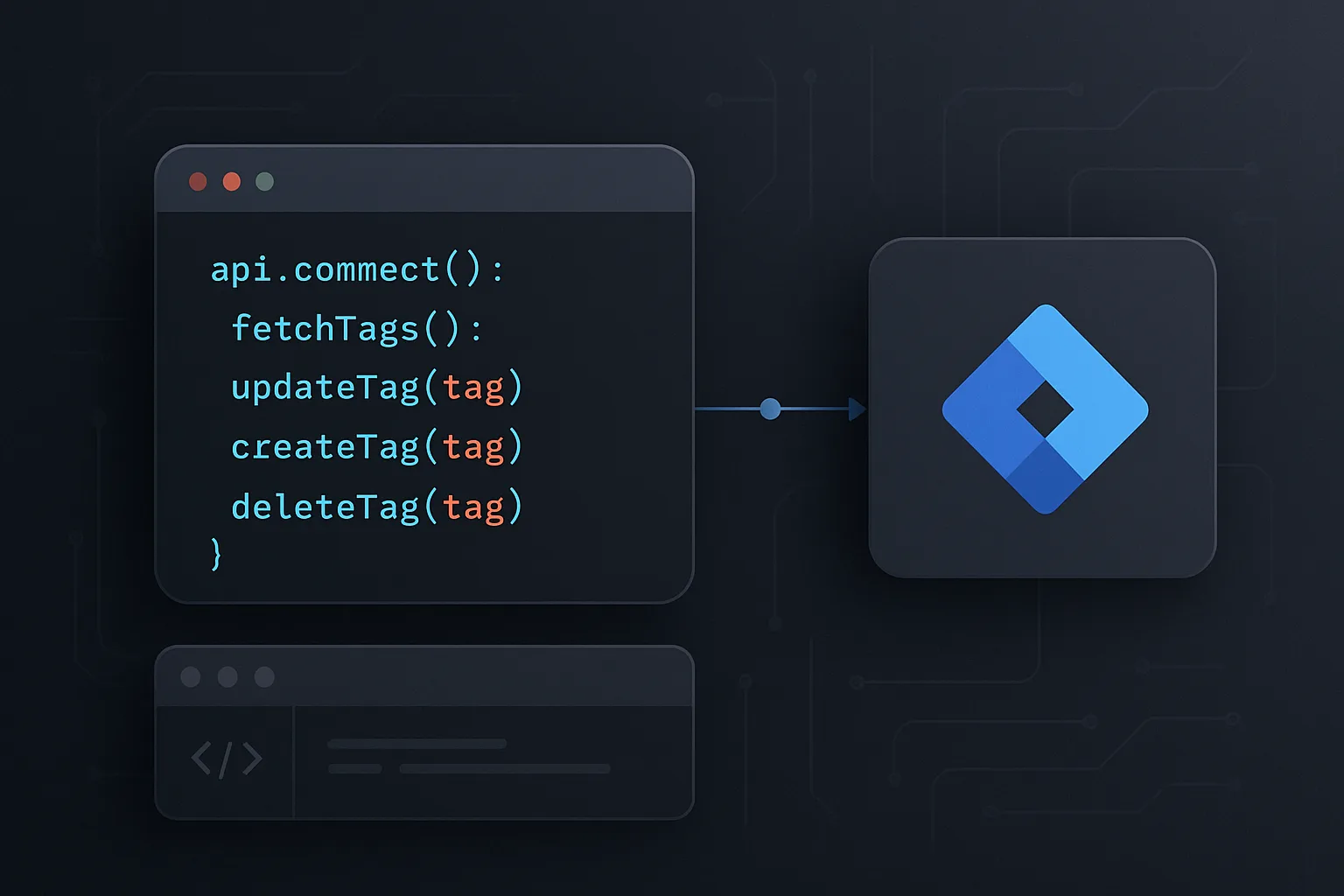
The Google Tag Manager API is a REST API that allows you to programmatically manage all aspects of a GTM container — creating, reading, updating, and deleting tags, triggers, variables, workspaces, and versions. Everything you can do in the GTM interface can also be done via the API.
This is valuable for: agencies managing containers at scale, enterprises where the same tag needs deploying across hundreds of containers, developers who want to integrate GTM configuration into their CI/CD pipeline, and teams that want to automate repetitive tagging tasks.
Common Use Cases
- Multi-container deployment: an agency adds a new ad platform tag to 50 client containers simultaneously using a script rather than manually creating it 50 times
- Automated testing: creating a test workspace, publishing changes, verifying them, and rolling back — all scripted as part of a deployment pipeline
- Audit automation: programmatically checking all containers for compliance (naming conventions, required tags, dangerous Custom HTML)
- Container cloning: exporting a container configuration and importing it into a new container as a starting template
- Version management: automated snapshots and version descriptions generated from a deployment system
API Authentication
The GTM API uses OAuth 2.0. For automation (non-interactive), use a service account:
- Create a Google Cloud project and enable the Tag Manager API
- Create a service account with the appropriate permissions
- Download the service account JSON key
- Grant the service account access to your GTM container (as an Editor or Publisher, depending on what permissions are needed)
- In your script, use the Google auth library to authenticate the service account
Key API Resources
The GTM API organises resources in a hierarchy:
accounts/{accountId}/containers/{containerId}/workspaces/{workspaceId}/tags/{tagId}- accounts: your GTM account
- containers: individual containers within the account
- workspaces: drafts where you make changes
- tags: tag configurations
- triggers: trigger configurations
- variables: variable configurations
- versions: published snapshots
A Simple Example: Creating a Tag via Python
from googleapiclient.discovery import build
from google.oauth2.service_account import Credentials

creds = Credentials.from_service_account_file('service-account.json',
    scopes=['https://www.googleapis.com/auth/tagmanager.edit.containers'])
service = build('tagmanager', 'v2', credentials=creds)

tag_body = {
    'name': 'Tag - GA4 - Event - Purchase',
    'type': 'gaawe',  # GA4 event tag type
    'parameter': [
        {'type': 'template', 'key': 'eventName', 'value': 'purchase'},
    ],
    'firingTriggerId': ['your-trigger-id']
}
result = service.accounts().containers().workspaces().tags().create(
    parent='accounts/ACCOUNT_ID/containers/CONTAINER_ID/workspaces/WORKSPACE_ID',
    body=tag_body
).execute()
print(result)
Exporting and Importing Container Templates
The GTM interface allows exporting a container as a JSON file (Container then Admin then Export Container). The API supports the same operation programmatically. This is the most common automation pattern for agencies: maintain a "master template" container, export it, and import the relevant parts into client containers via script.
Rate Limits
The GTM API has rate limits. As of current documentation: 5 requests per second per project, 2,000 requests per day for mutating operations. For large-scale automation, implement exponential backoff and spread operations across time.
Summary
The GTM API is a powerful tool for teams managing containers at scale or wanting to integrate GTM into automated workflows. For most individual website owners, the GTM interface is sufficient — the API becomes valuable when you are managing 10+ containers or need to integrate GTM changes into a development pipeline.
See our Google Tag Manager Setup and Audit service for enterprise GTM management.
Need GTM managed at scale? Contact Adslytics.
Need expert tracking setup?
Our Google Tag Manager experts have delivered 500+ tracking setups with a 98% success rate.
Get a Free Consultation →