Why Upsell Tracking Is Often Missing
Standard ecommerce tracking records the purchase event once on the order confirmation page. If an upsell or cross-sell is offered after the initial purchase (post-purchase upsell flow, one-click upsell pages) and accepted, a second purchase event fires — but without careful implementation, it might reuse the same transaction_id (causing deduplication to drop it) or fire incorrectly.
Similarly, in-checkout cross-sells (order bumps) need to be included in the items array of the checkout events to be properly attributed.
In-Checkout Cross-Sells (Order Bumps)
An order bump is an additional item offered during checkout — "Add the extended warranty for £9.99." When a customer adds an order bump:
- The add_to_cart event should fire for the bumped item
- All subsequent checkout events (add_shipping_info, add_payment_info, purchase) should include both the original item AND the bumped item in the items array
- The value parameter should reflect the total including the bump
This is straightforward if your data layer is rebuilt at each checkout step — all items in the cart at that moment, including the bump, are included.
Post-Purchase Upsell Flows
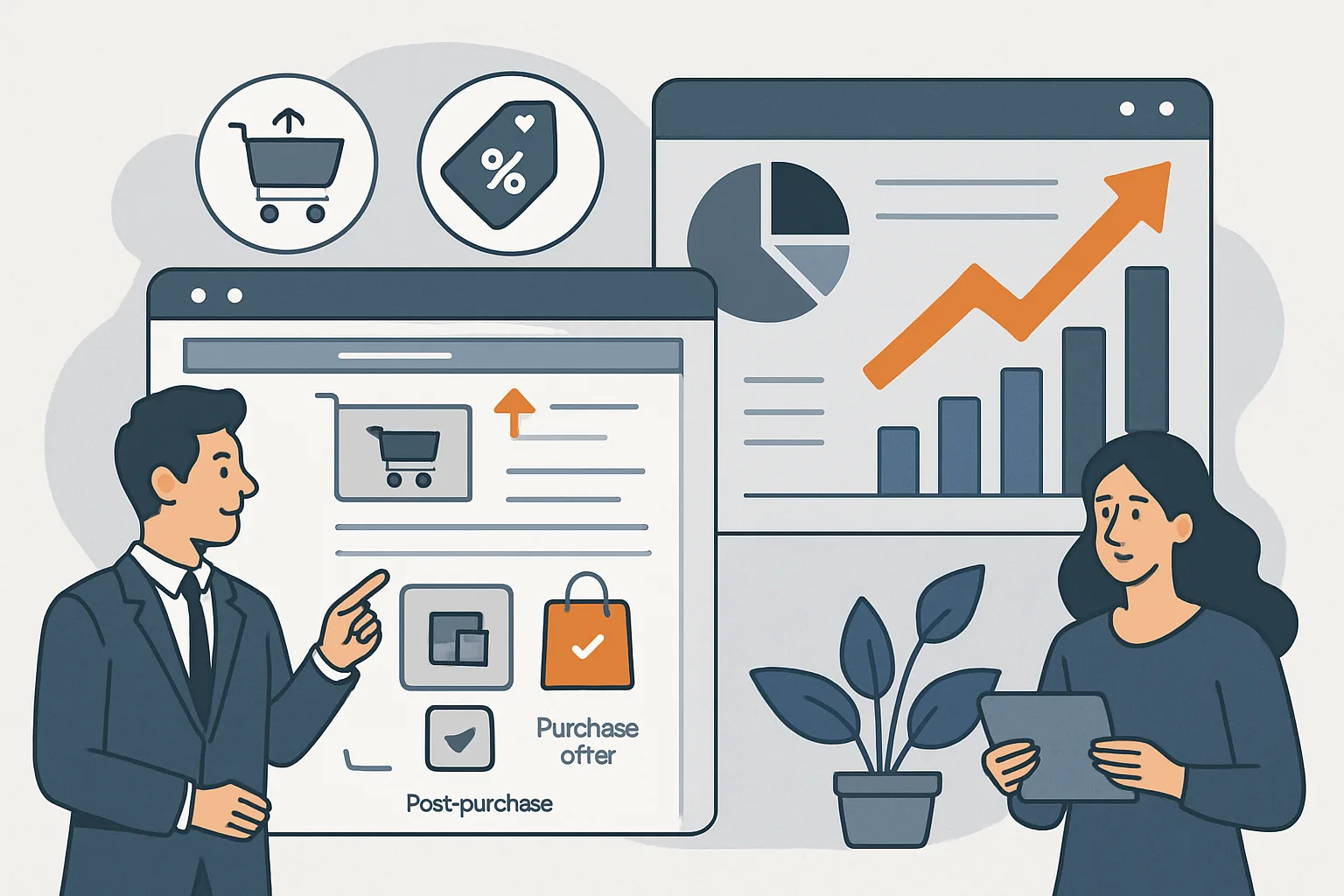
Post-purchase upsells (offered after the thank-you page, before the customer leaves) require a second purchase event with a new, unique transaction_id:
// WRONG: reusing the original transaction_id causes deduplication
transaction_id: "T-123"  // already sent on main purchase

// CORRECT: new unique ID for the upsell purchase
transaction_id: "T-123-UP1"  // or a completely new order ID from your backend
If your platform creates a new order ID for the upsell, use it. If the upsell is added to the existing order (order amended after placement), use the amended order ID with a suffix to distinguish from the original purchase event.
Identifying Upsell Revenue in GA4
Use the item_list_name parameter on upsell items to identify their origin:
items: [{
  item_id: "WARRANTY-1Y",
  item_name: "1-Year Warranty",
  price: 9.99,
  quantity: 1,
  item_list_name: "Post-Purchase Upsell"
}]
In GA4 reports, filter by Item list name = "Post-Purchase Upsell" to see the revenue and transaction count attributable to post-purchase upsells.
Recommendation Widget Cross-Sells
If you use "Customers also bought" or "Frequently bought together" widgets on product pages or in the cart, implement view_item_list (list_name: "Cross-Sell - Product Page") and select_item events on these widgets. Purchases of cross-sell products that were viewed via these widgets will be attributed to the list_name in GA4's product list reports.
Summary
Upsell and cross-sell tracking requires three things: including all items (including order bumps) in checkout event items arrays, using unique transaction IDs for post-purchase upsell purchases, and using item_list_name to label upsell items for attribution. Without these, the revenue contribution of upsell and cross-sell programmes is invisible in reports.
See our Enhanced Ecommerce Tracking service for upsell and cross-sell tracking implementation.
Need upsell tracking implemented? Contact Adslytics.
Need expert tracking setup?
Our Google Tag Manager experts have delivered 500+ tracking setups with a 98% success rate.
Get a Free Consultation →