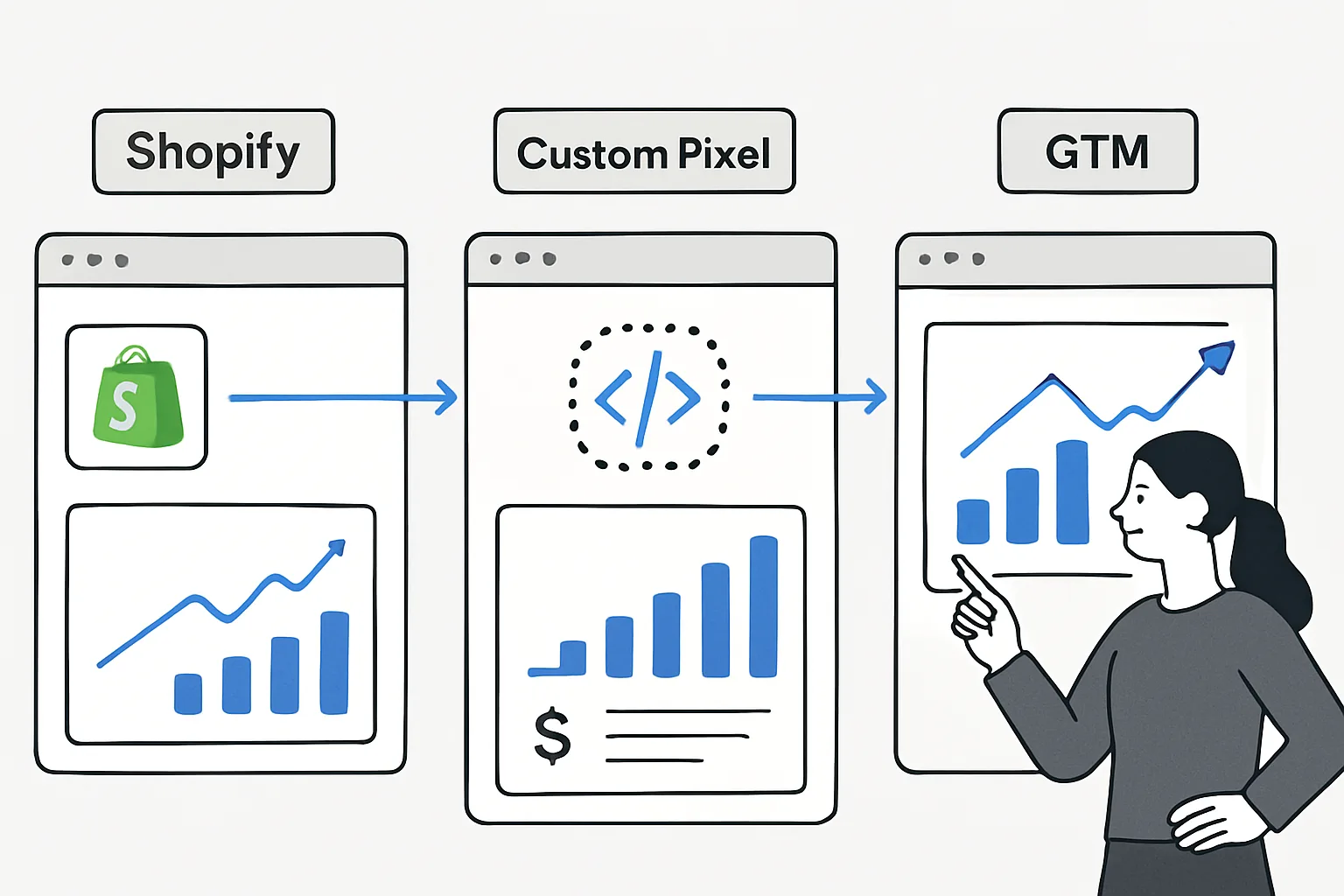
Three Paths to Shopify Ecommerce Tracking
Shopify's tracking landscape has changed significantly with the introduction of Customer Events (custom pixels) and the deprecation of some older GTM approaches. For ecommerce tracking, you now have three main options, each with different trade-offs.
Option 1: Native Shopify GA4 Integration
Shopify's built-in Google & YouTube channel app connects directly to GA4 and sends ecommerce events automatically.
How it works:
- Install the Google & YouTube channel from the Shopify App Store
- Connect your Google account and select your GA4 property
- Shopify automatically sends GA4 ecommerce events (view_item, add_to_cart, begin_checkout, purchase) from Shopify's servers
Advantages:
- Zero code required — the simplest implementation
- Server-side origin means events are not blocked by ad blockers
- Shopify maintains the integration and updates it when GA4 changes
- Works reliably on checkout pages (where GTM access is restricted in newer Shopify plans)
Limitations:
- Limited customisation — you cannot add custom parameters or modify the event structure
- No custom dimensions from your store's data (customer tier, subscription type)
- Potential for duplicate events if you also have GTM running
- Less granular checkout funnel (not all checkout steps available)
Best for: small to medium Shopify stores without custom tracking needs. Fastest to implement.
Option 2: Shopify Customer Events (Custom Pixels)
Shopify's Customer Events framework (available in Shopify admin → Settings → Customer Events) allows you to install custom JavaScript "pixels" that listen to Shopify's standard event API.
How it works:
- Admin then Settings then Customer Events then Add custom pixel
- Write JavaScript that listens to Shopify events (checkout_completed, product_viewed, cart_updated) and sends them to GA4 via gtag or via the data layer for GTM
- Deploy — Shopify runs your pixel code in a sandboxed iframe
Advantages:
- Access to all checkout pages including thank-you and order status pages (historically blocked for GTM)
- Full control over GA4 event parameters — add custom dimensions, business-specific data
- Works in the new Shopify checkout extensibility architecture
- Can forward events to multiple platforms (GA4, Meta CAPI, TikTok, etc.)
Limitations:
- Requires JavaScript development skills
- Sandboxed environment — some browser APIs are restricted
- Testing is more complex than standard GTM debugging
Best for: Shopify stores needing custom GA4 parameters, multiple platform tracking, or advanced ecommerce data.
Option 3: Google Tag Manager on Shopify
GTM can be installed on all Shopify page types except checkout pages (restricted by Shopify on most plans). For checkout tracking, combine with Customer Events or native integration.
How it works:
- Add GTM container snippet to your Shopify theme (theme.liquid file)
- Configure GA4 tags in GTM for all non-checkout pages
- Use Shopify Customer Events OR the native Shopify integration for checkout and purchase events
Advantages:
- Full GTM power for all pre-checkout tracking
- Non-technical team members can manage tags without developer access
- Extensive GTM community templates available for third-party tools
Limitations:
- Does not work on checkout pages (most plans) — hybrid approach needed
- More complex than a single unified approach
Best for: stores with active GTM users who want to manage most tracking through GTM and supplement checkout events via Customer Events.
Recommended Approach for 2026
For most Shopify stores: Customer Events as the primary tracking method, supplemented by GTM for non-checkout pages if there is an existing GTM workflow. This gives checkout access (Shopify's restriction is bypassed), full parameter customisation, and multi-platform capability.
Summary
Shopify's three tracking paths serve different needs: native integration for simplicity, Customer Events for flexibility and checkout access, GTM for existing GTM workflows. The right choice depends on your technical resources, customisation needs, and whether checkout page access is critical.
See our Enhanced Ecommerce Tracking service for Shopify implementation.
Need Shopify ecommerce tracking set up? Contact Adslytics.
Need expert tracking setup?
Our Google Tag Manager experts have delivered 500+ tracking setups with a 98% success rate.
Get a Free Consultation →