Why Refund Tracking Gets Ignored
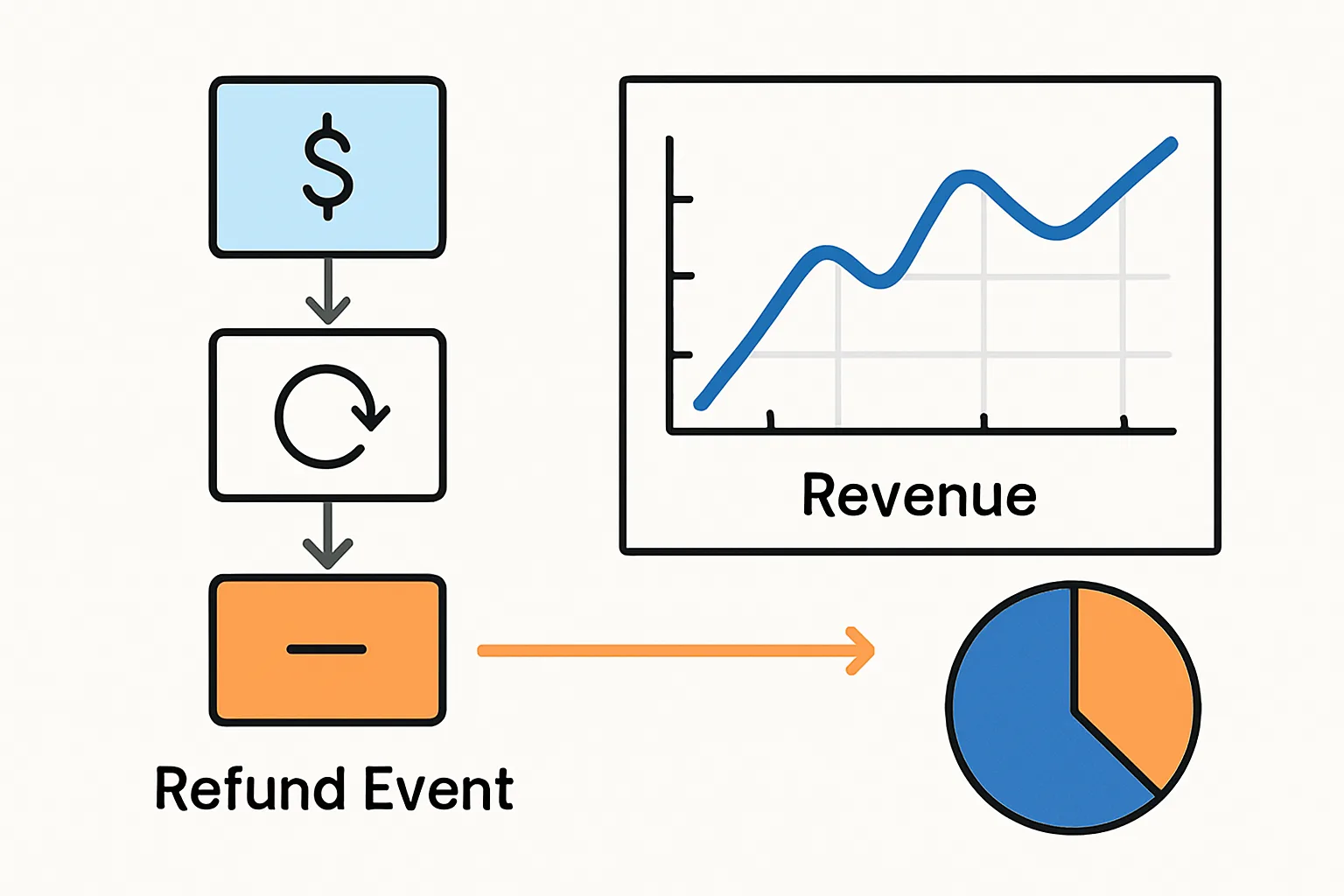
Refund tracking in GA4 is one of the most commonly skipped ecommerce tracking events. The implementation happens after the sale — in the order management system or payment processor — rather than in the browser. Many teams set up browser-side purchase tracking and never implement server-side refund events. The result: GA4 revenue is permanently inflated by all refunded orders.
For businesses with refund rates above 5-10% (returns-heavy categories like fashion), this can meaningfully distort revenue metrics and channel attribution.
The GA4 Refund Event
GA4 processes refunds via the Measurement Protocol — an HTTP API call from your server to GA4. The refund event must be sent from your backend (not the browser) because refunds are processed by your systems, not by a user action in a browser.
Full Refund Implementation
To refund an entire transaction, send a refund event via the GA4 Measurement Protocol with the same transaction_id as the original purchase and a negative value:
POST https://www.google-analytics.com/mp/collect
  ?measurement_id=G-XXXXXXXX
  &api_secret=YOUR_SECRET

{
  "client_id": "ORIGINAL_CLIENT_ID",
  "events": [{
    "name": "refund",
    "params": {
      "currency": "GBP",
      "transaction_id": "T-12345",
      "value": 89.00  // Positive number — GA4 treats refund events as negative automatically
    }
  }]
}
The client_id should be the original client_id from the purchase session. If you stored this at purchase time, use it. If not, GA4 will still process the refund event but may not associate it with the original user's journey.
Partial Refund Implementation
For partial refunds (returning one item from a multi-item order), include only the refunded items in the items array:
{
  "name": "refund",
  "params": {
    "currency": "GBP",
    "transaction_id": "T-12345",
    "value": 45.00,  // Value of the refunded items only
    "items": [{
      "item_id": "SKU-002",
      "item_name": "Red Running Shoe",
      "price": 45.00,
      "quantity": 1
    }]
  }
}
Storing the client_id for Refund Attribution
The client_id linkage requires storing the GA4 client_id at purchase time. In your purchase flow:
- Capture the GA4 client_id from the _ga cookie:
document.cookie.match(/_ga=GA[0-9]+\.[0-9]+\.([0-9]+\.[0-9]+)/) - Pass it with the order data to your backend when the order is submitted
- Store it in your order database alongside the order record
- When a refund is processed, retrieve the client_id for that order and include it in the Measurement Protocol refund event
Impact on GA4 Reports
Once refund events are implemented, GA4 reports reflect net revenue (gross revenue minus refunds). The purchase event still appears in the order history, but the refund event reduces the revenue attributed to that session and channel. This gives an accurate picture of which channels drive retained revenue, not just initial revenue.
Summary
Refund tracking requires a backend Measurement Protocol implementation with the same transaction_id as the original purchase. Store the GA4 client_id at purchase time for proper attribution. Without refund tracking, GA4 revenue is overstated by every refund processed — a growing error that compounds over time in return-heavy businesses.
See our Enhanced Ecommerce Tracking service for refund event implementation.
Need refund tracking implemented? Contact Adslytics.
Need expert tracking setup?
Our Google Tag Manager experts have delivered 500+ tracking setups with a 98% success rate.
Get a Free Consultation →