Why Deduplication Is Necessary
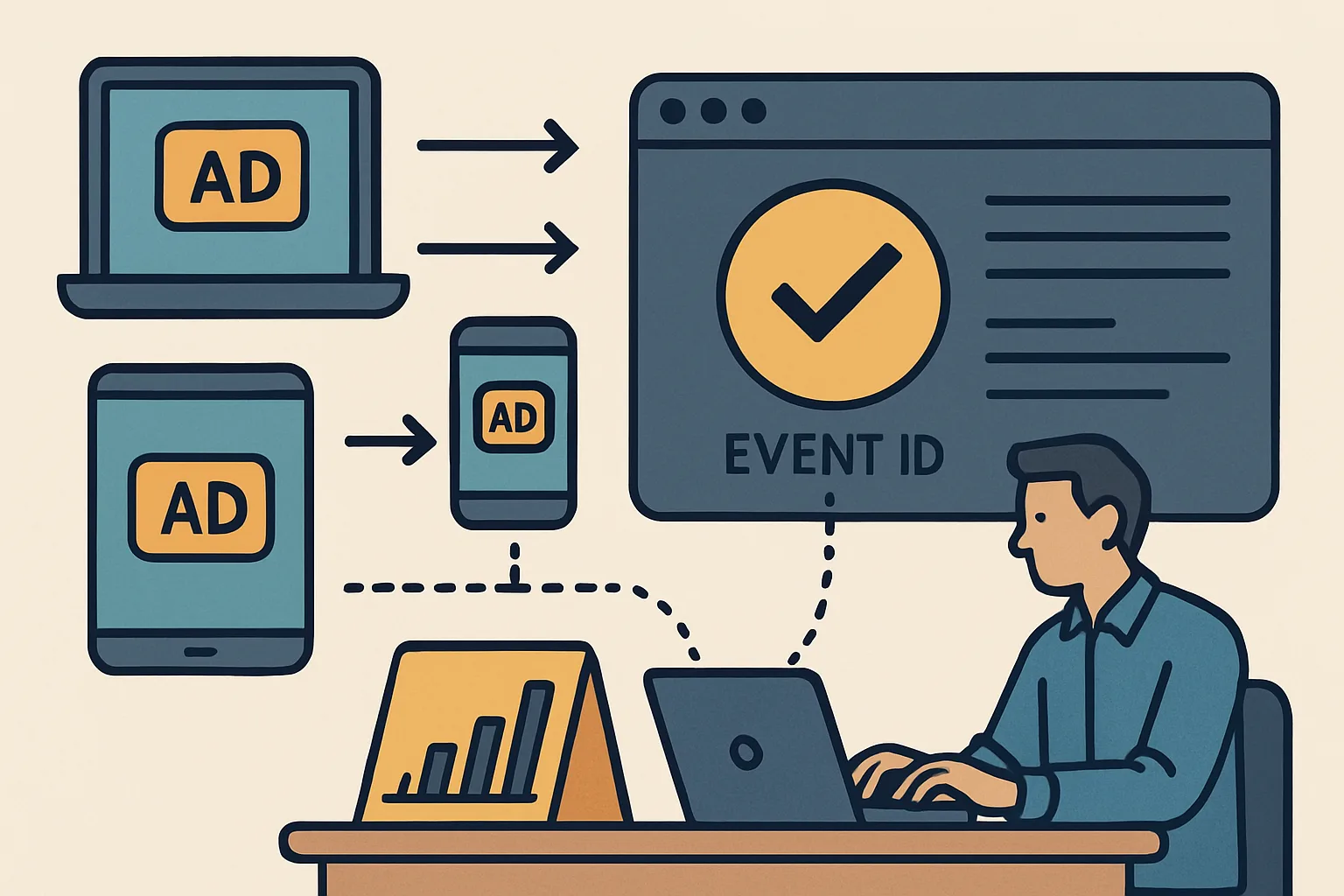
Modern marketing pixel setups often use both browser-side pixels AND server-side APIs (Meta CAPI, TikTok Events API, Snap Conversions API) for the same events. Without deduplication, each conversion is counted twice: once by the browser pixel and once by the server-side API. This inflates conversion counts, corrupts your CPA calculations, and causes automated bidding to optimise on false signals.
How Deduplication Works
Every major advertising platform supports deduplication through a shared event identifier:
- Meta: eventID parameter (both fbq and CAPI send the same eventID)
- TikTok: event_id parameter (both ttq.track and Events API send the same event_id)
- Snapchat: client_dedup_id (both Snap Pixel and Conversions API send the same ID)
- Google Ads: Transaction ID in the conversion value (Google deduplicates based on this)
When both sources send the same event identifier for the same event, the platform counts it once.
Choosing an Event ID
The event ID must be:
- Unique per conversion event (not reused across different orders)
- Consistent between browser and server (both must send the same value)
- Generated at conversion time (typically the order transaction ID from your backend)
Best practice: use the order transaction ID as the event_id. It is already unique per order and is available on the confirmation page and in your backend simultaneously.
Implementation in GTM (Browser Side)
In GTM, the event_id must be pushed to the data layer alongside purchase event data and read into a Data Layer Variable. Then the Meta Pixel purchase tag uses this variable as the eventID:
// In the data layer push (order confirmation page):
dataLayer.push({
  'event': 'purchase',
  'ecommerce': {
    'transaction_id': 'ORDER-12345',   // use this as event_id
    'value': 99.99,
    'currency': 'USD'
  }
});
Meta Pixel purchase tag in GTM: eventID = {{DLV - ecommerce.transaction_id}}
Server-Side Deduplication Check
To verify deduplication is working:
- In Meta Events Manager → Test Events → trigger a test purchase
- Look at the events list — each purchase event should appear once for "browser" and once for "server"
- Meta shows "Deduplication: Matched" when both events carry the same eventID
- If you see "Deduplication: Not matched" or the event counted twice, check that both sources are sending the same event_id value
Summary
Pixel deduplication prevents double-counting when browser pixels and server-side APIs both fire for the same conversion. Each platform uses a shared event ID (eventID for Meta, event_id for TikTok, client_dedup_id for Snap) that both browser and server sources send. Use the order transaction ID as the event ID — it is already unique per order and available to both your frontend and backend. Verify deduplication in each platform's test events tool — look for "Matched" deduplication status.
See our Marketing Pixel Setup service for deduplication implementation.
Need pixel deduplication configured? Contact Adslytics.
Need expert tracking setup?
Our Google Tag Manager experts have delivered 500+ tracking setups with a 98% success rate.
Get a Free Consultation →