When Custom Events Are Needed
Standard advertising pixel events (Purchase, Lead, AddToCart, ViewContent) cover common ecommerce and lead generation actions. But many businesses have valuable actions that standard events do not capture:
- SaaS: free trial signup, feature activation, upgrade from free to paid
- B2B services: demo request, case study download, pricing page visit
- Publisher: article read to completion, video watched past 75%, newsletter signup
- Ecommerce: specific product category view, wishlist addition, review submitted
Custom events let you define and track these business-specific actions in advertising platforms.
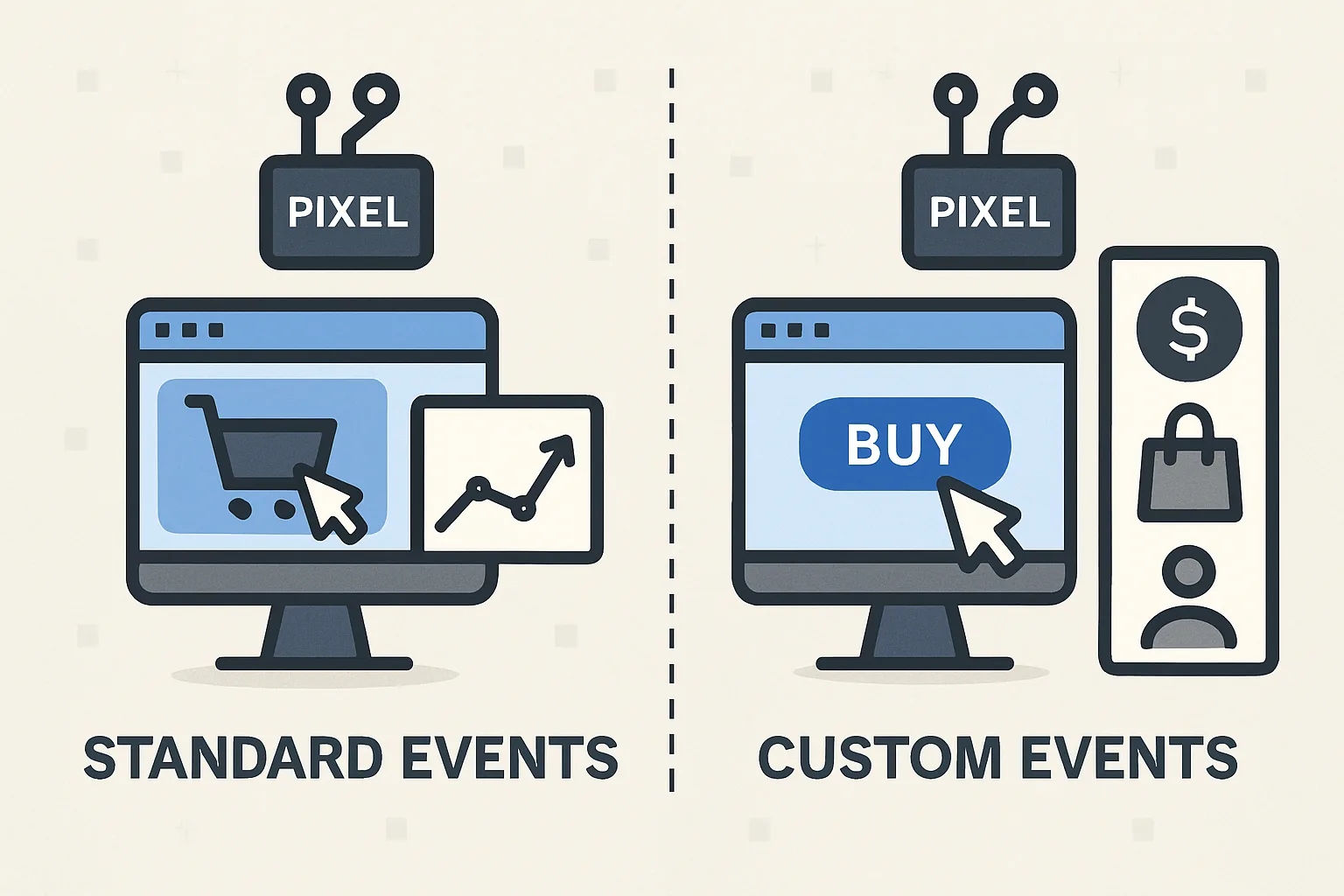
Custom Events vs Standard Events
Standard events are pre-defined by the advertising platform with known semantics — platforms can use them for specific features (Dynamic Product Ads require ViewContent with content_ids, Value Optimization requires Purchase with value). Custom events are user-defined — platforms cannot apply specific features to them, but they can be used for:
- Conversion tracking (measuring campaign performance against the custom event)
- Audience building (users who triggered the custom event)
- Custom conversion optimization (some platforms allow optimizing campaigns for custom events)
Implementing Custom Events in GTM
Custom events follow the same pattern as standard events — a data layer push + a platform tag triggered by it:
Data layer push (on the relevant page/action):
dataLayer.push({
  'event': 'trial_signup',
  'plan': 'professional',
  'user_type': 'new'
});
In GTM: create a Custom Event trigger for "trial_signup", then platform-specific tags that use this trigger:
- Meta Pixel Custom Event:
fbq('trackCustom', 'TrialSignup', {plan: 'professional'}); - GA4 Event tag: event name "trial_signup" with parameter "plan" = DLV - plan
- Google Ads conversion tag: with the corresponding conversion action created in Google Ads
Choosing What to Track as Custom Conversions
The best custom conversions are actions that are:
- Intentional: the user made a deliberate choice (signup, download) vs passive (scrolled past a section)
- Correlated with value: users who complete this action have higher lifetime value than those who don't
- Sufficient volume: enough occurrences for Smart Bidding to train on (30+ per month per campaign)
Summary
Custom pixel events extend your tracking beyond standard ecommerce events to business-specific high-value actions (trial signups, demo requests, specific content engagement). Implement via data layer pushes from your website + platform-specific tag templates in GTM. Custom events can be used for conversion tracking and audience building, though they lack the specialised platform features of standard events (like Dynamic Product Ads). Prioritise custom events that are intentional, correlated with customer lifetime value, and have sufficient volume for campaign optimisation.
See our Marketing Pixel Setup service for custom event implementation.
Need custom pixel events configured? Contact Adslytics.
Need expert tracking setup?
Our Google Tag Manager experts have delivered 500+ tracking setups with a 98% success rate.
Get a Free Consultation →