Two Server-Side APIs, Different Purposes
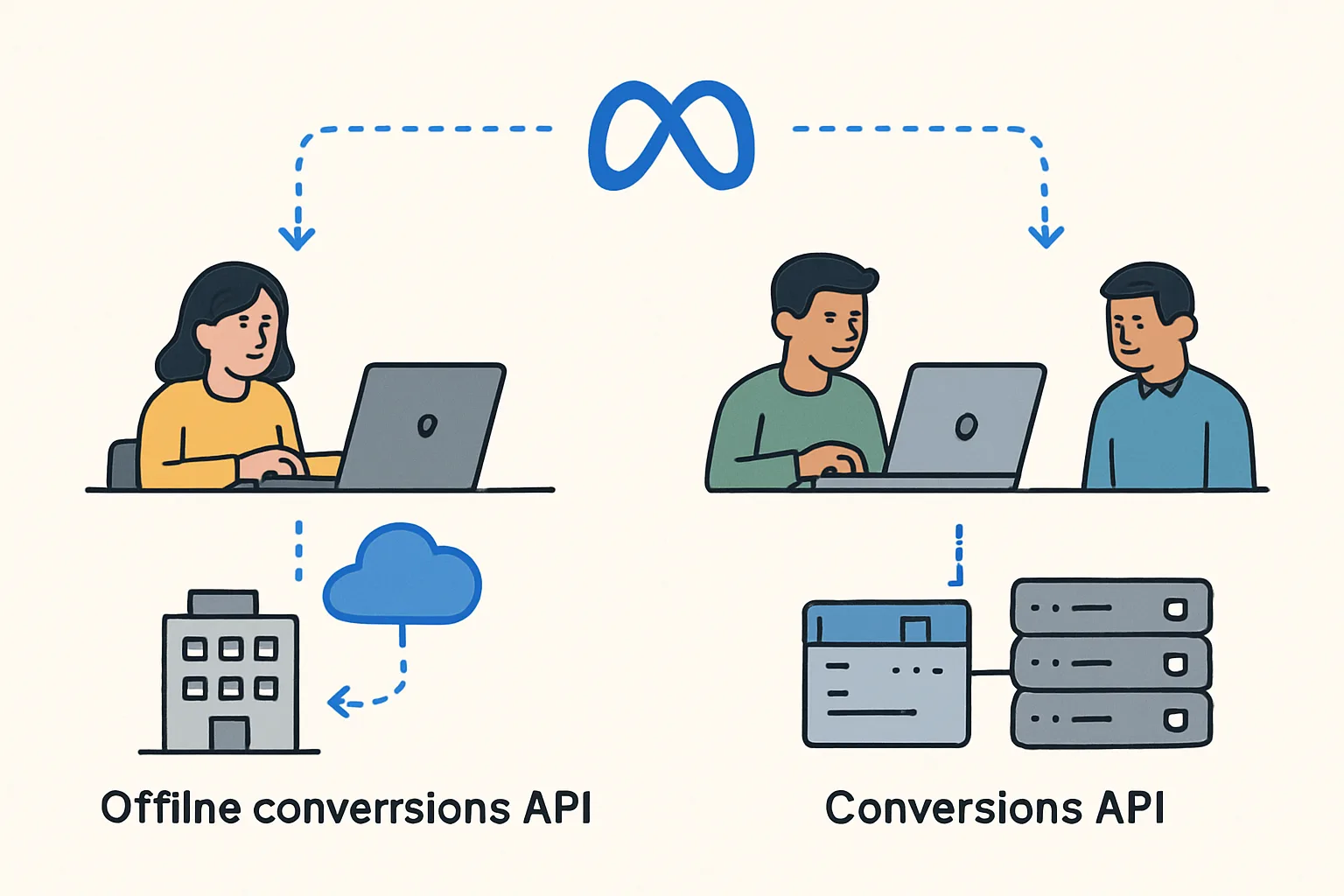
Meta provides two separate server-side conversion reporting APIs that are often confused because they are both "server-side" and both send conversion data from your system to Meta:
- Conversions API (CAPI): sends website events to Meta in near-real-time. Designed to complement the browser Pixel by recovering events that the Pixel misses due to ad blockers, iOS privacy restrictions, etc.
- Offline Conversions API: sends conversions that happened completely offline (in-store purchases, phone sales, call centre leads) to Meta for attribution. Designed for brick-and-mortar businesses that want to see how Facebook ads drive in-store sales.
The Conversions API (CAPI)
CAPI is designed for website events with a strong real-time component. Key characteristics:
- Events should be sent within minutes of the action occurring on your website
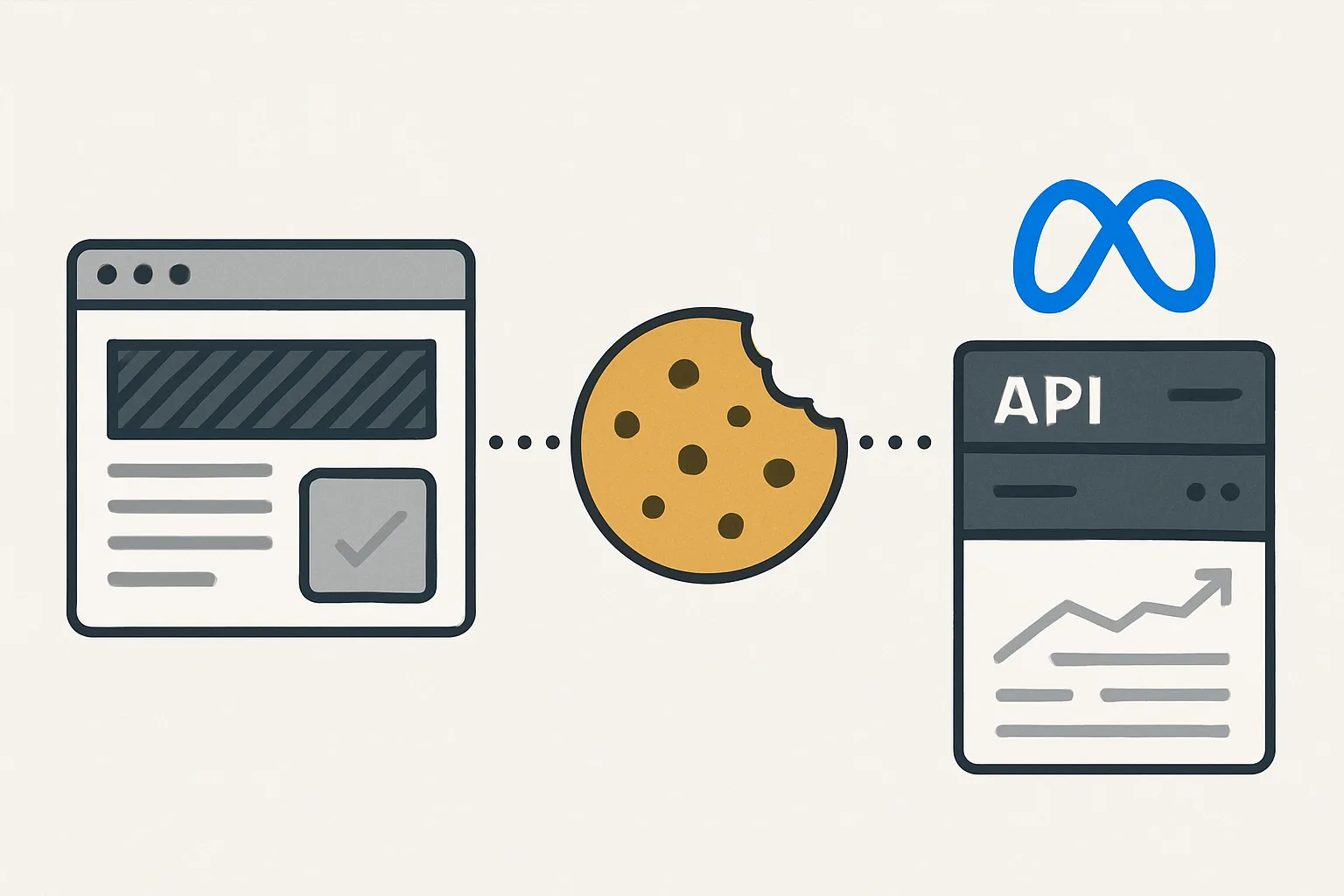
- Events include browser-side signals (fbp cookie, fbc cookie, IP address, user agent)
- Works alongside the browser Pixel with deduplication
- Supports AEM (Aggregated Event Measurement) for iOS users
- Used in ad campaign reporting for near-real-time conversion attribution
Use CAPI for: website purchases, web lead form submissions, web sign-ups, any action on your website that you want to attribute to Meta ad campaigns.
The Offline Conversions API
Offline Conversions is designed for events that occur completely off your website — in a physical store, via phone, from a sales call following a web inquiry. Key characteristics:
- Events can be sent in batch (daily or weekly uploads) rather than real-time
- Events are matched using customer PII (email, phone) — no browser cookies involved
- Used to show which Meta ad campaigns drove in-store revenue
- Attribution window may be longer (events can be sent up to 62 days after they occurred)
Use Offline Conversions for: in-store purchases, phone orders, call-centre conversions, CRM-qualified offline sales.
When to Use Both
Many businesses need both APIs:
- Online store purchases: CAPI (website events, near-real-time)
- In-store purchases by customers who saw your Facebook ads: Offline Conversions API
- Phone orders from leads generated by Facebook ads: Offline Conversions API
For example: a furniture retailer runs Facebook ads that drive both website purchases and showroom visits. CAPI covers the website purchases; Offline Conversions covers the showroom sales (matched by customer email from the CRM).
Summary
CAPI and Offline Conversions API serve complementary purposes. CAPI is for real-time website events that complement the browser Pixel. Offline Conversions is for events that happen offline (in-store, phone) that need to be attributed to Meta ad campaigns after the fact. B2C ecommerce businesses typically only need CAPI. Businesses with significant offline revenue streams (retail with physical stores, high-value B2B with sales calls) benefit from implementing both.
See our Facebook CAPI Setup service for the right implementation for your business.
Need CAPI or Offline Conversions set up? Contact Adslytics.
Need expert tracking setup?
Our Google Tag Manager experts have delivered 500+ tracking setups with a 98% success rate.
Get a Free Consultation →