The Multi-Platform Advantage of sGTM
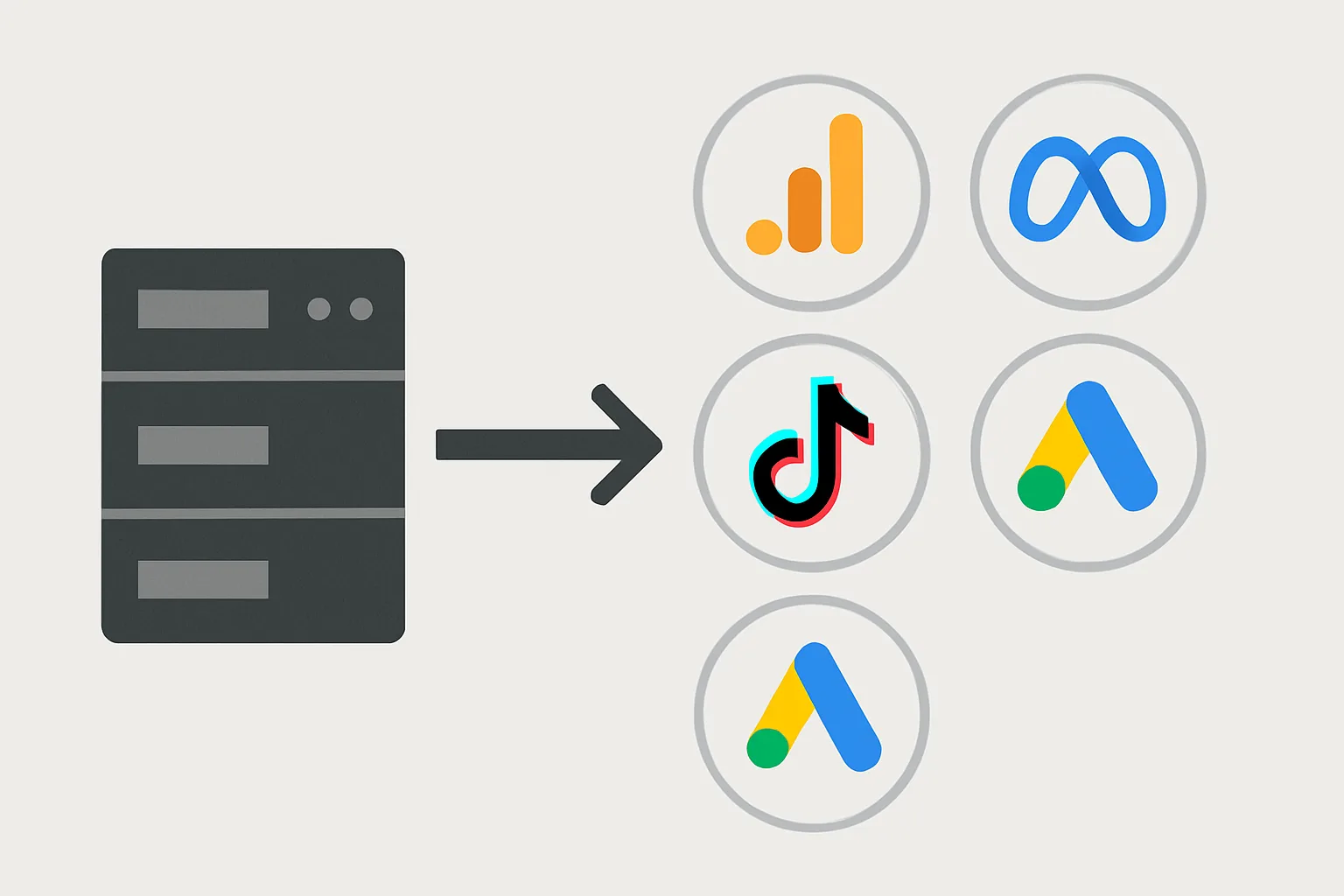
One of the most compelling reasons to use server-side GTM is the ability to route a single event from your website to multiple advertising platforms simultaneously, without installing multiple JavaScript tags in the browser. A purchase event fires once in the browser, travels once to your sGTM server, and your server routes it to GA4, Meta CAPI, TikTok Events API, and Google Ads — all in parallel.
Platform-by-Platform Configuration
GA4 (Google Analytics)
Use the standard GA4 forwarding tag in sGTM. Configure:
- Measurement ID: your G-XXXXXXXX
- Trigger: All Events (forward everything to GA4)
- Cookie settings: serve first-party cookies (bypasses Safari ITP)
Meta CAPI
Use the Meta Pixel community template in sGTM. Configure:
- Pixel ID and API access token (from Meta Events Manager)
- Event mapping: map sGTM events to Meta standard events (purchase, lead, viewcontent)
- User data mapping: hashed email, phone, IP address, fbp, fbc cookies
- Event ID for deduplication: use transaction_id for purchase events
TikTok Events API
TikTok provides a community template for sGTM. Configure:
- TikTok Pixel Code and Access Token
- Event mapping: purchase → CompletePayment, lead → SubmitForm
- User data: hashed email, phone, IP, user agent
- Event ID: use transaction_id for deduplication
Google Ads Conversion Tracking
For Google Ads, the primary conversion signal comes from the Google tag (gtag.js) in the browser. However, you can supplement this with:
- A server-side Google Ads conversion tag for key events
- Offline conversion uploads from backend events (webhook-confirmed purchases)
LinkedIn CAPI
LinkedIn's Conversions API (CAPI) has sGTM community templates. Configure with your LinkedIn Partner ID, conversion event IDs, and user data mapping (hashed email is the primary identifier LinkedIn uses).
Event Flow Architecture
Browser fires: purchase event → collect.yoursite.com

sGTM Server receives and routes simultaneously to:
├── GA4: event=purchase, value=99, client_id=xxx
├── Meta CAPI: event=Purchase, value=99, em=[hash], fbp=xxx
├── TikTok API: event=CompletePayment, value=99, em=[hash]
└── LinkedIn CAPI: event=Conversion, em=[hash]
Managing Consent Across Platforms
In the sGTM server container, implement trigger exceptions based on consent status:
- GA4 tag: fire when consent_analytics = granted
- Meta CAPI tag: fire when consent_ad_storage = granted
- TikTok tag: fire when consent_ad_storage = granted
The consent status is passed in the event payload from the browser (where your CMP operates) and read by sGTM tags via a consent variable.
Performance Considerations
Routing to multiple platforms in parallel does not significantly slow down your tagging server — outgoing API calls from sGTM are asynchronous. The browser's experience (waiting for collect.yoursite.com to respond) is not affected by how many platforms sGTM forwards to simultaneously.
Summary
Multi-platform server-side tracking from a single sGTM server is one of the most efficient tracking architectures available. Once the server infrastructure is in place, adding a new platform is a matter of adding a new tag in the sGTM container — no browser-side code changes required. This dramatically simplifies tracking management as your advertising mix expands.
See our Server-Side Tracking service for multi-platform setup.
Running ads on multiple platforms? Contact Adslytics for a unified server-side setup.
Need expert tracking setup?
Our Google Tag Manager experts have delivered 500+ tracking setups with a 98% success rate.
Get a Free Consultation →